Designing a mobile-first fintech experience that makes receiving money and paying bills instant across Nigeria
Context
TurboPay is a mobile-first fintech app built for everyday money in Nigeria, from receiving and sending cash to paying bills, saving toward goals, spending with a virtual card, and borrowing when it matters. The goal was a single account that handles the full flow of personal finance without friction.
Problem
Most people juggle several apps to move money, pay bills, save, and access credit, each with its own onboarding, its own limits, and its own quirks. Switching between them is slow, identity checks are repeated everywhere, and the experience rarely feels like one coherent product.
We wanted TurboPay to feel like one account that quietly does all of it, so a user could onboard once and then send, save, spend, and borrow against the same balance, identity, and history.
Solution
A fast, verifiable onboarding unlocks payments, automated deposits, goal-based savings, virtual cards, and instant loans. Each feature is designed to feel effortless on mobile and to share the same money, identity, and transaction history, so the app grows with the user instead of fragmenting their finances.
Features (Mobile App)
Onboarding
The first run introduces TurboPay's core promises, saving, borrowing, and paying at your convenience, before asking the user to pick the kind of account they want.
Splash screen with the TurboPay brand
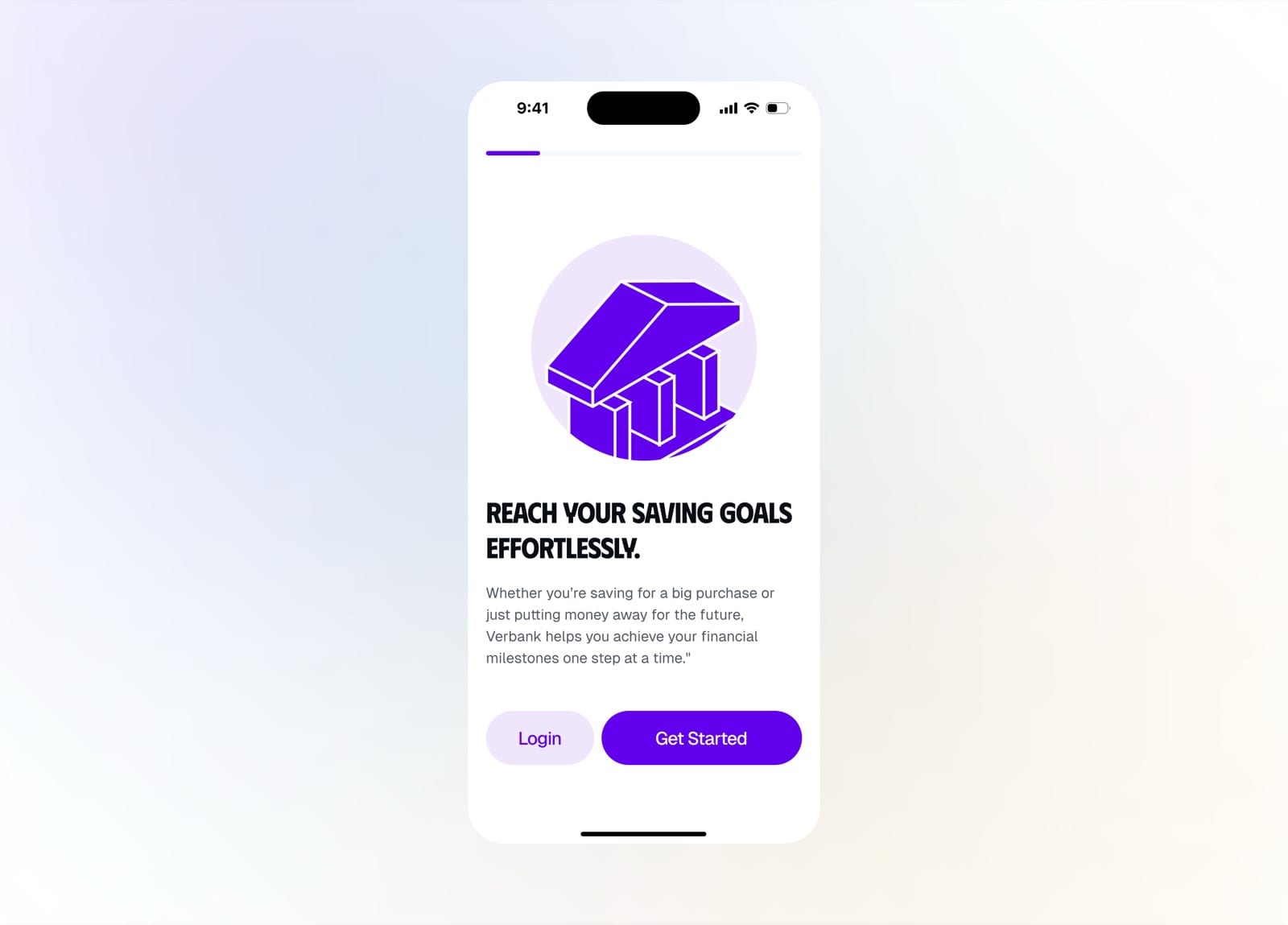
Reach your saving goals effortlessly
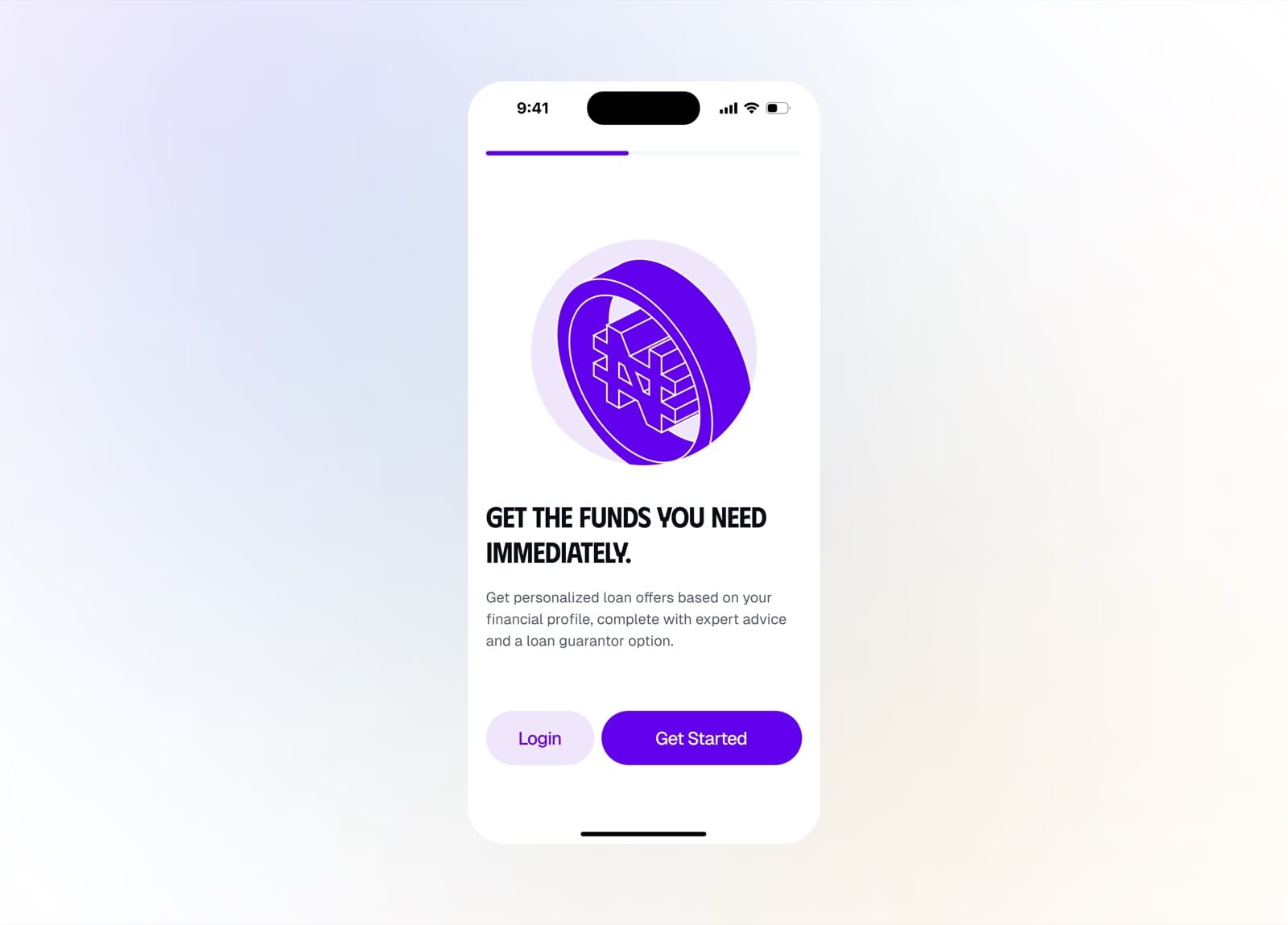
Get the funds you need immediately
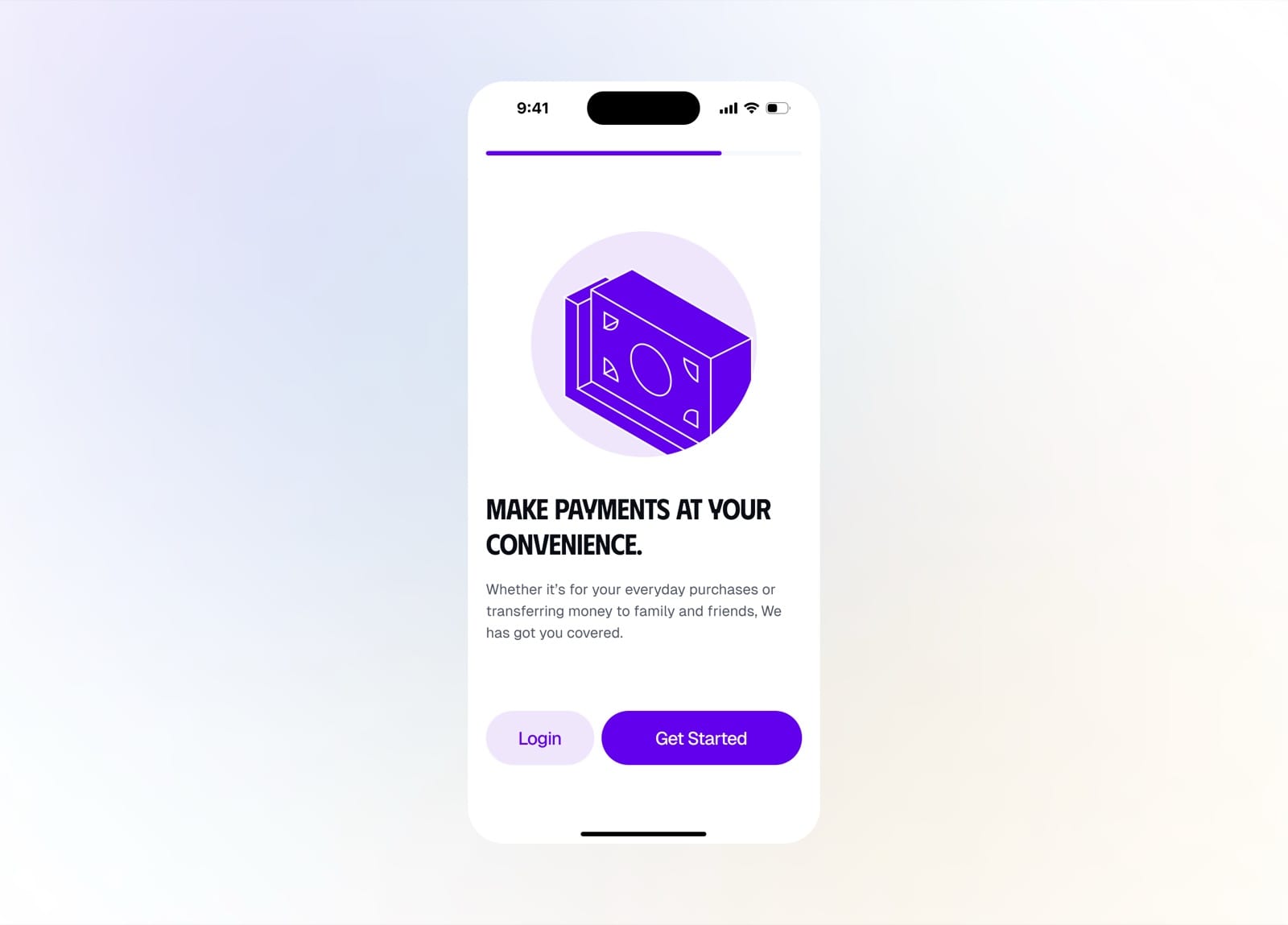
Make payments at your convenience
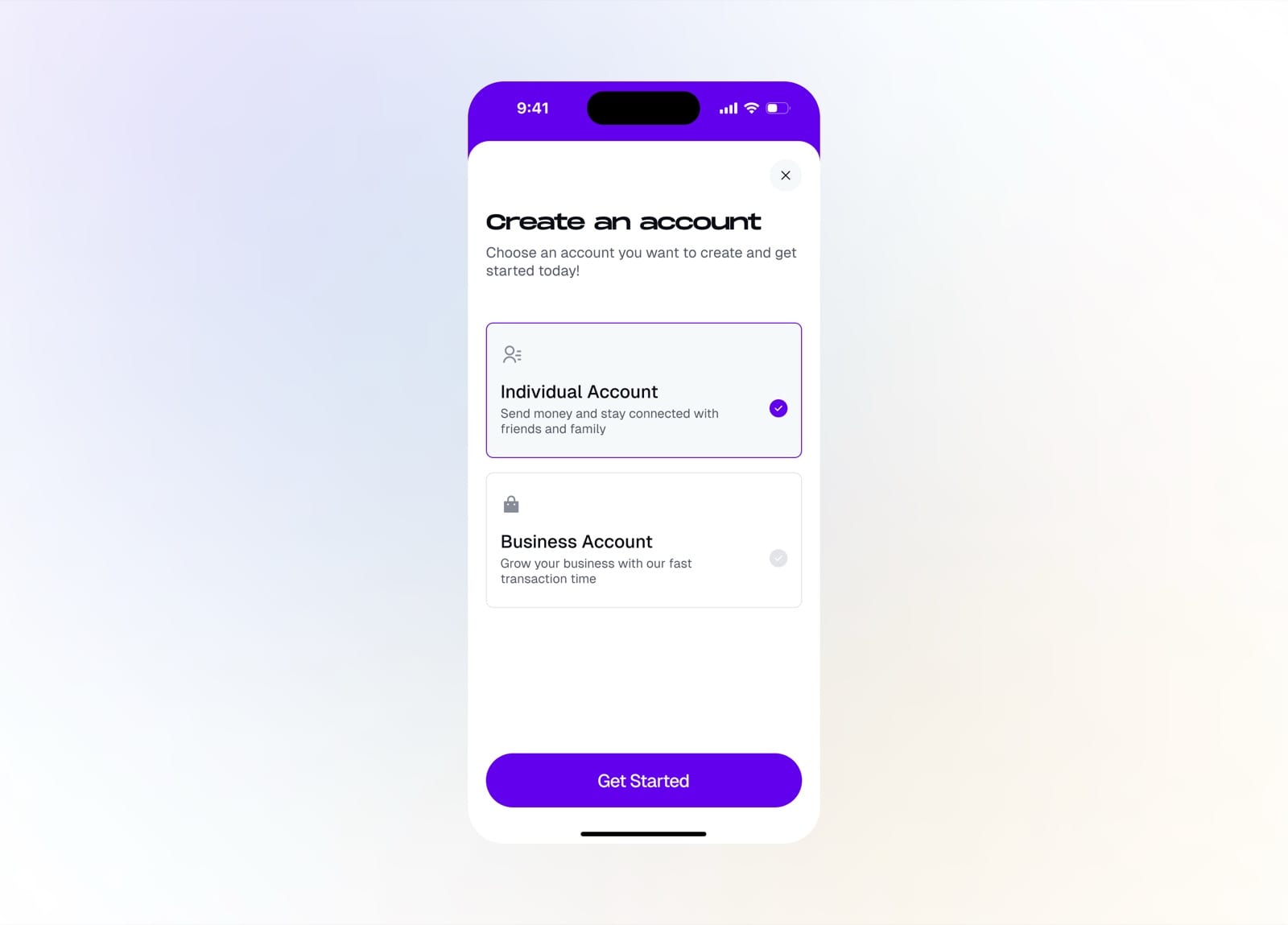
Choose an individual or business account
Create Account
Creating an individual account is a guided KYC flow, from BVN and face verification to phone number, PEP declaration, and sanctions checks, so users are verified once and can transact right away.
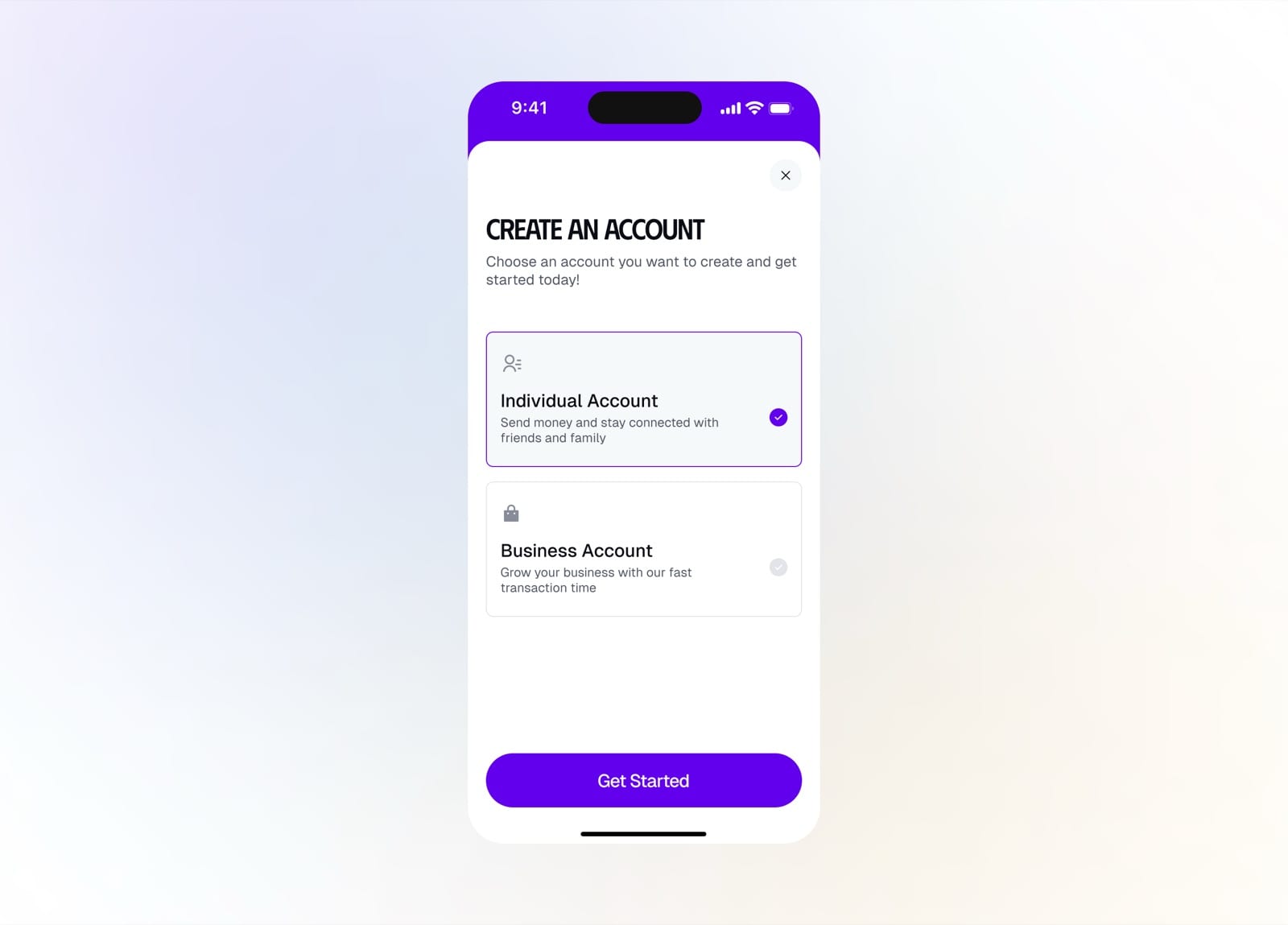
Pick an individual or business account
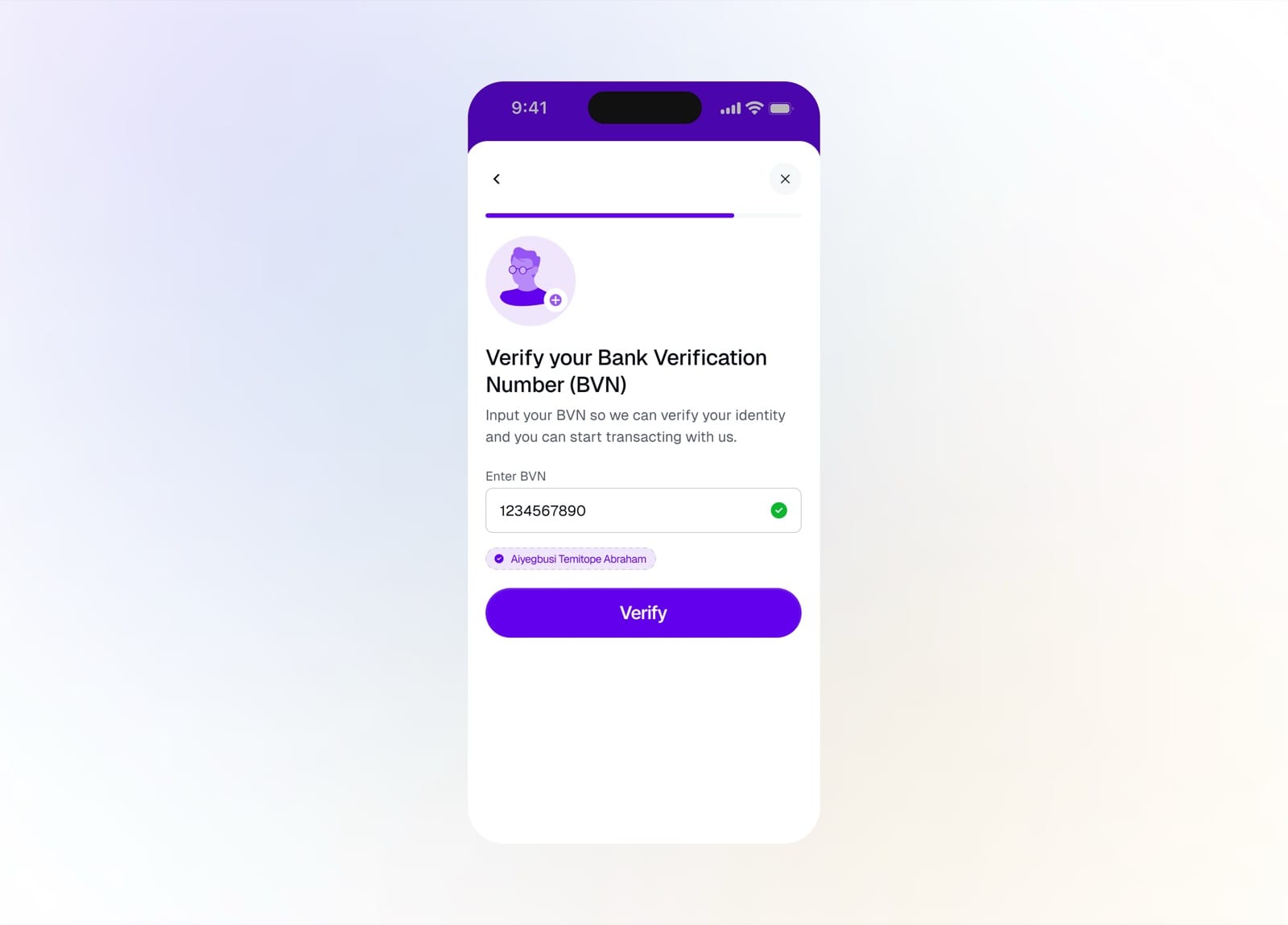
Verify your BVN to confirm your identity
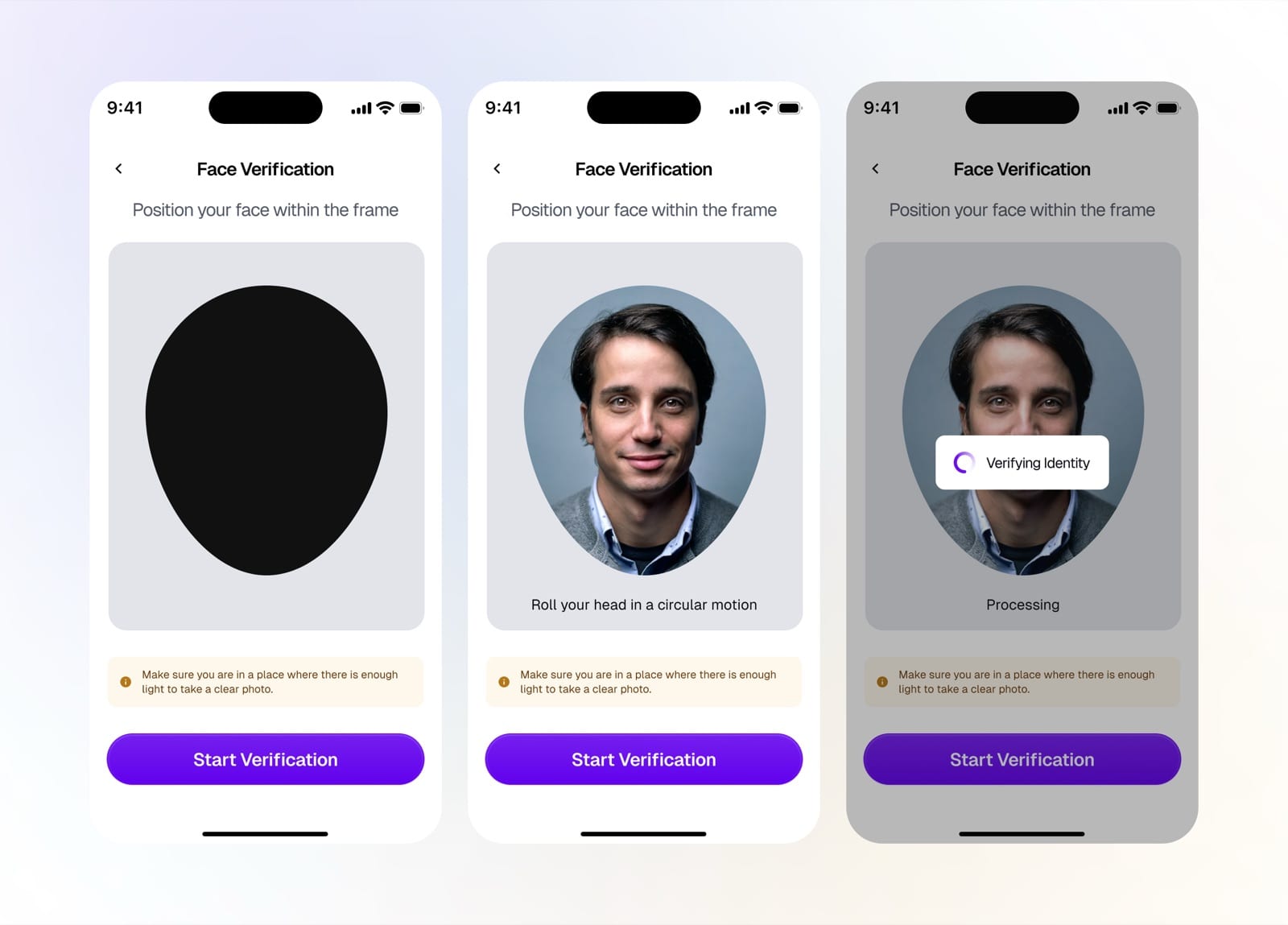
Face verification: position, roll, and process
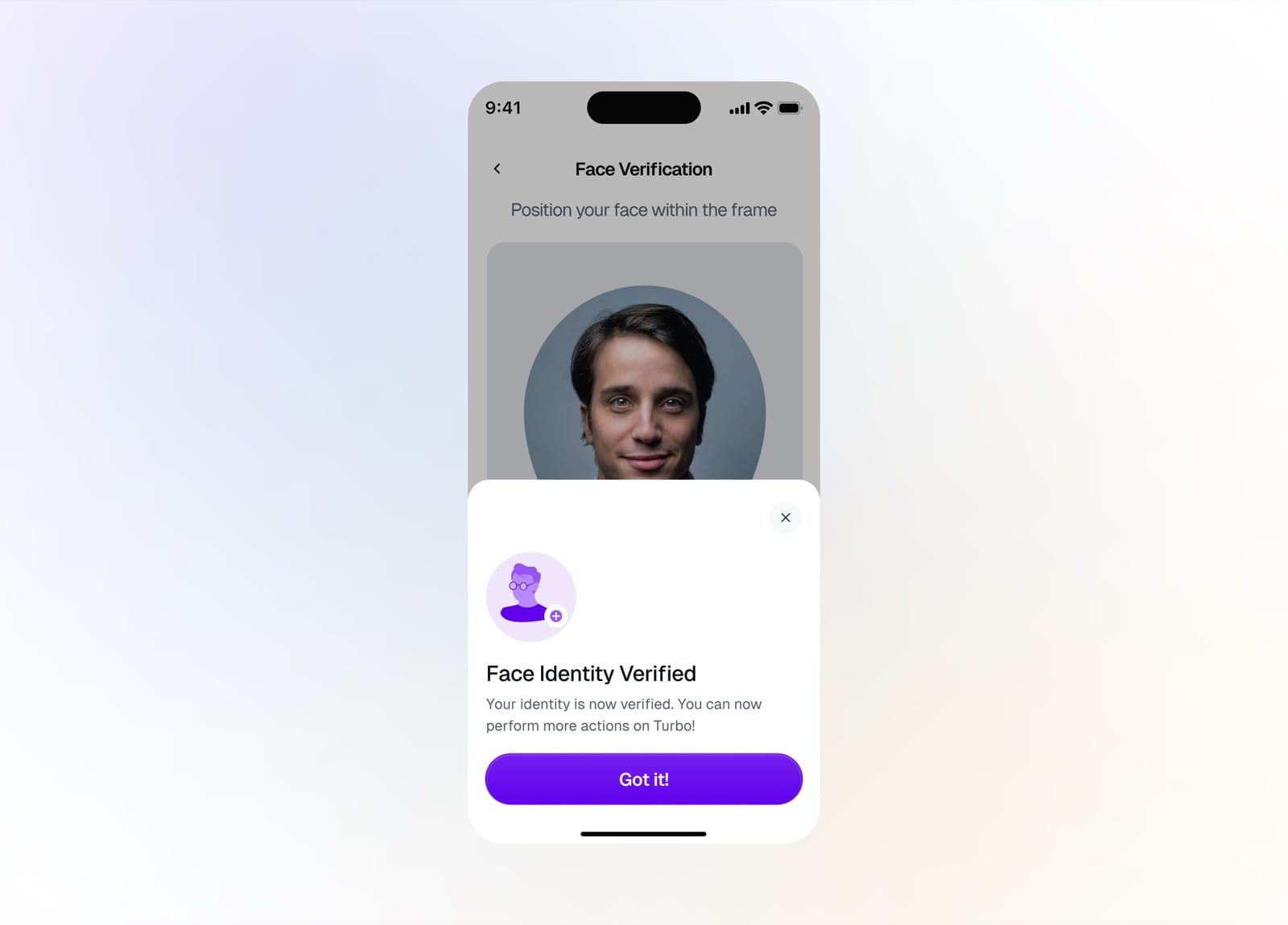
Face identity verified successfully
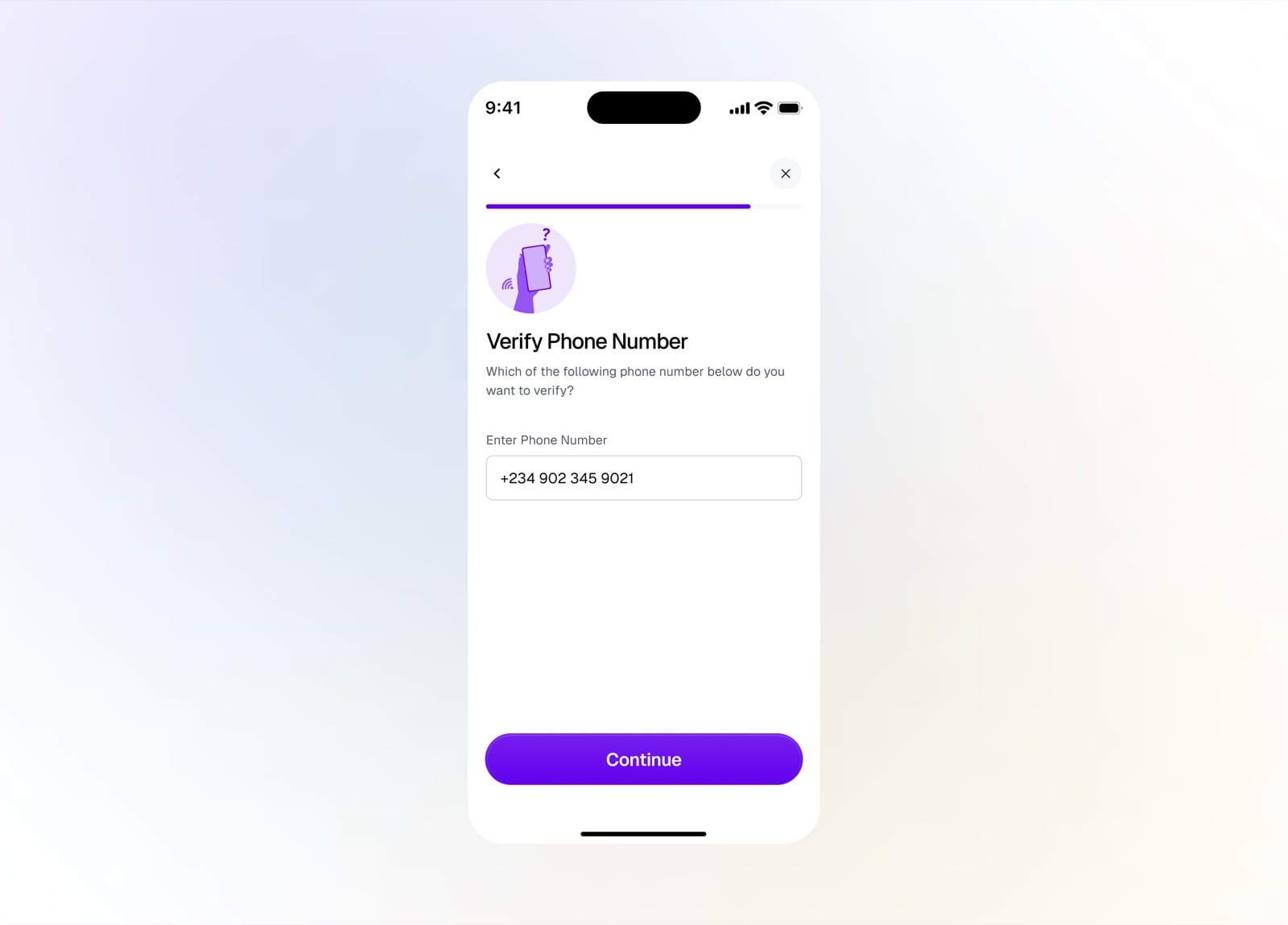
Verify your phone number
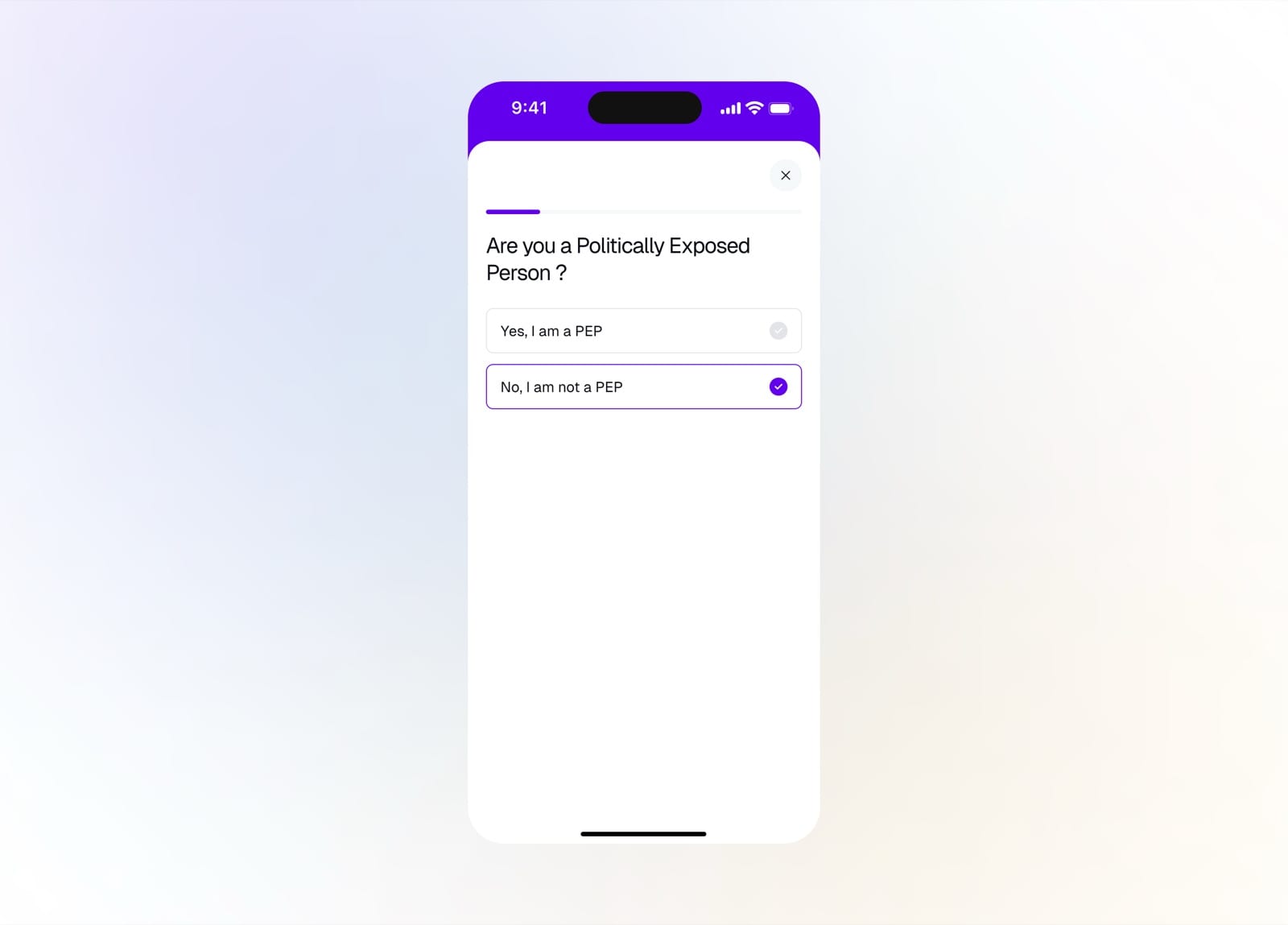
Declare whether you're a politically exposed person
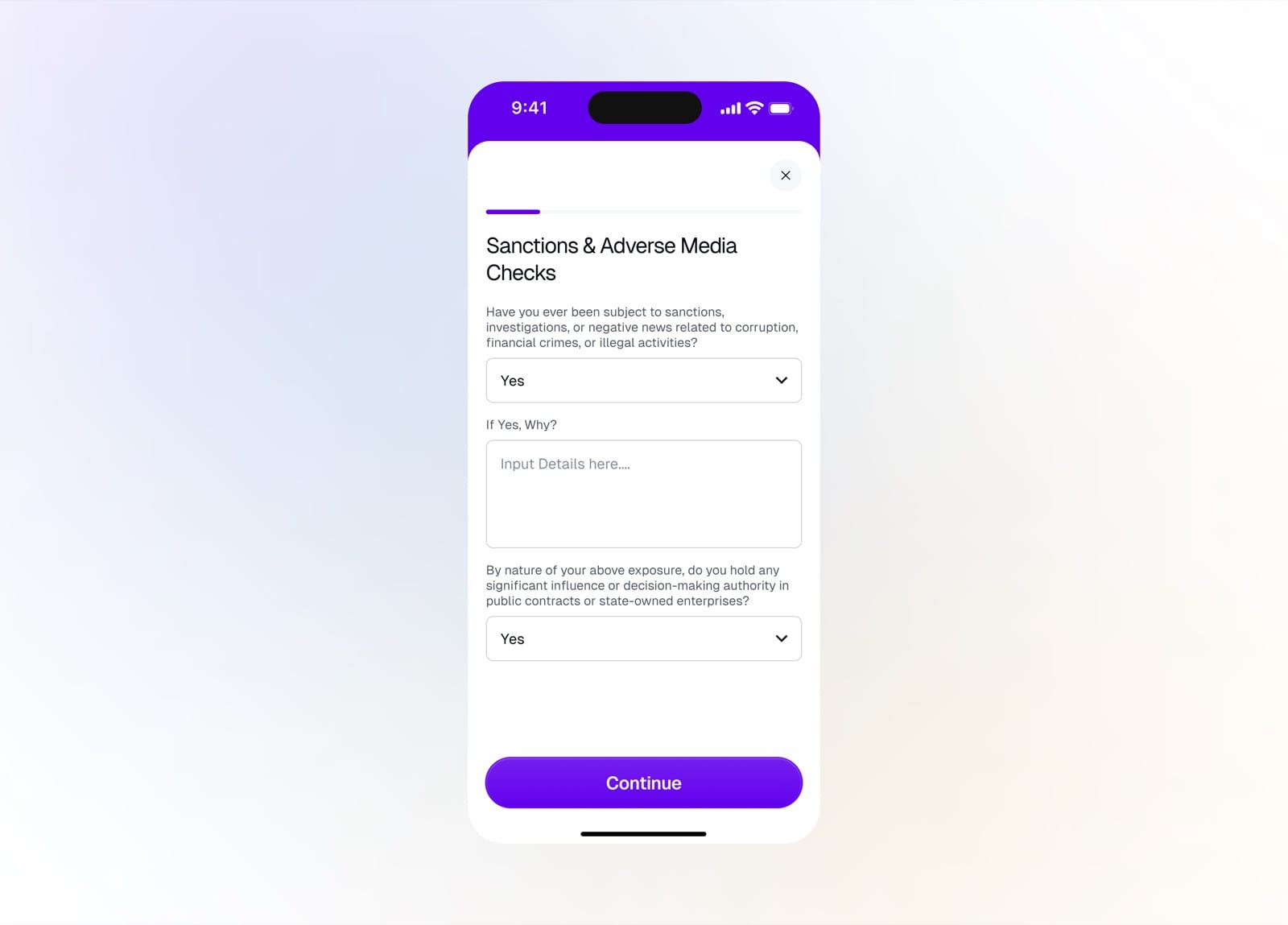
Answer the sanctions and adverse media checks
Home
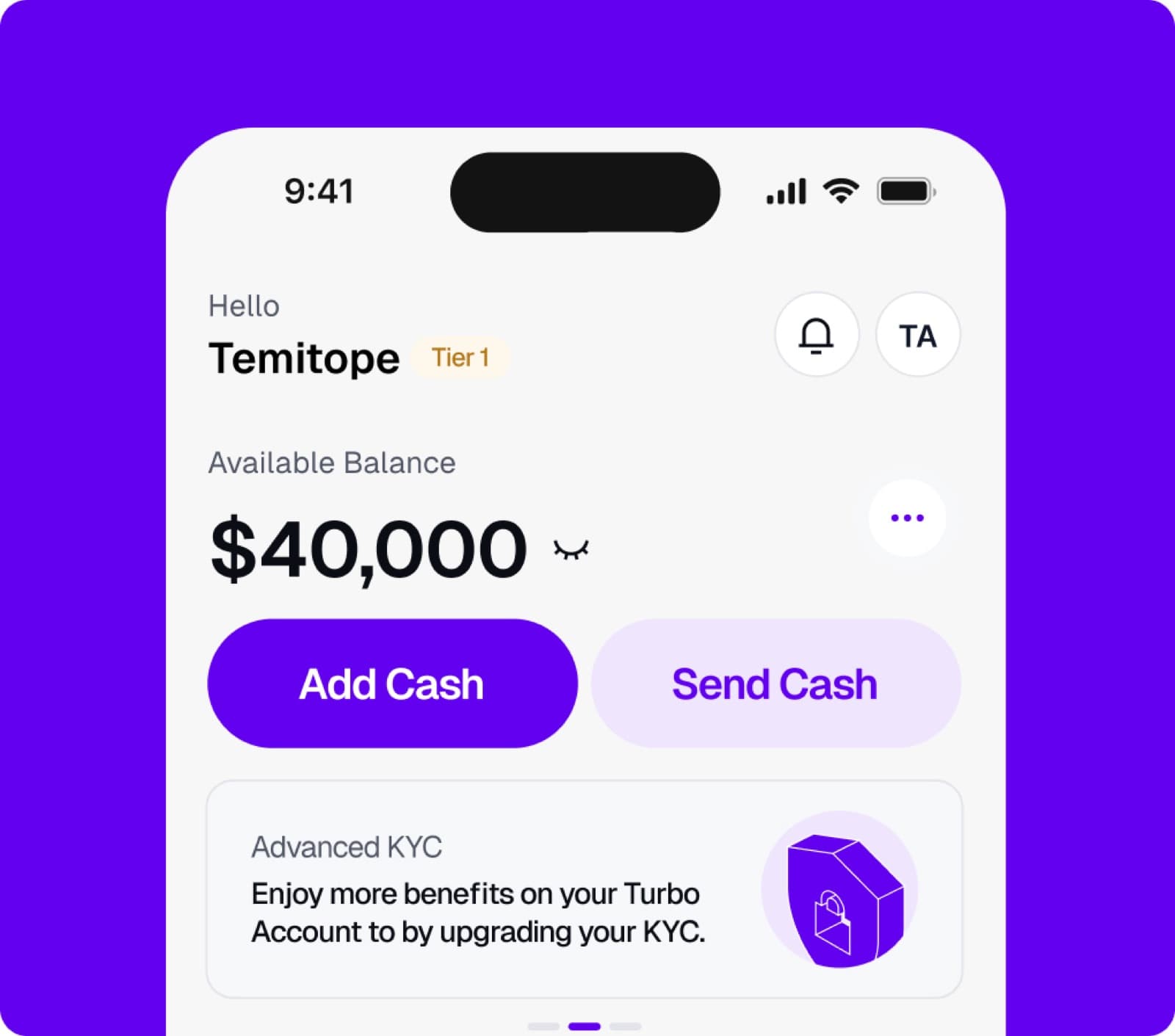
The home dashboard is the daily hub. It surfaces the balance, quick add and send actions, a KYC prompt, bill and airtime shortcuts, and recent transactions.
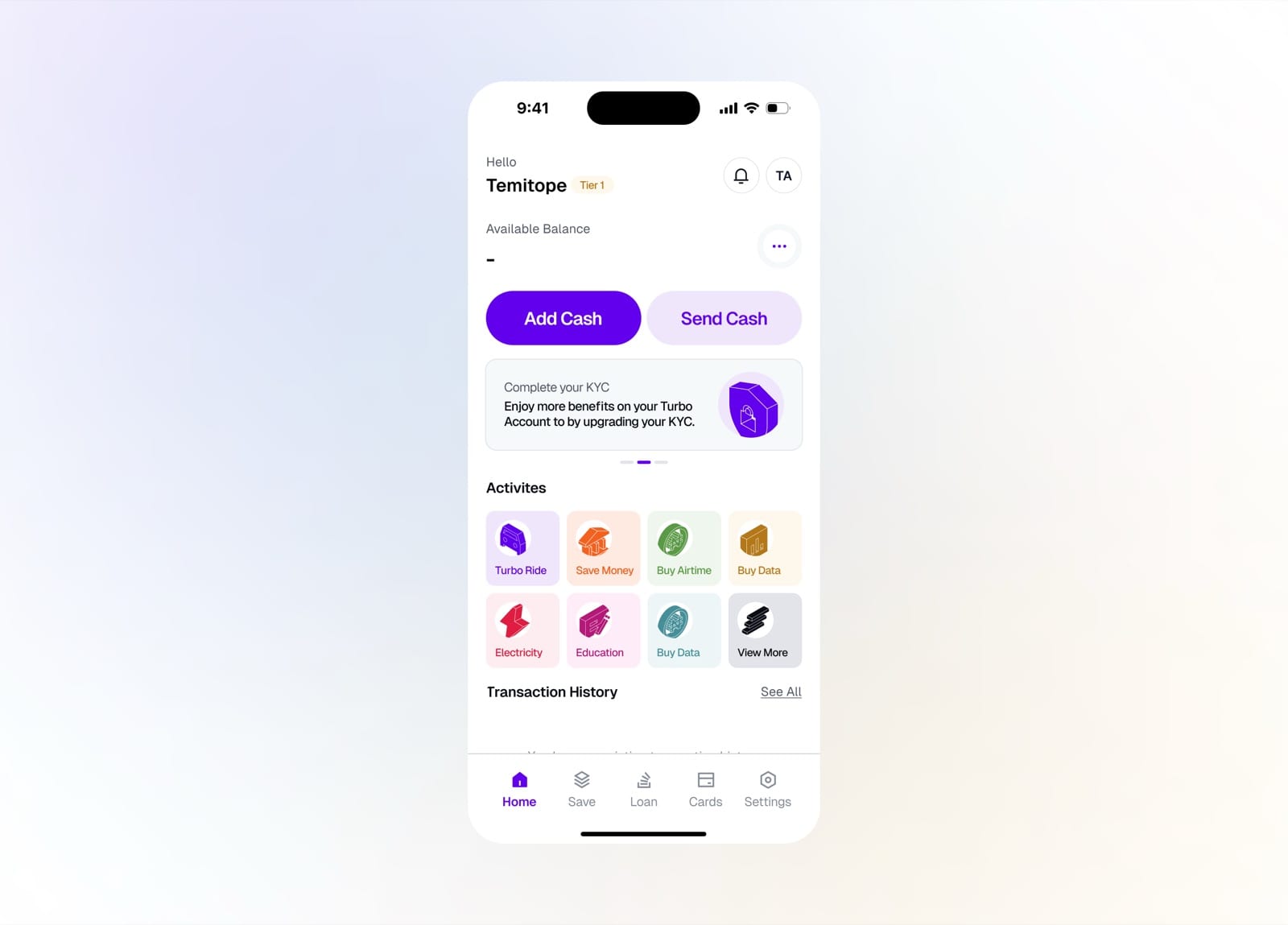
Home with a hidden balance and quick actions
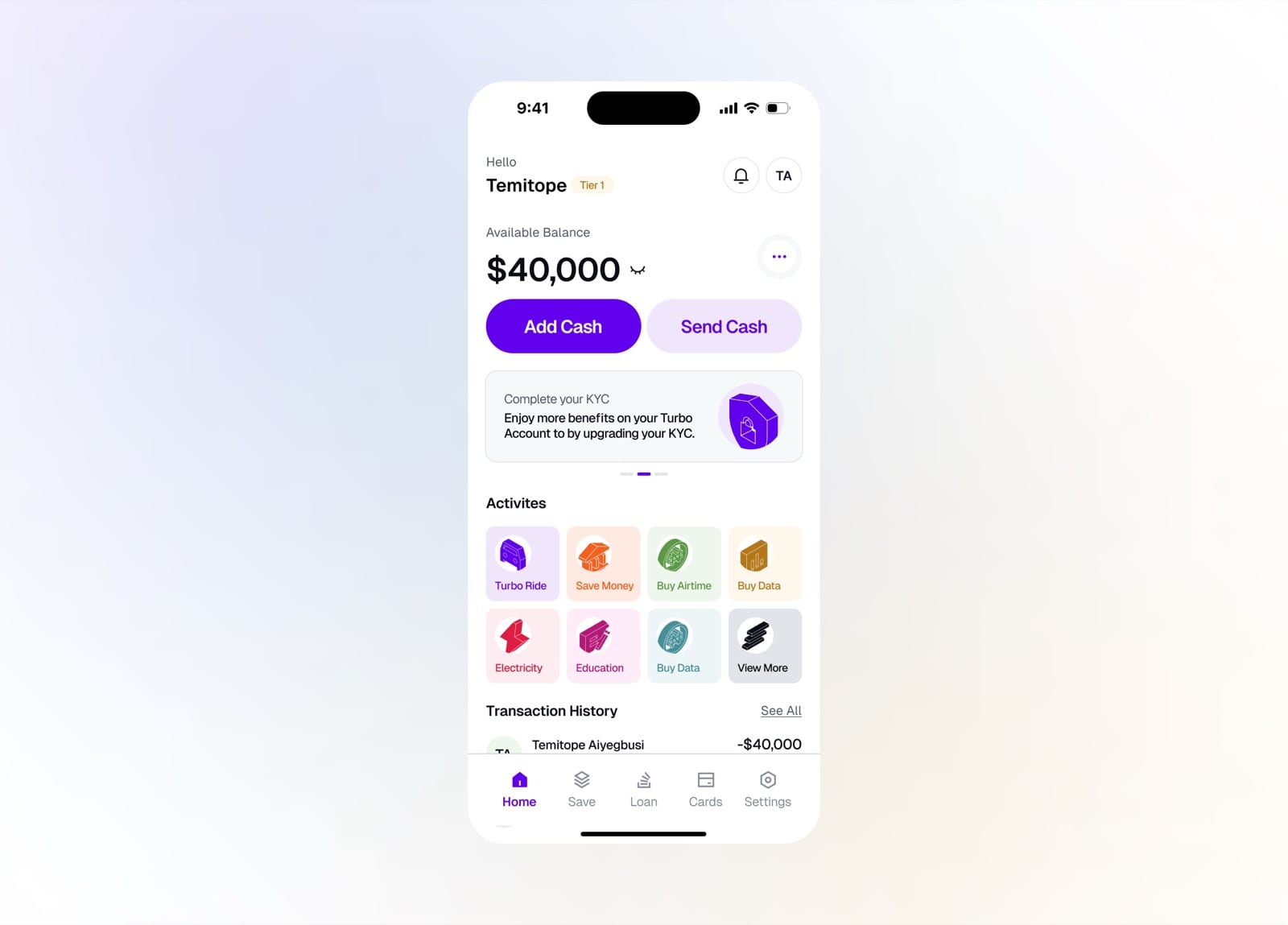
Reveal the balance and browse transaction history
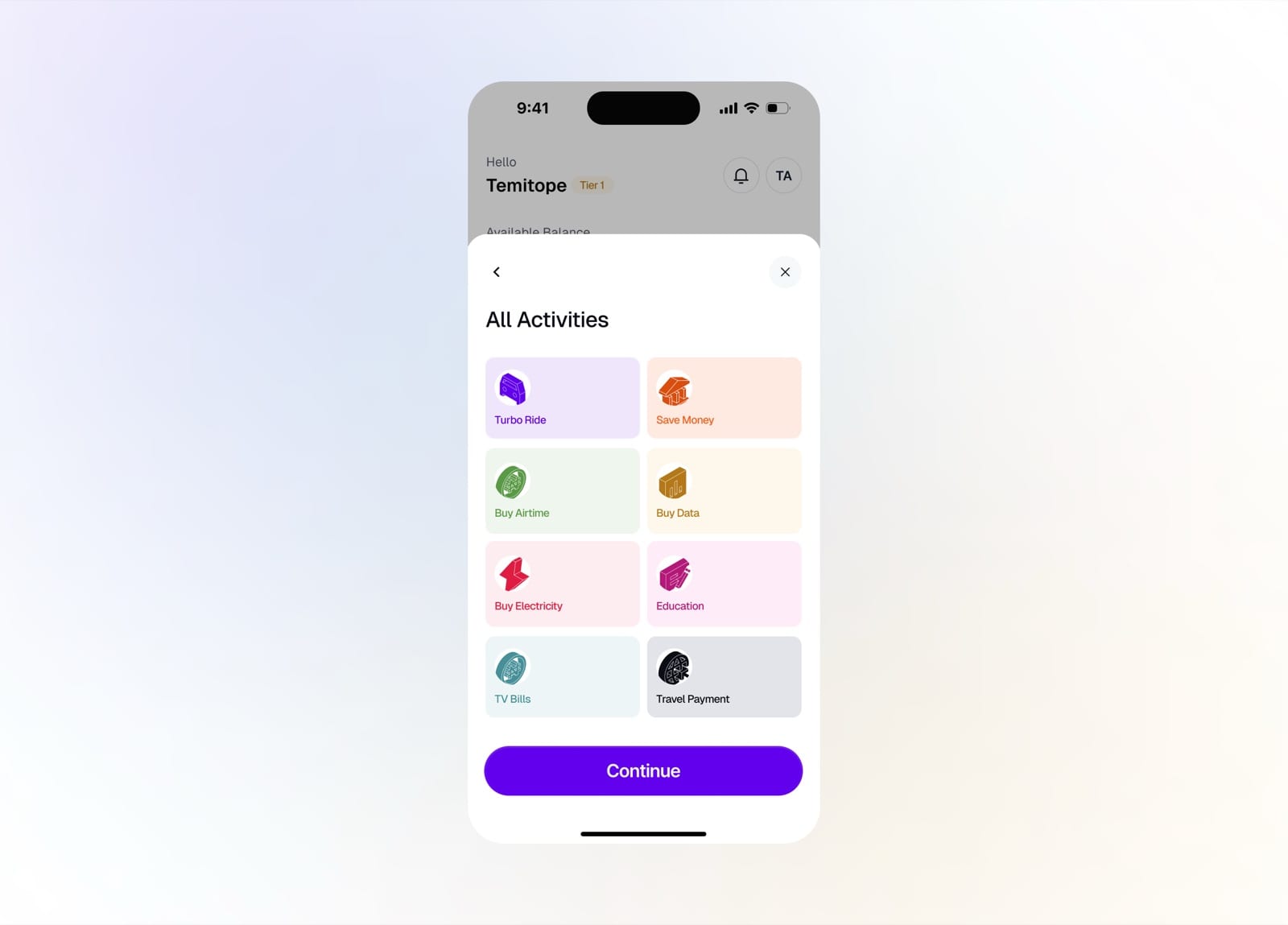
Open all activities: bills, airtime, data, and more
Send Cash
Sending money is quick and safe. Pick a saved beneficiary, a contact, or a bank account, set the amount, review the transfer, and authorize it with a PIN.
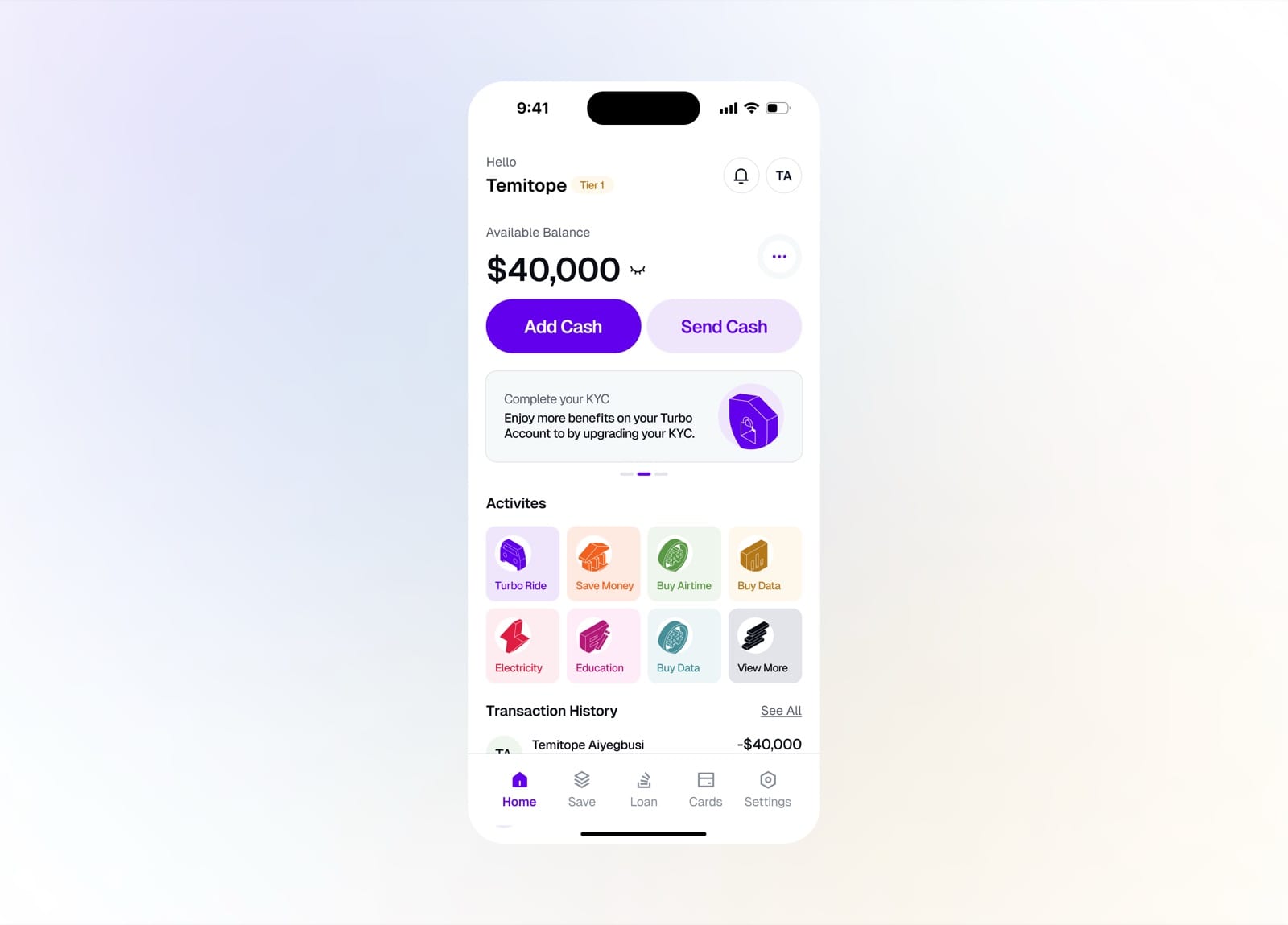
Tap Send Cash from the home dashboard
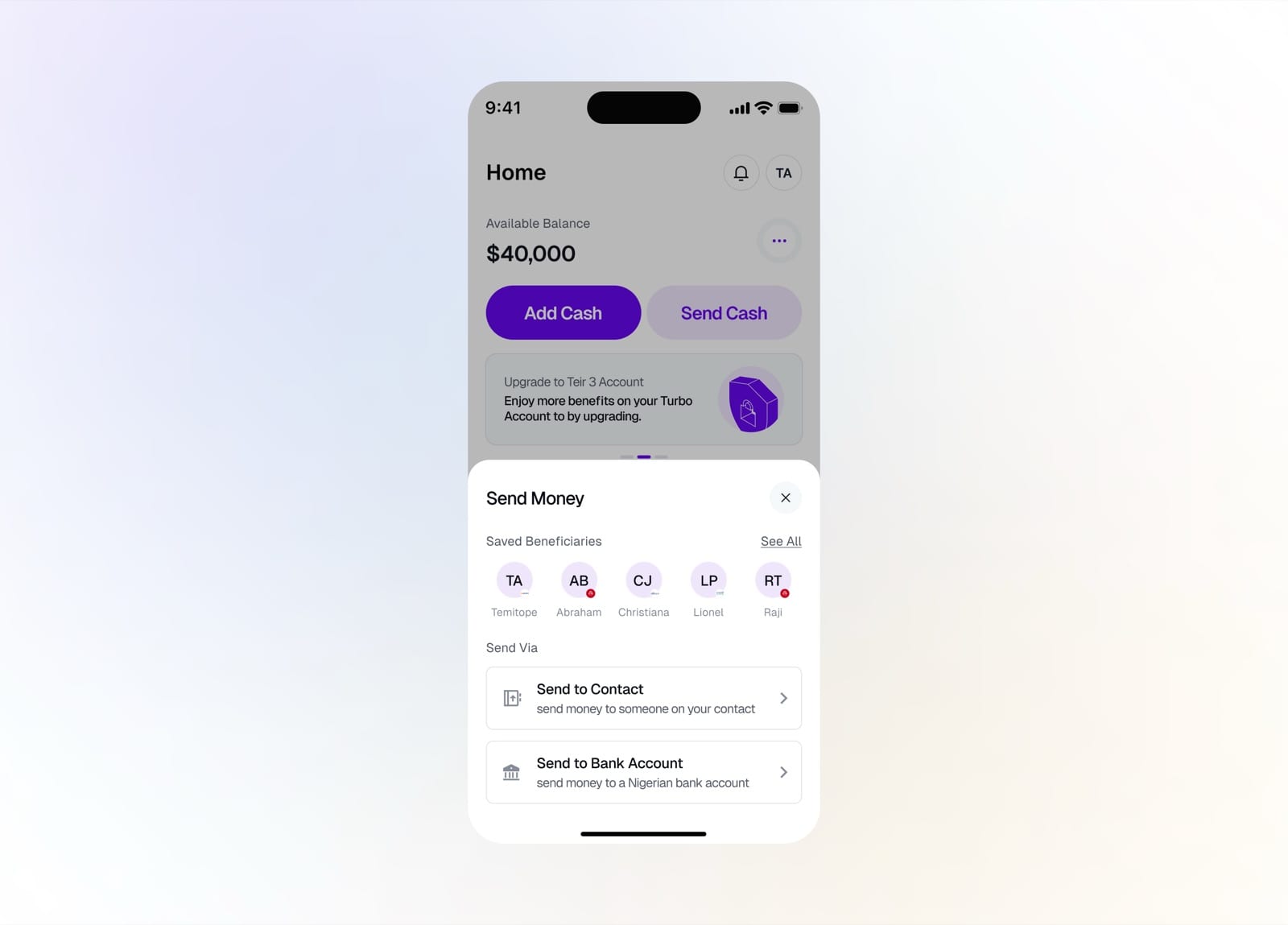
Send to a saved beneficiary, contact, or bank
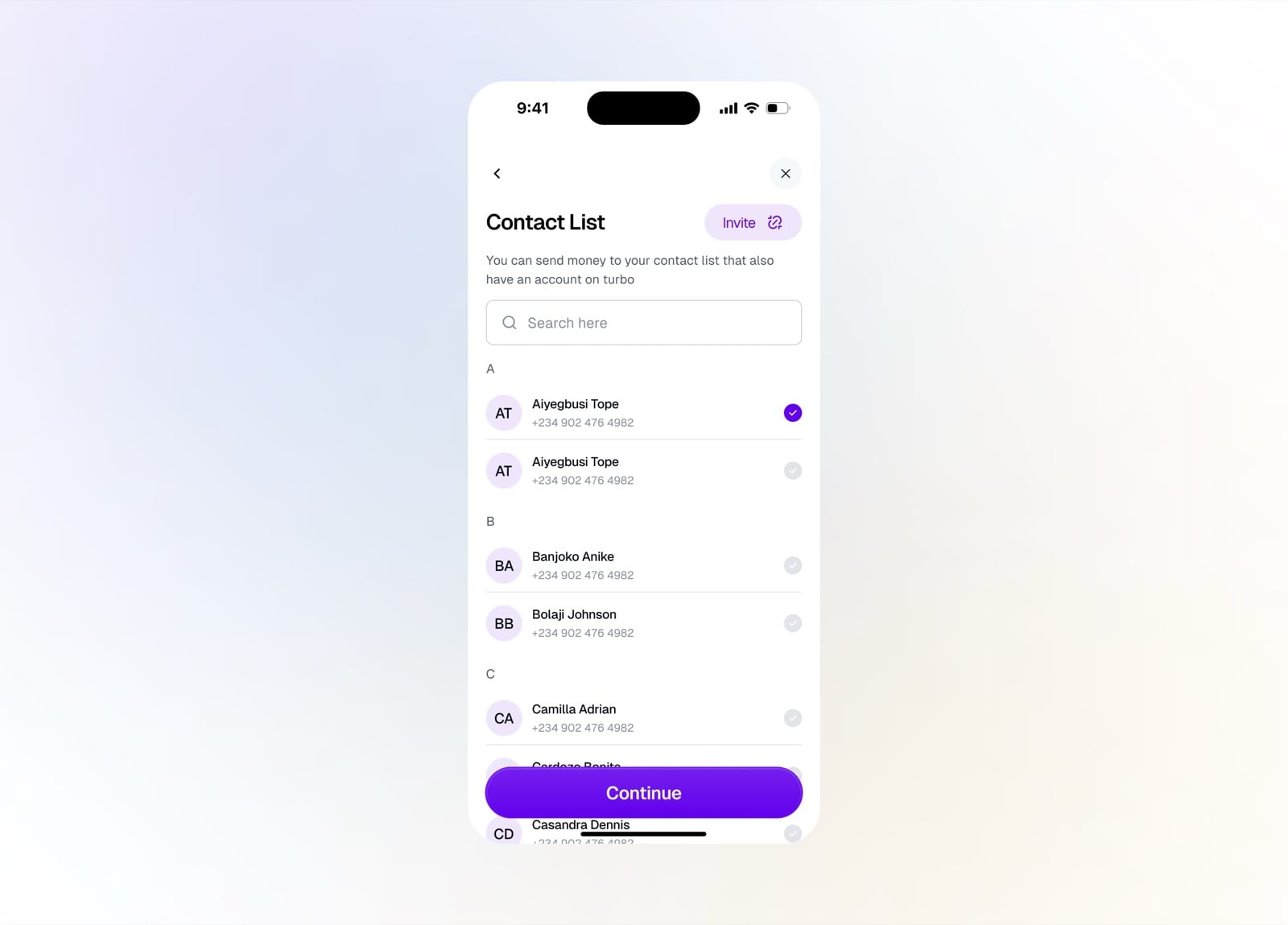
Pick a recipient from your Turbo contacts
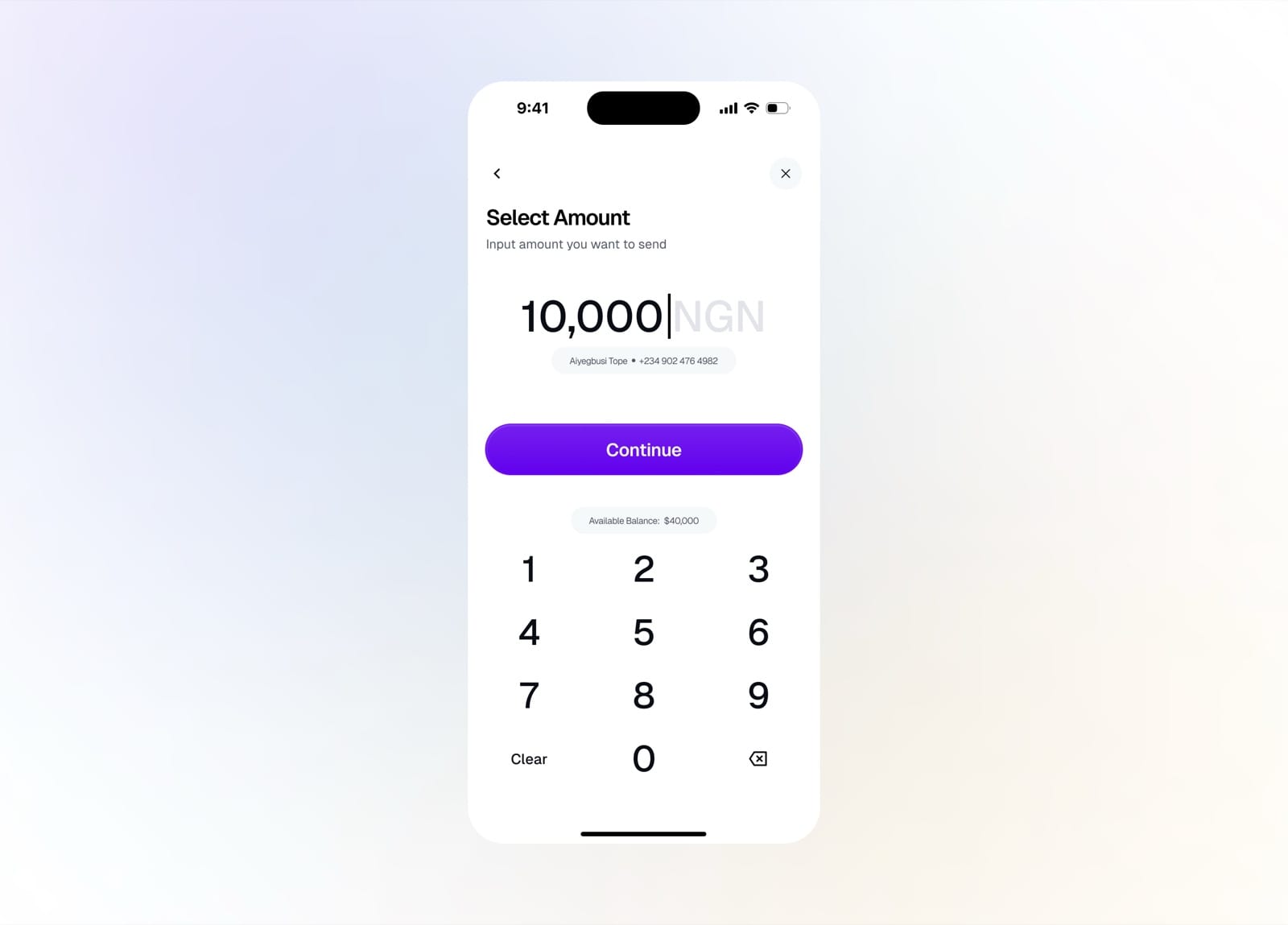
Enter the amount you want to send
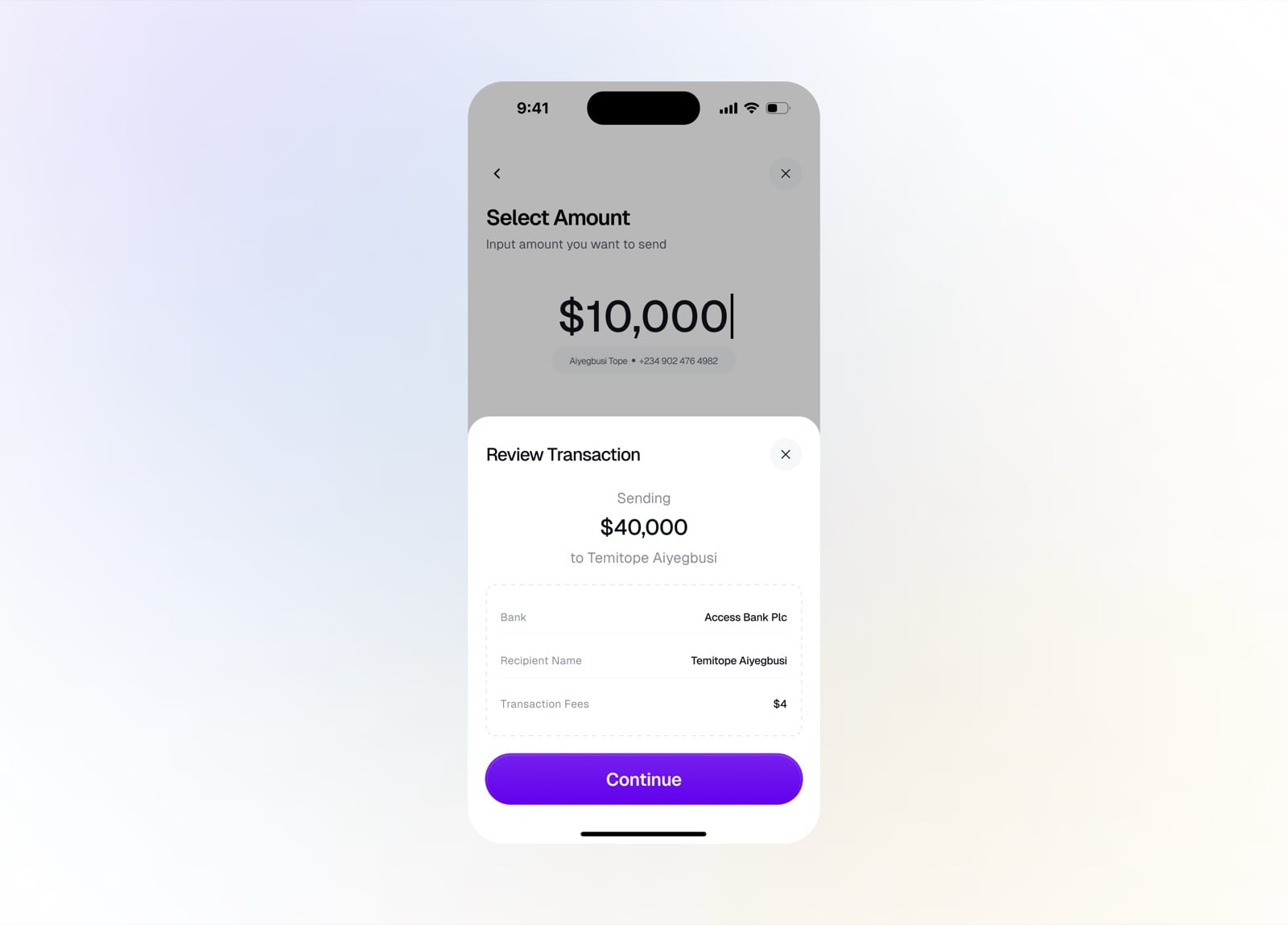
Review the transaction before confirming
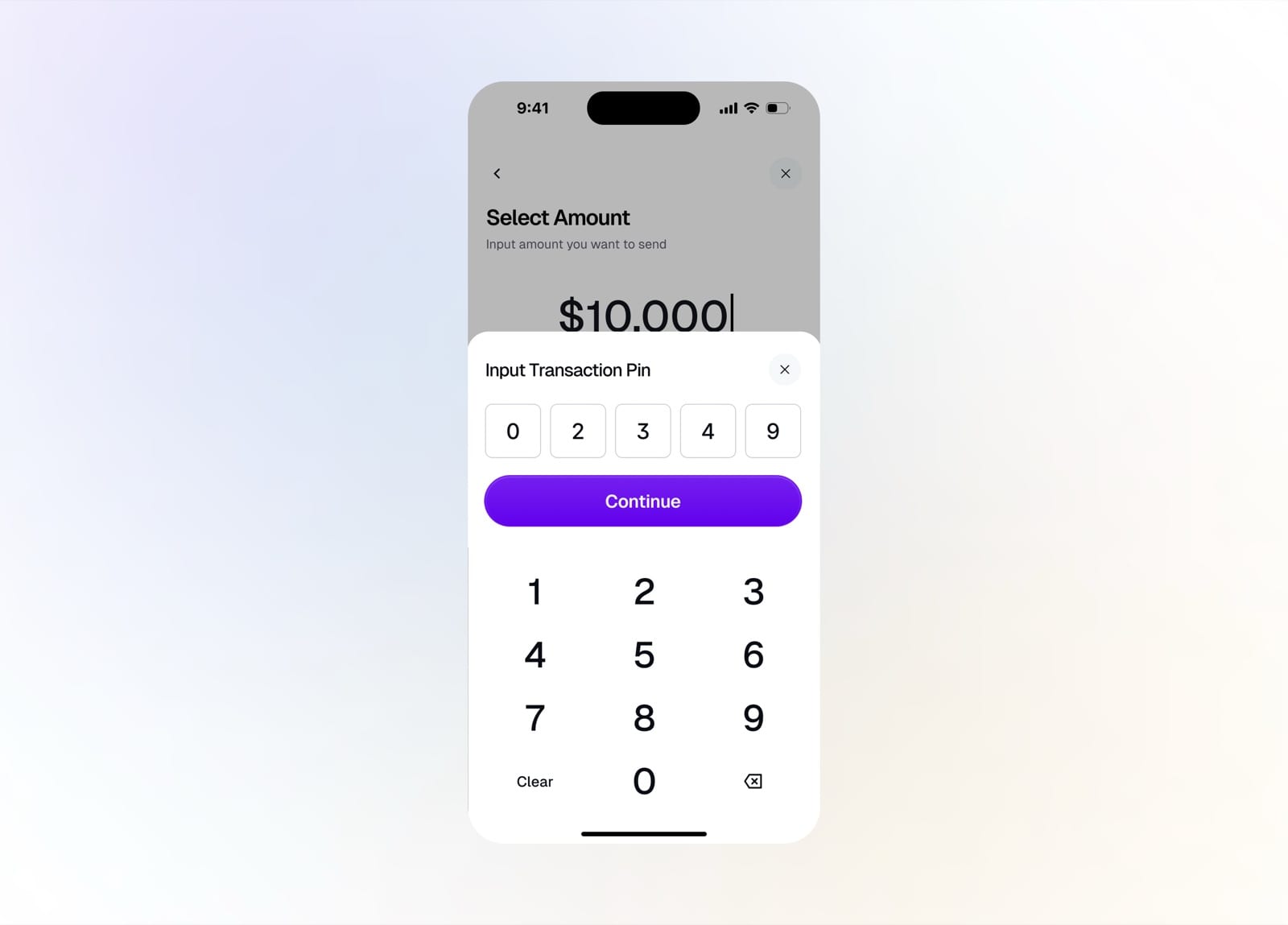
Enter your transaction PIN to authorize
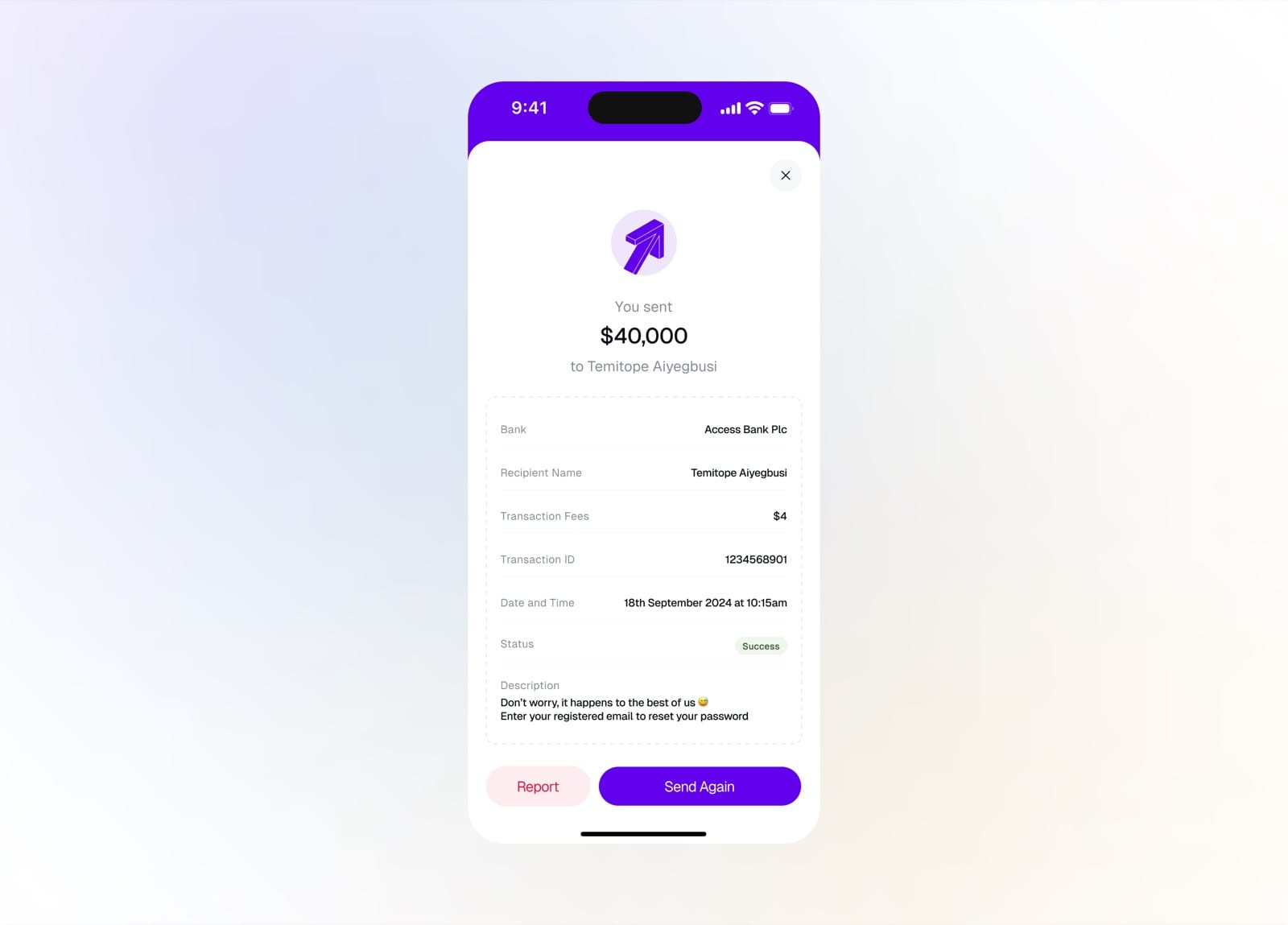
Transfer successful with a full receipt
Deposit Cash
Adding money is just as simple, with a personal account number for manual transfers or an automated deposit for recurring top-ups.
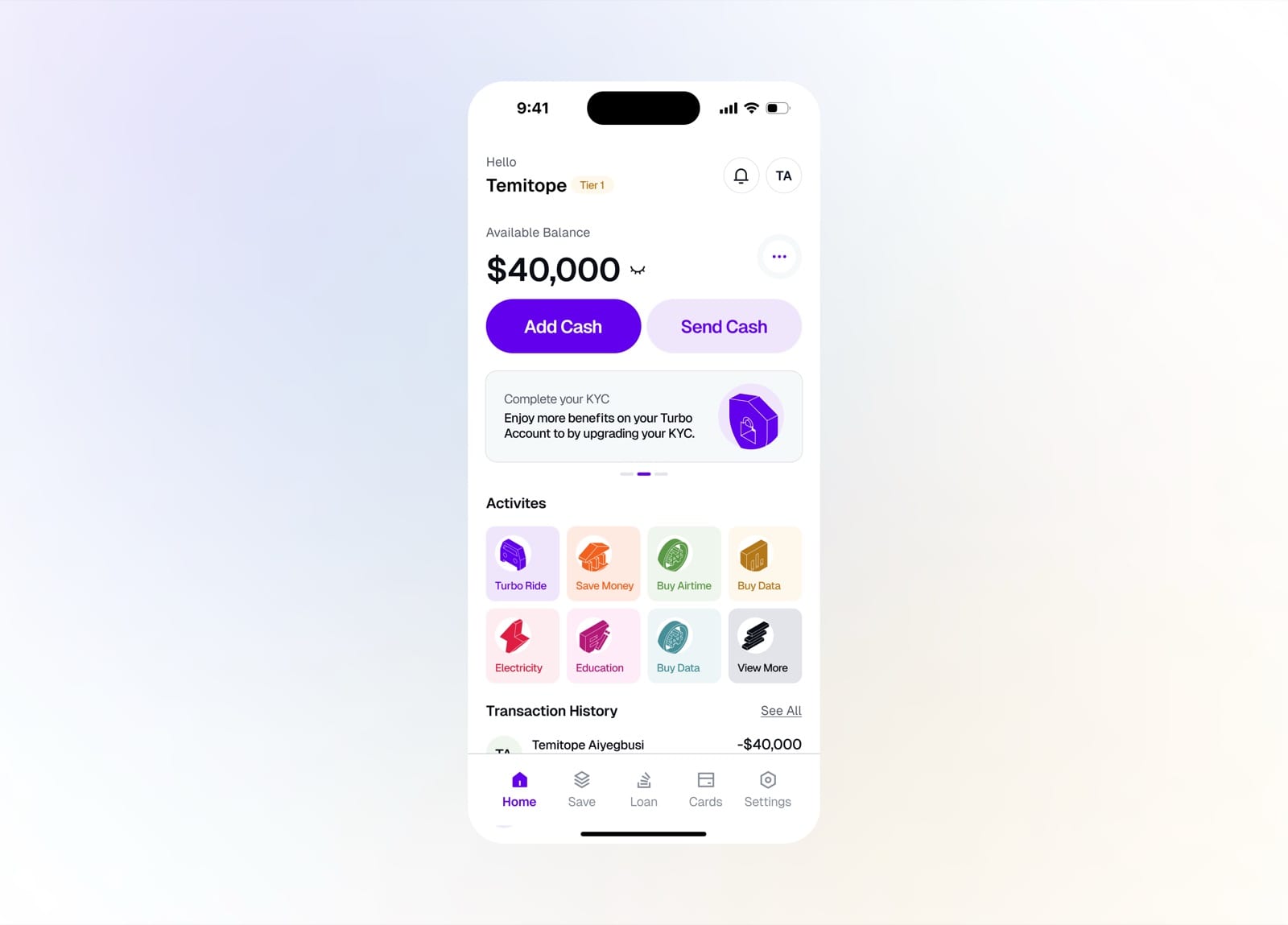
Tap Add Cash on the home dashboard
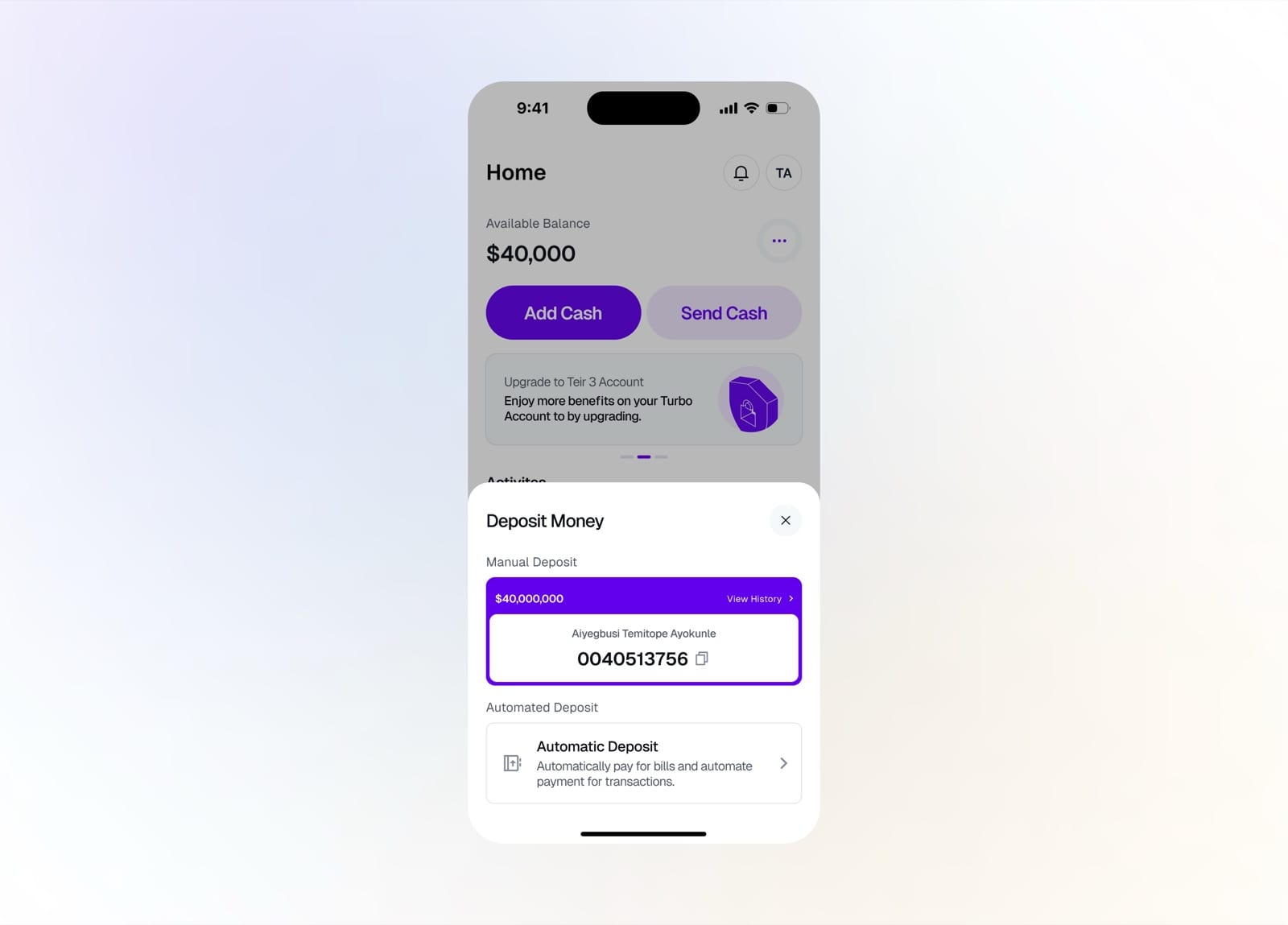
Deposit via a personal account number or automate it
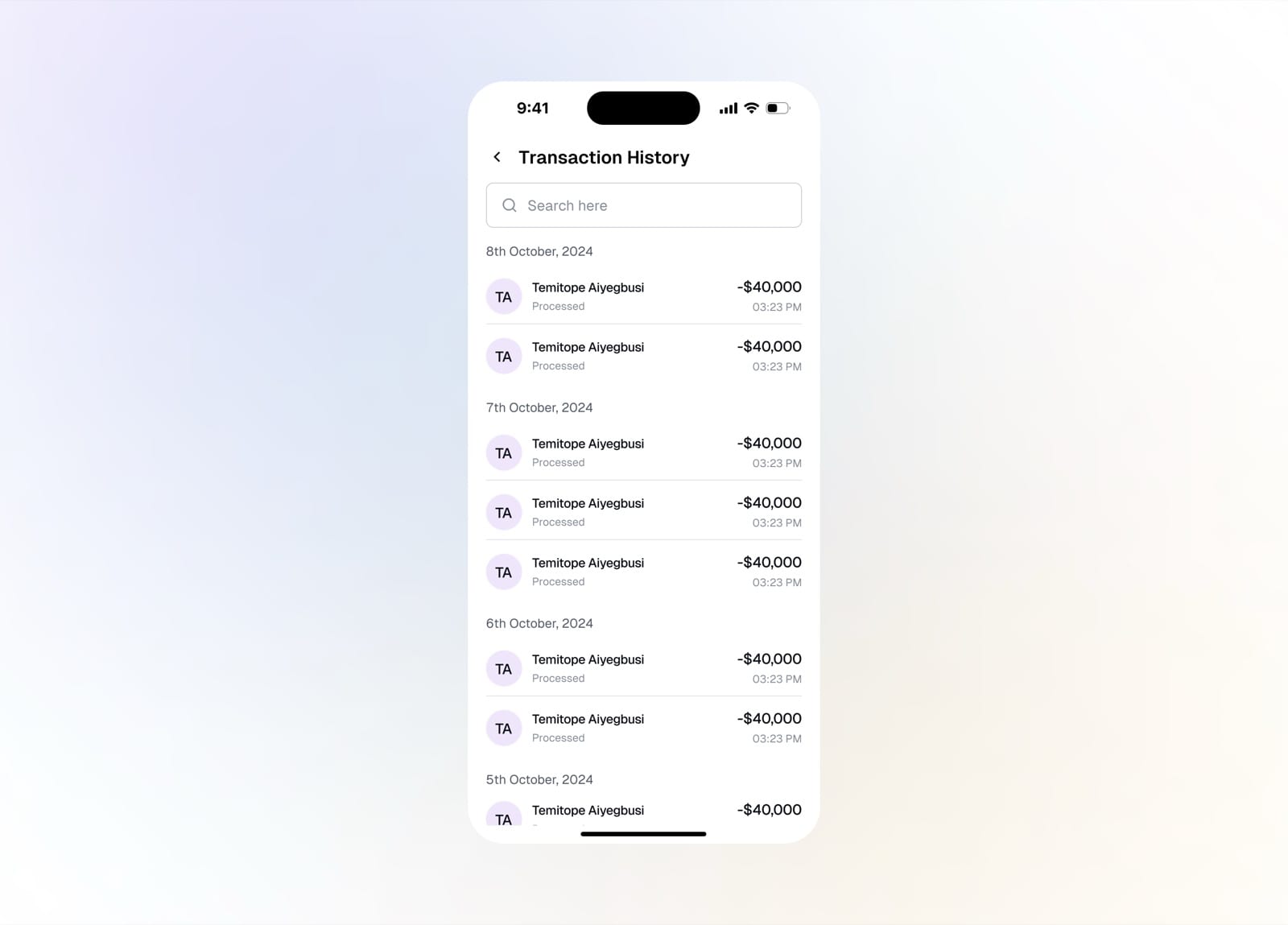
Browse the full deposit transaction history
Automated Deposit
Automated deposits let users set bills and transactions to pay themselves. Name the automation, set the amount and schedule, link a payment method, and TurboPay handles the rest.
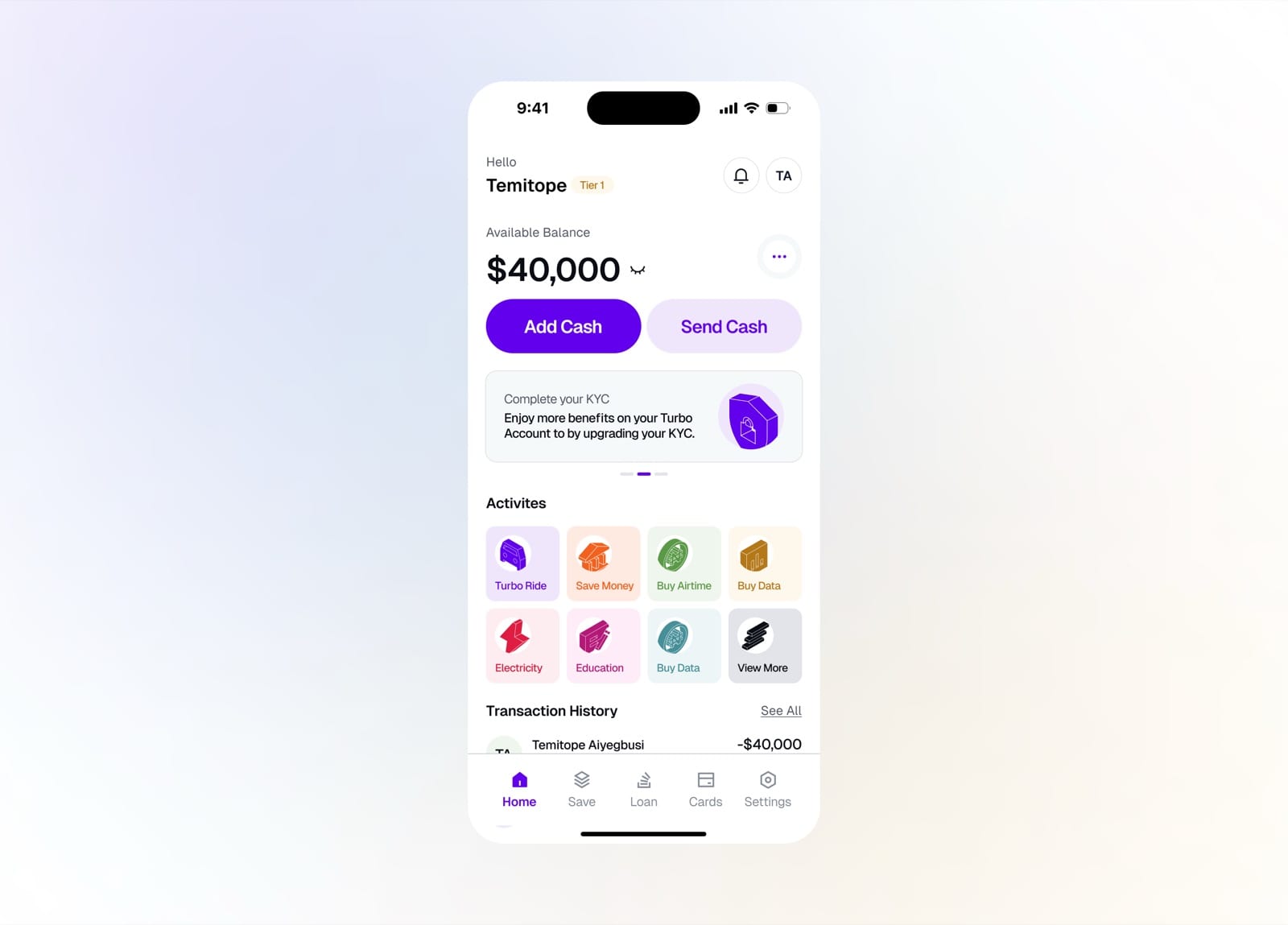
Tap Add Cash from the home dashboard
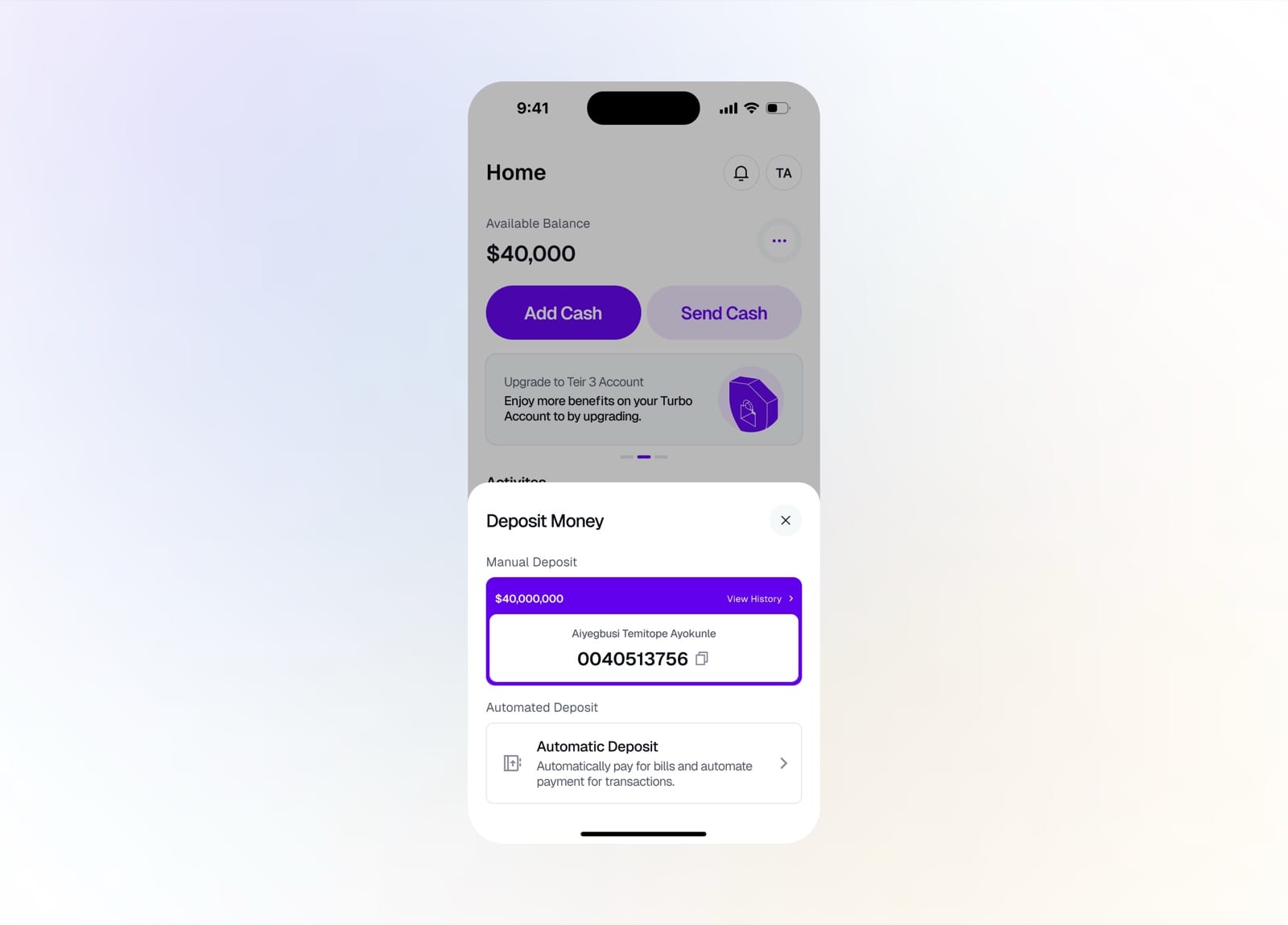
Choose Automatic Deposit under Deposit Money
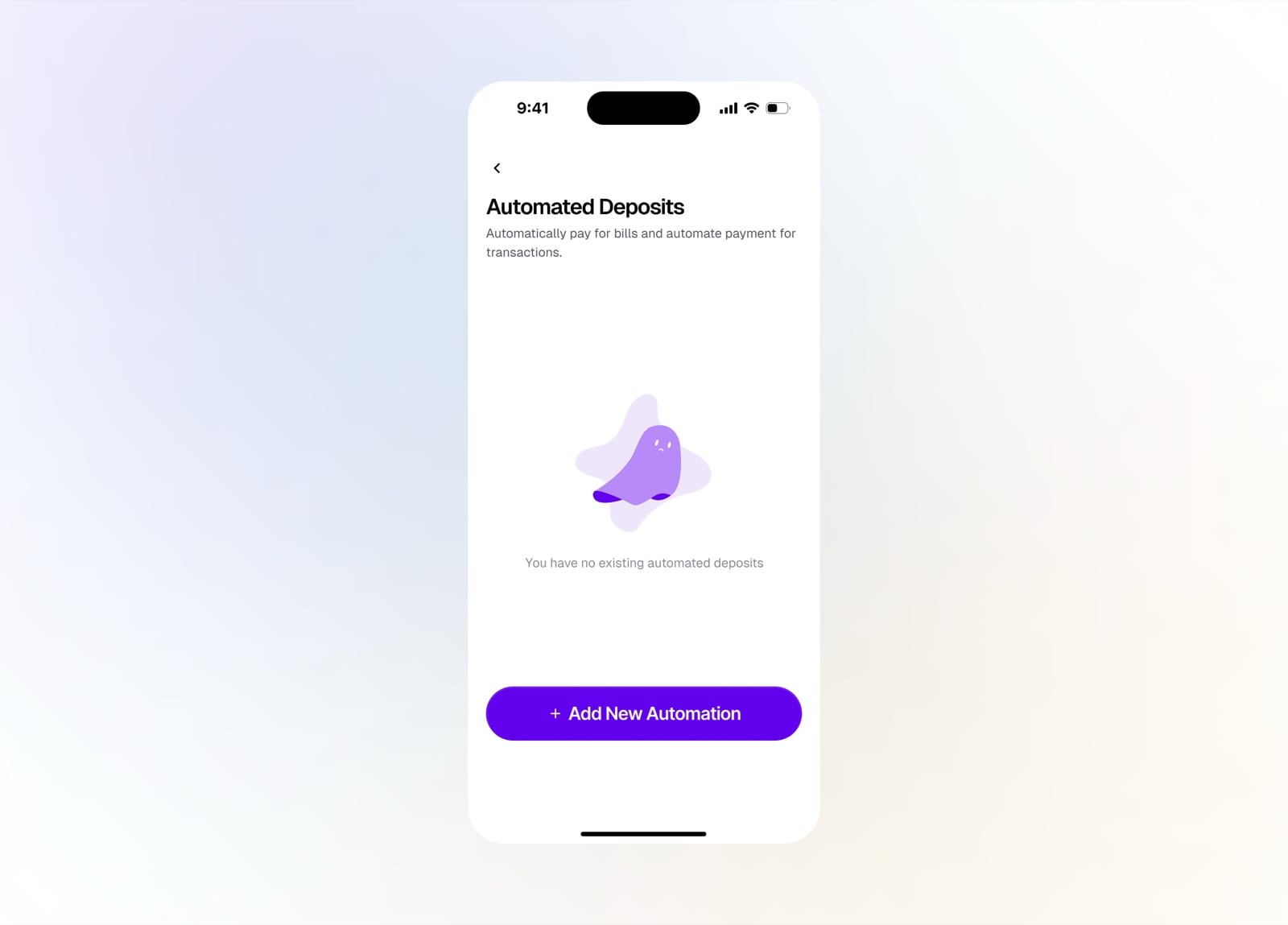
Empty state with no existing automated deposits
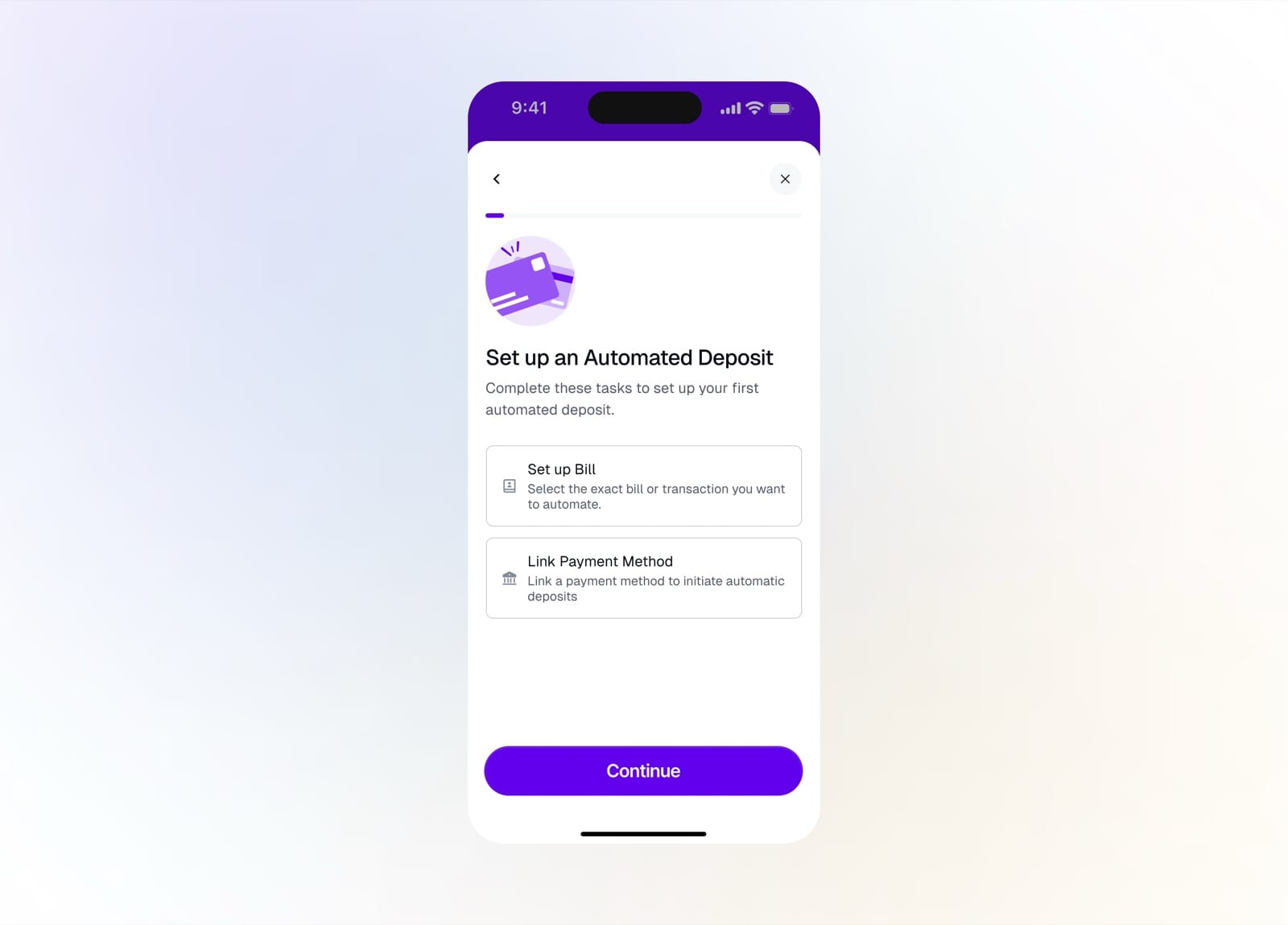
Set up a bill and link a payment method
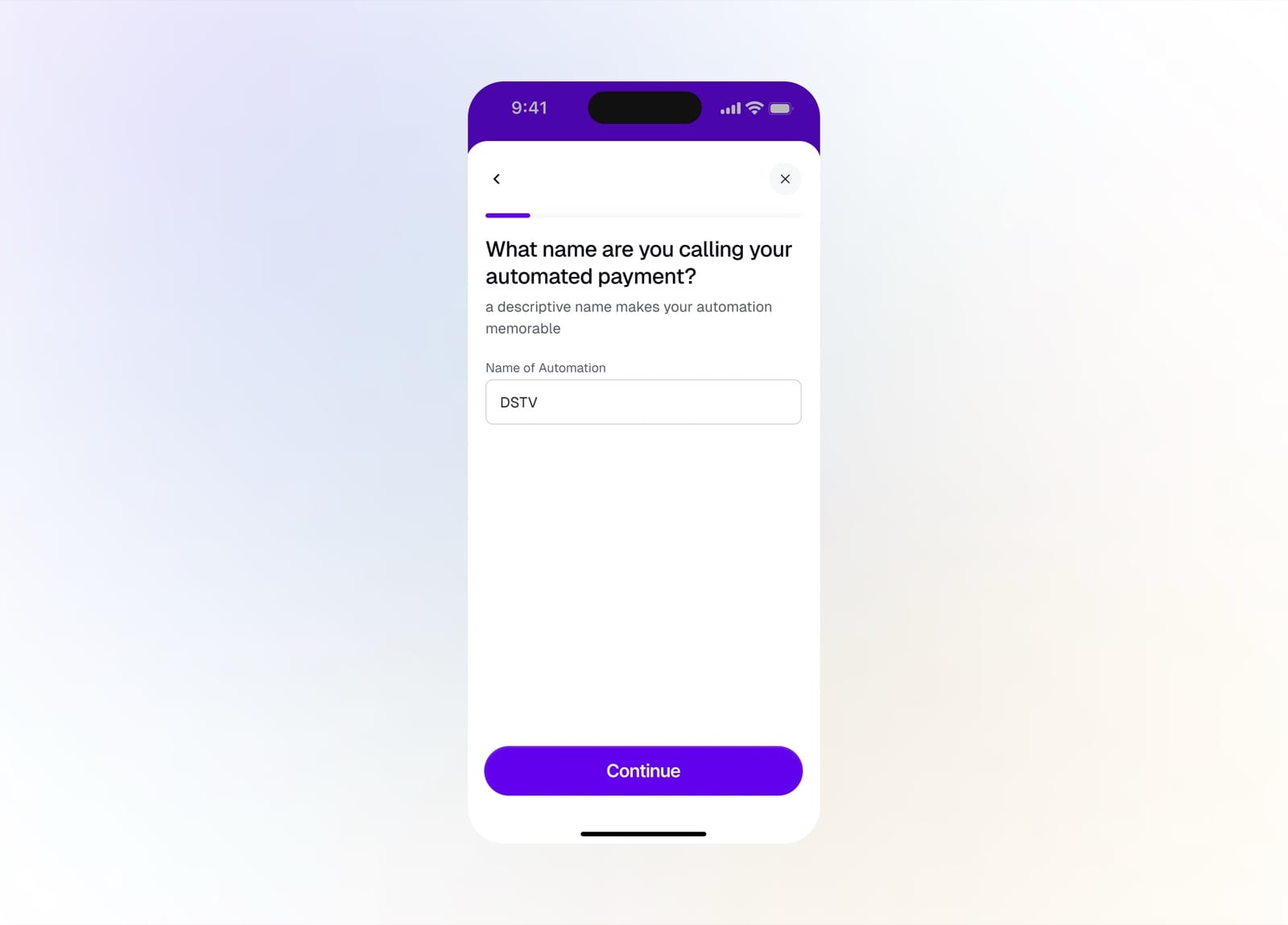
Name your automation so it's easy to recognize
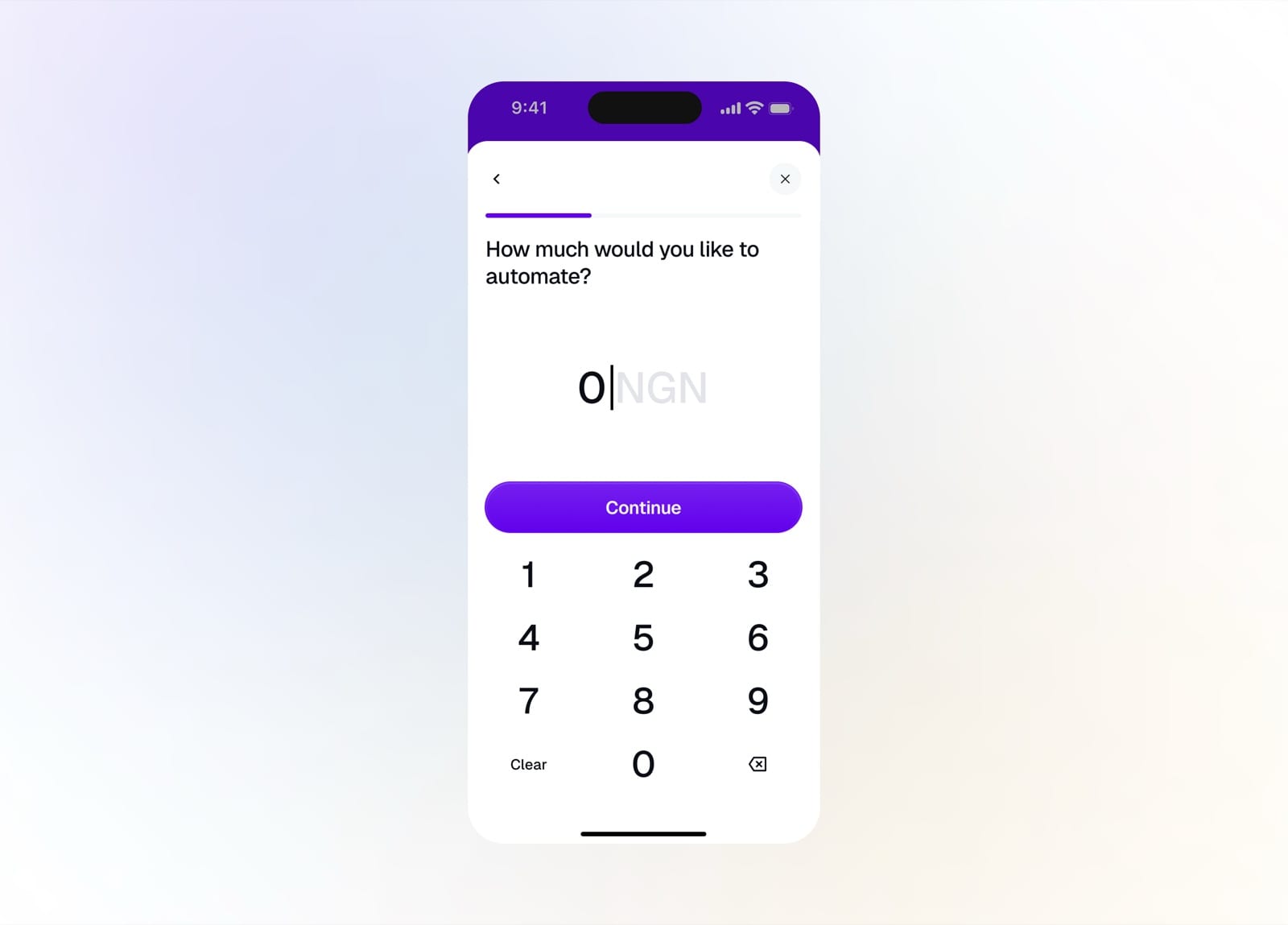
Enter the amount to automate
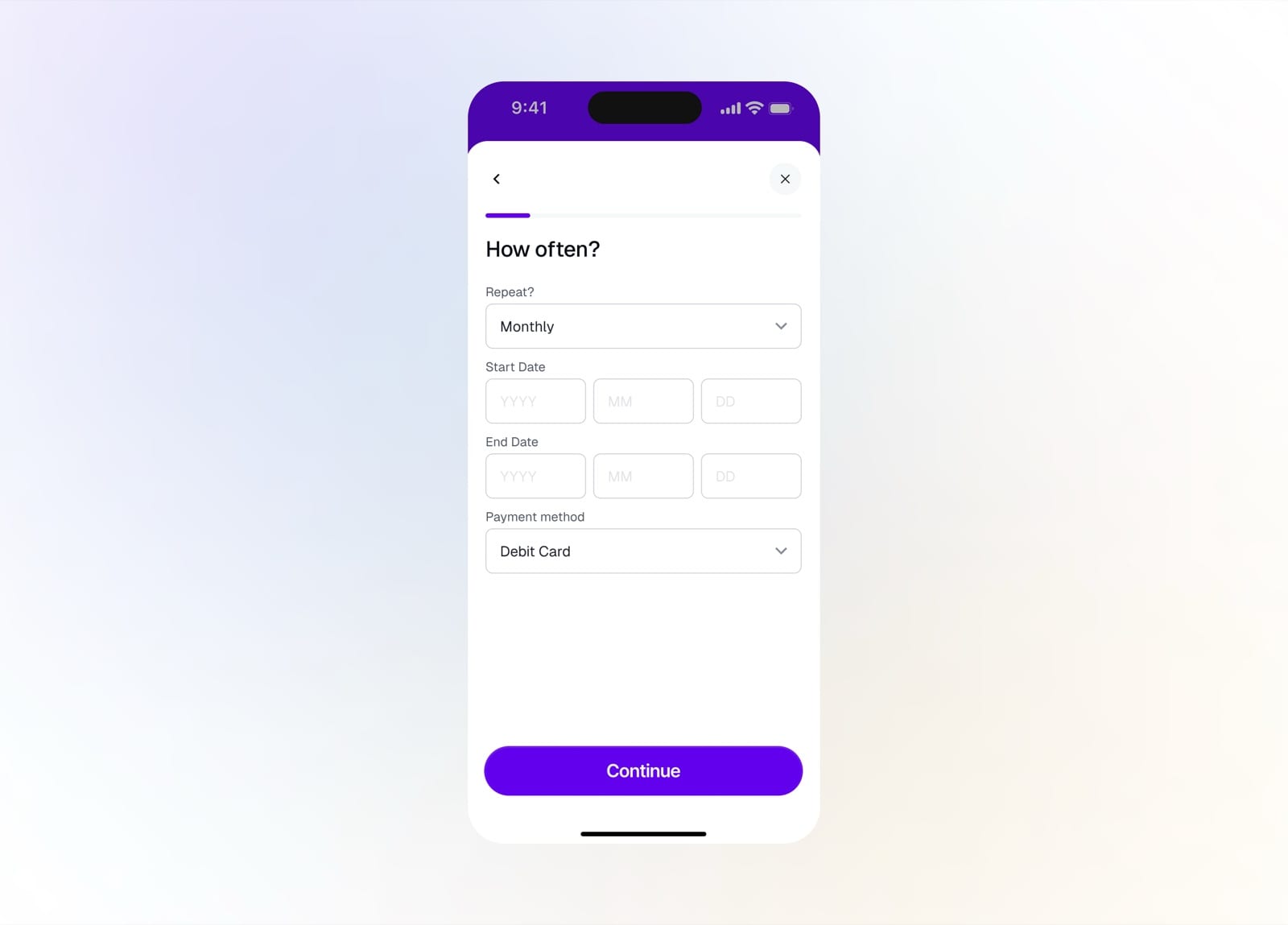
Set the repeat schedule, dates, and payment method
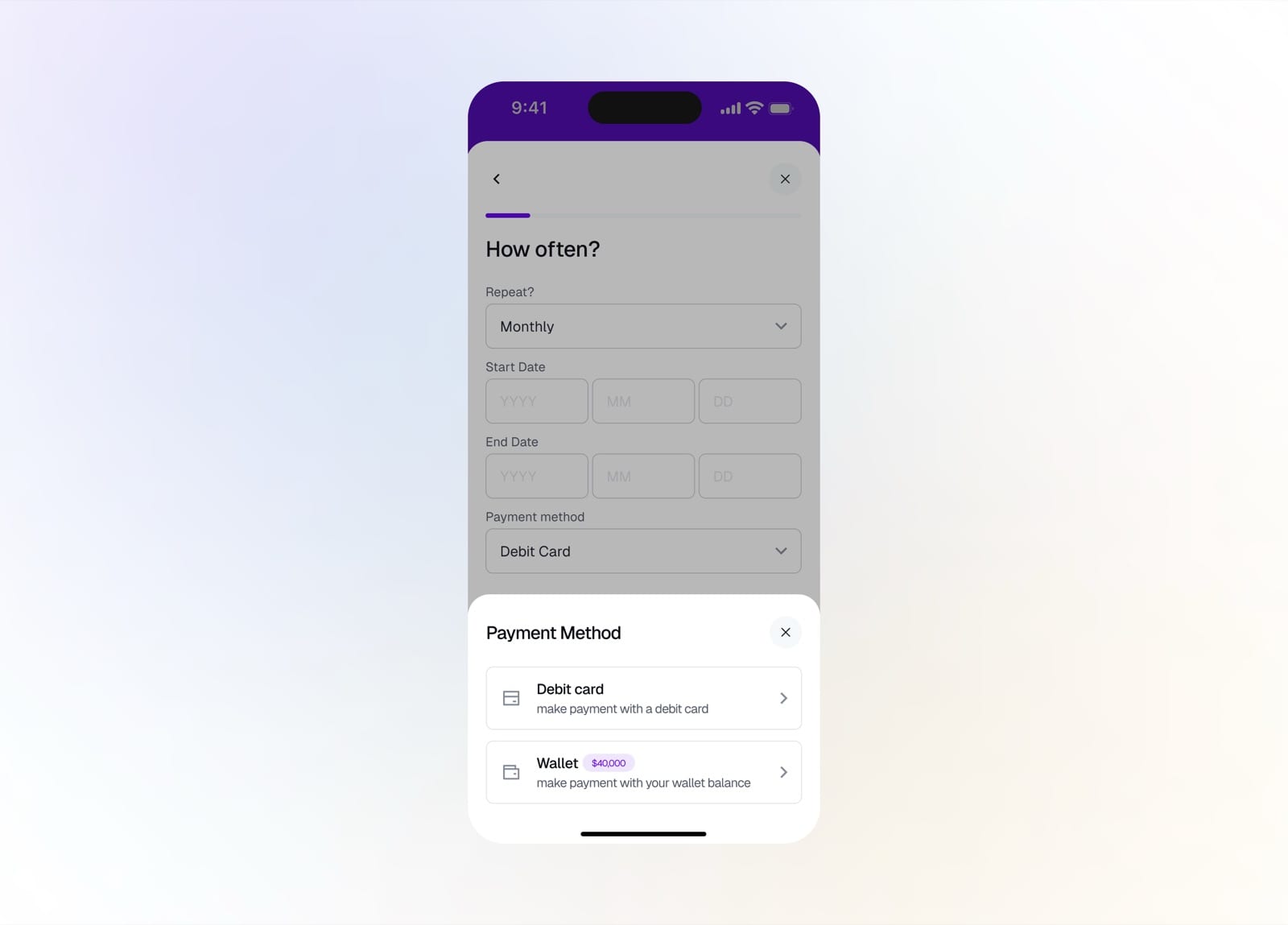
Choose to pay from a debit card or your wallet
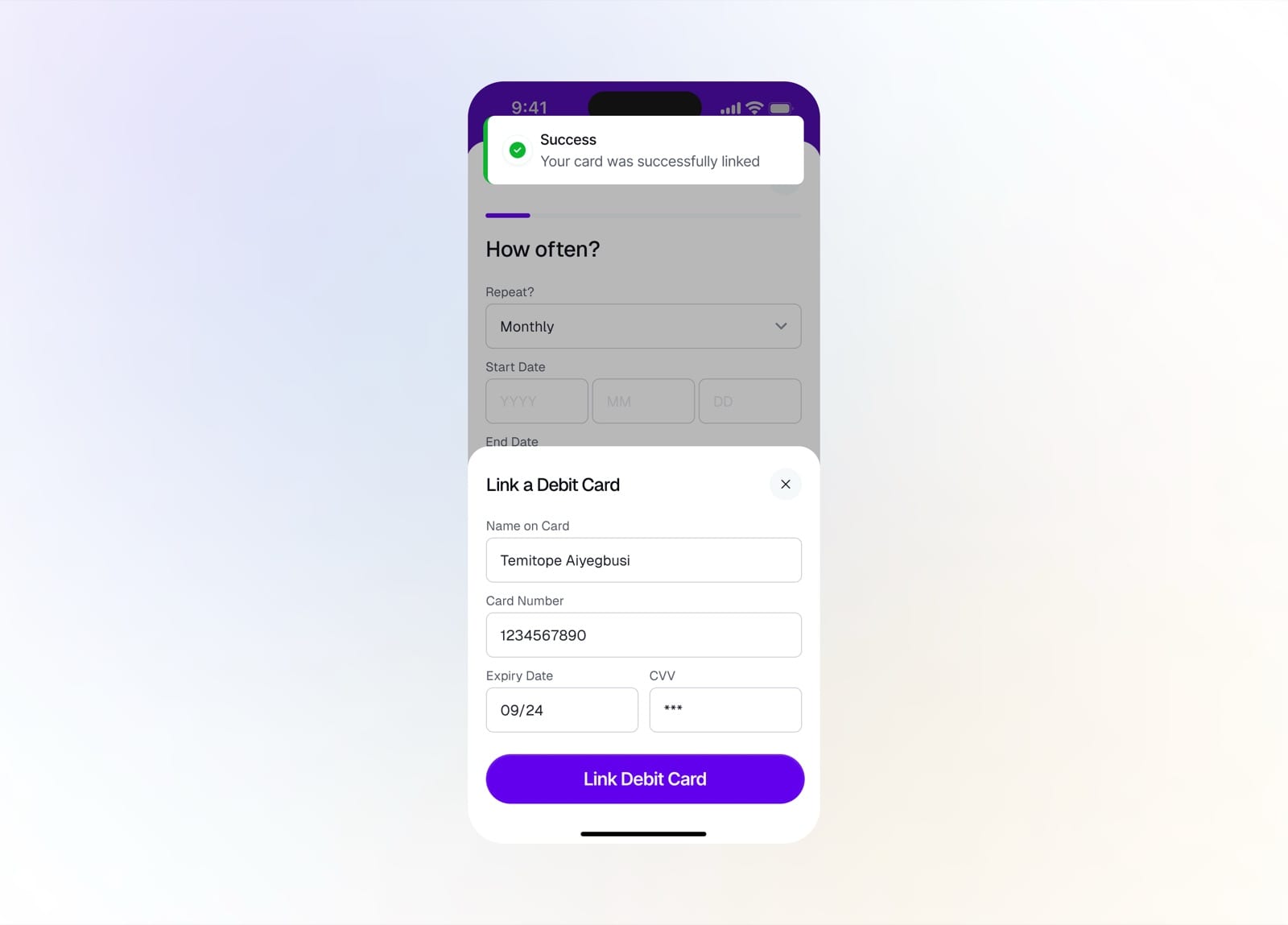
Link a debit card to fund the automation
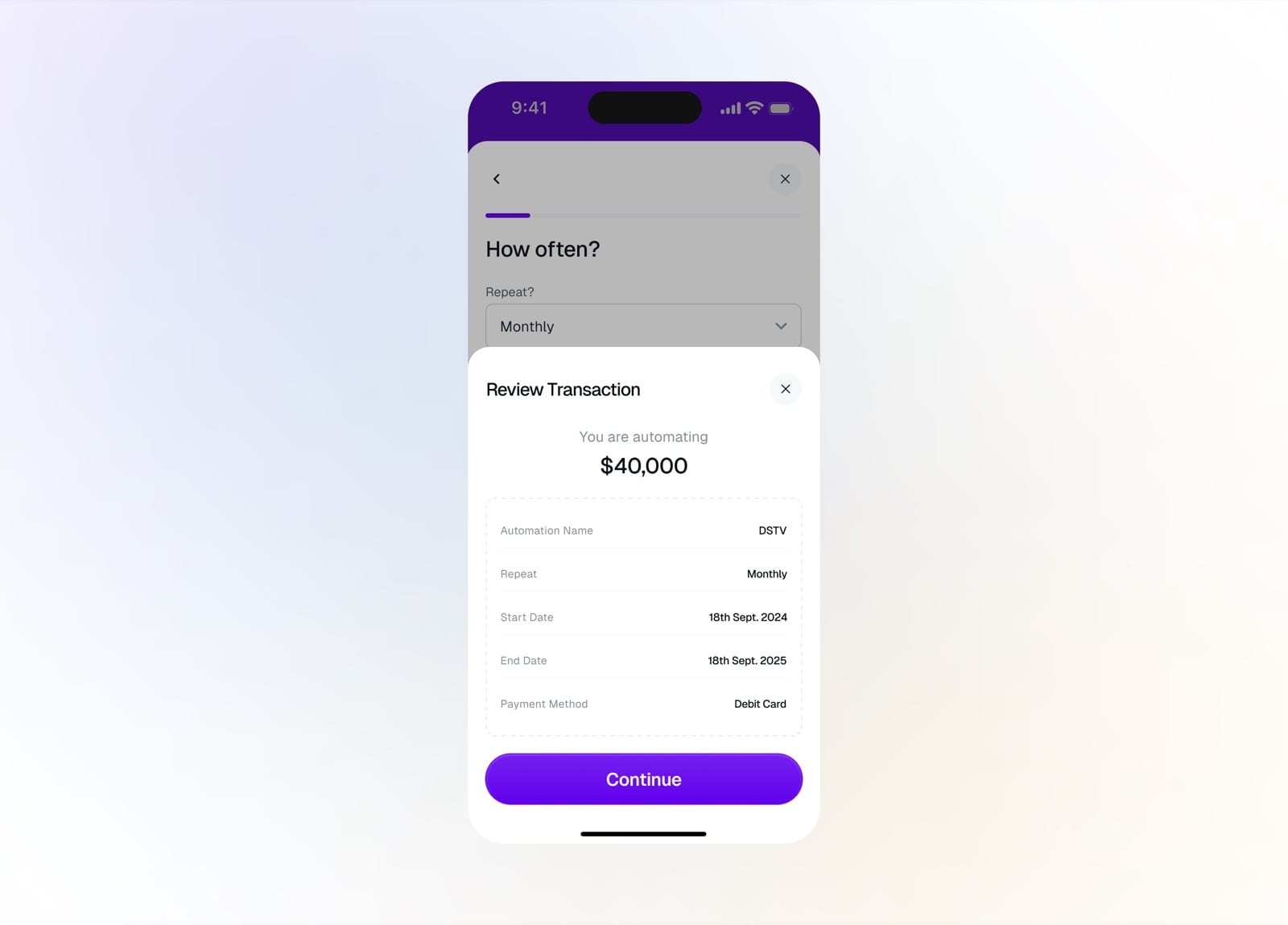
Review the automation before confirming
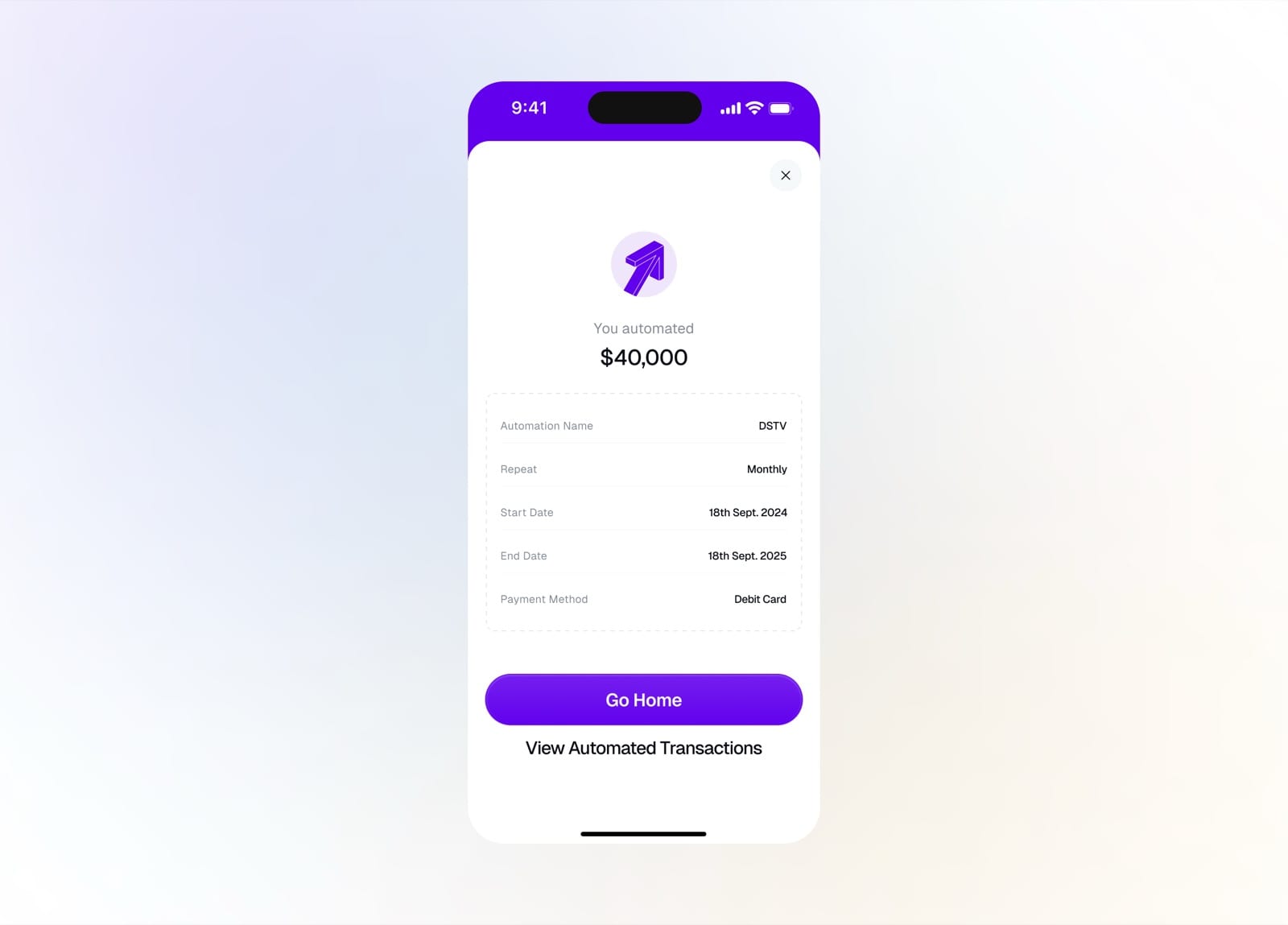
Automation created, repeating on schedule
Turbo Save
Turbo Save turns goals into savings. Pick a plan, name it, set an amount, and track progress toward a target, with flexible access and clear withdrawal rules.
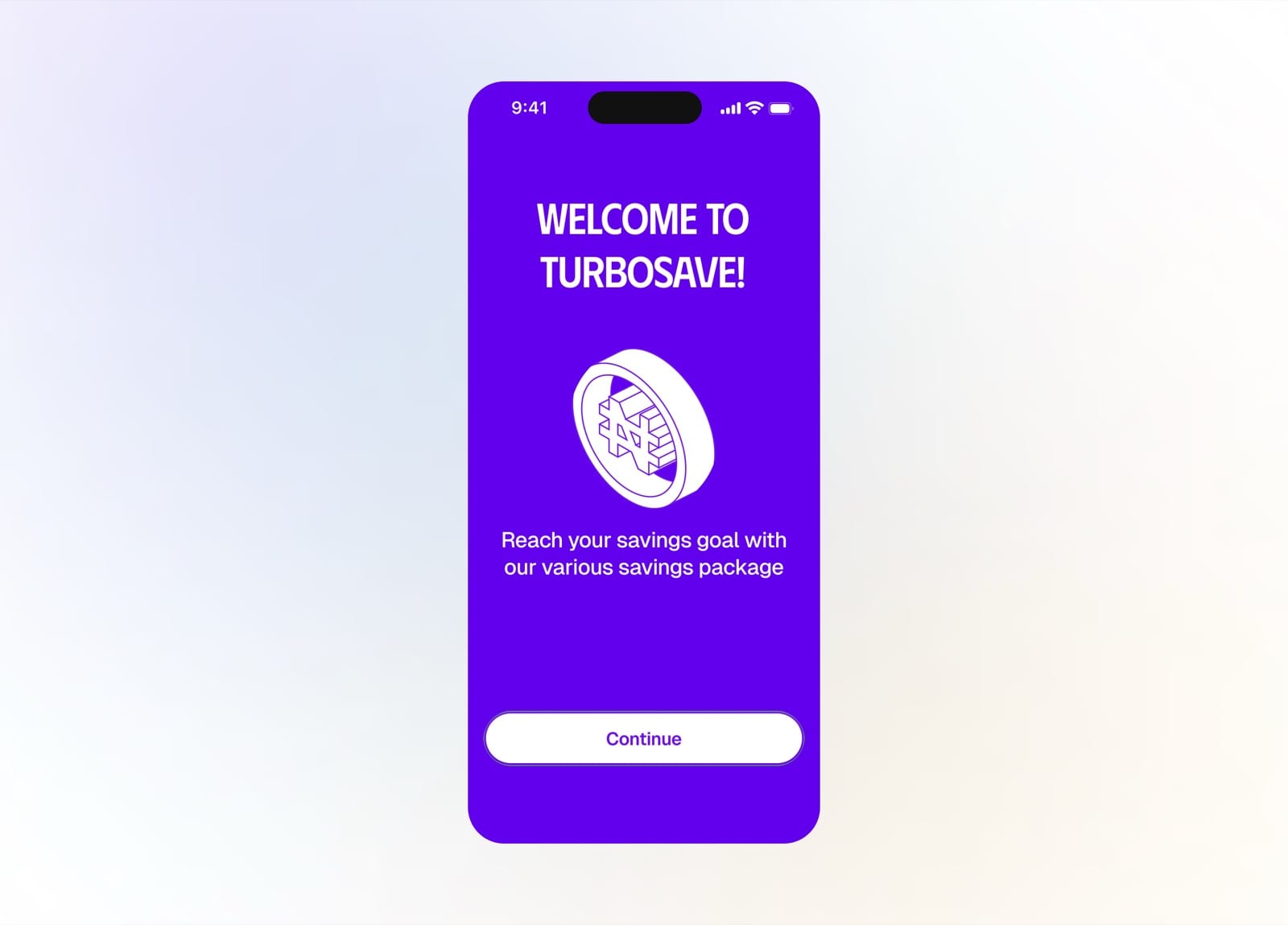
Welcome to TurboSave
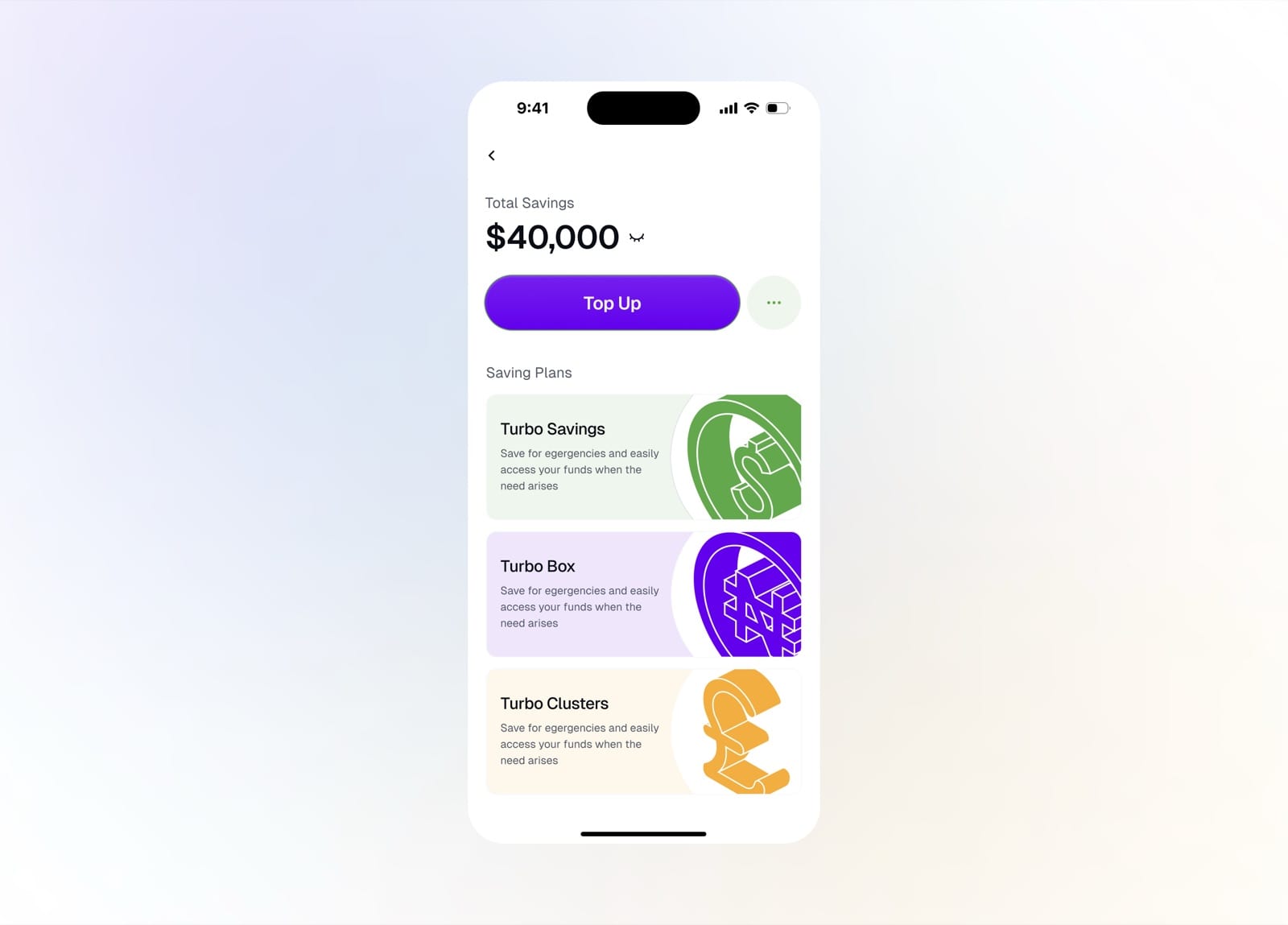
Total savings with the available saving plans
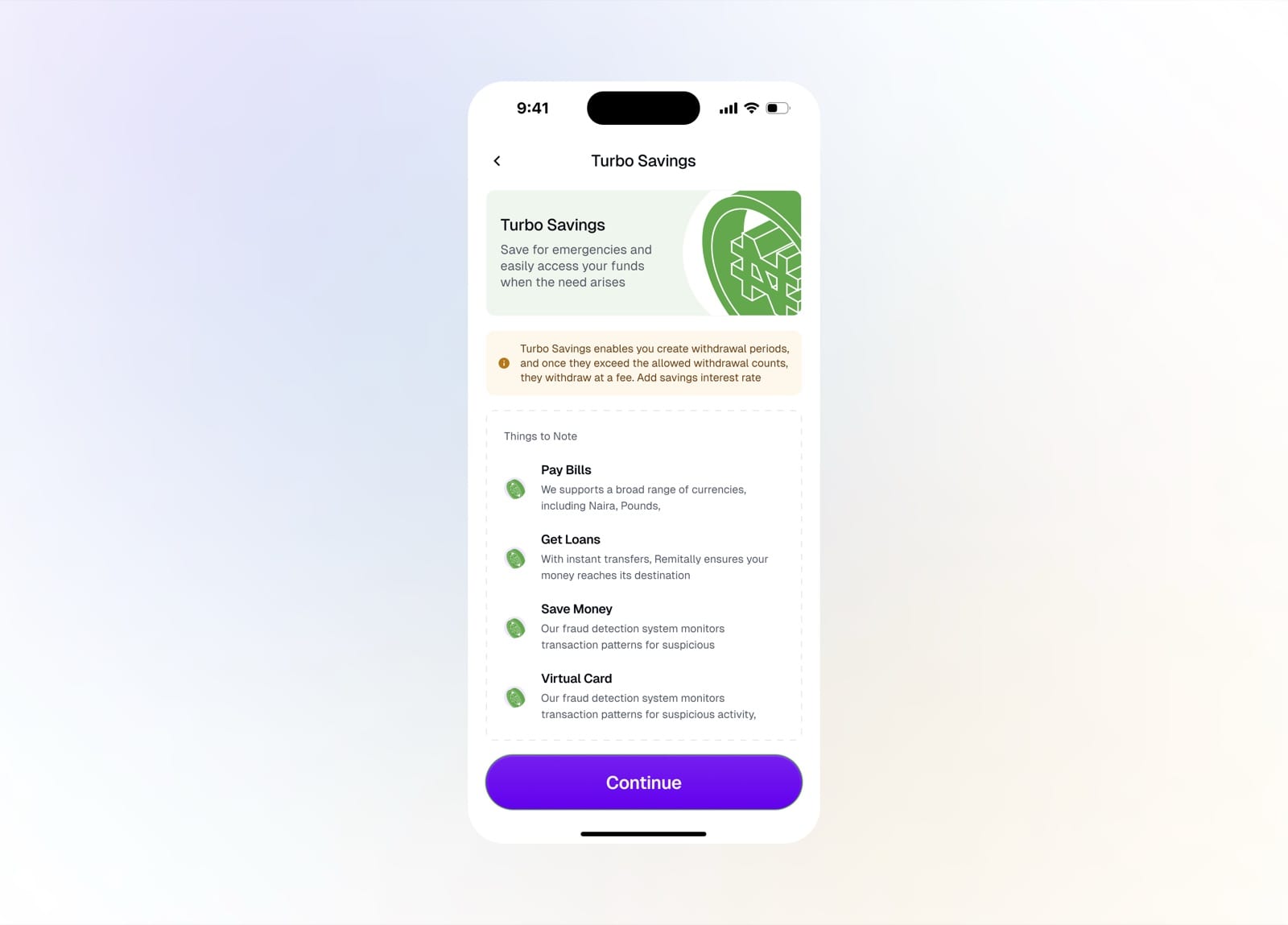
Turbo Savings plan details and things to note
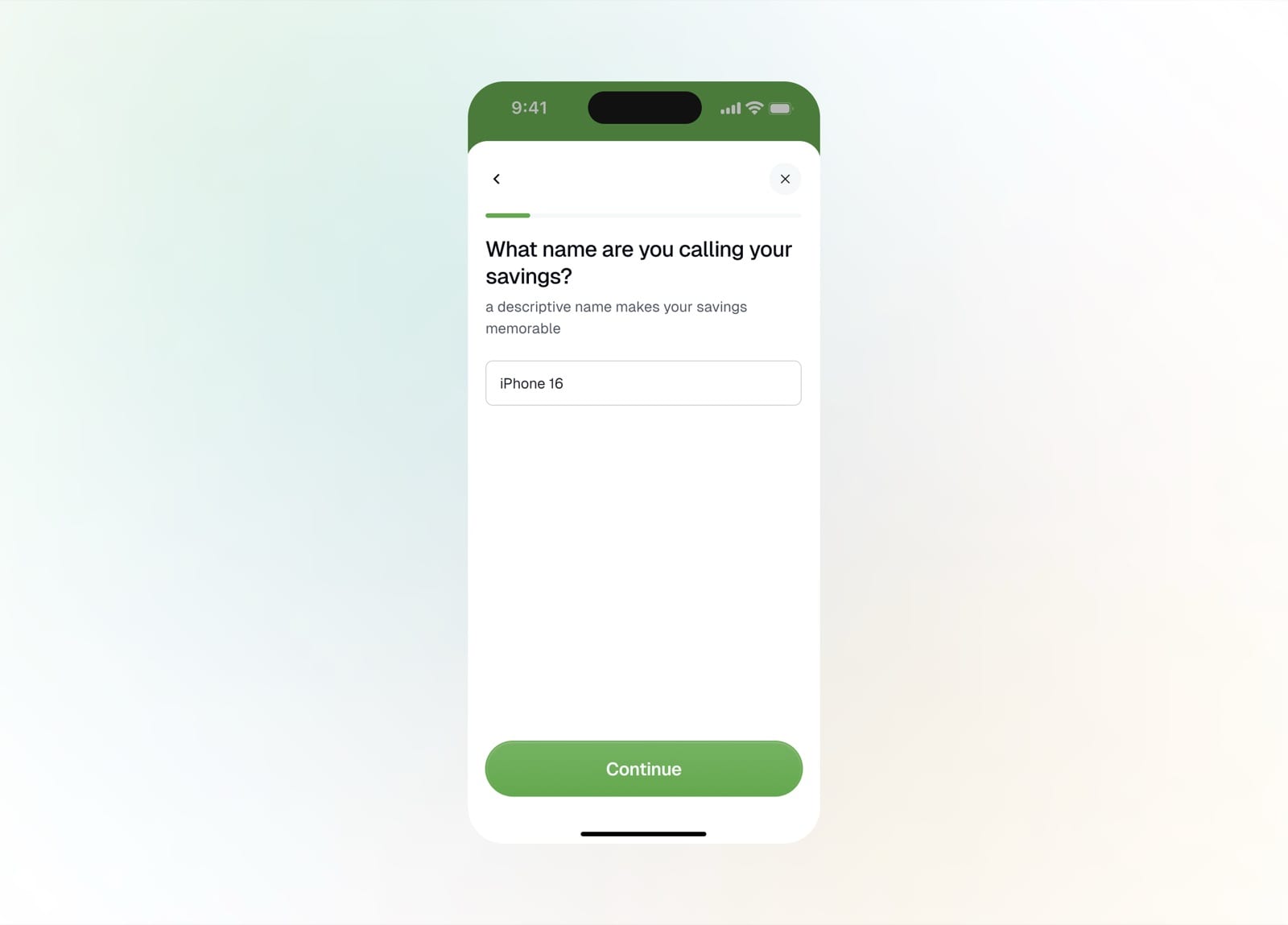
Name your savings plan
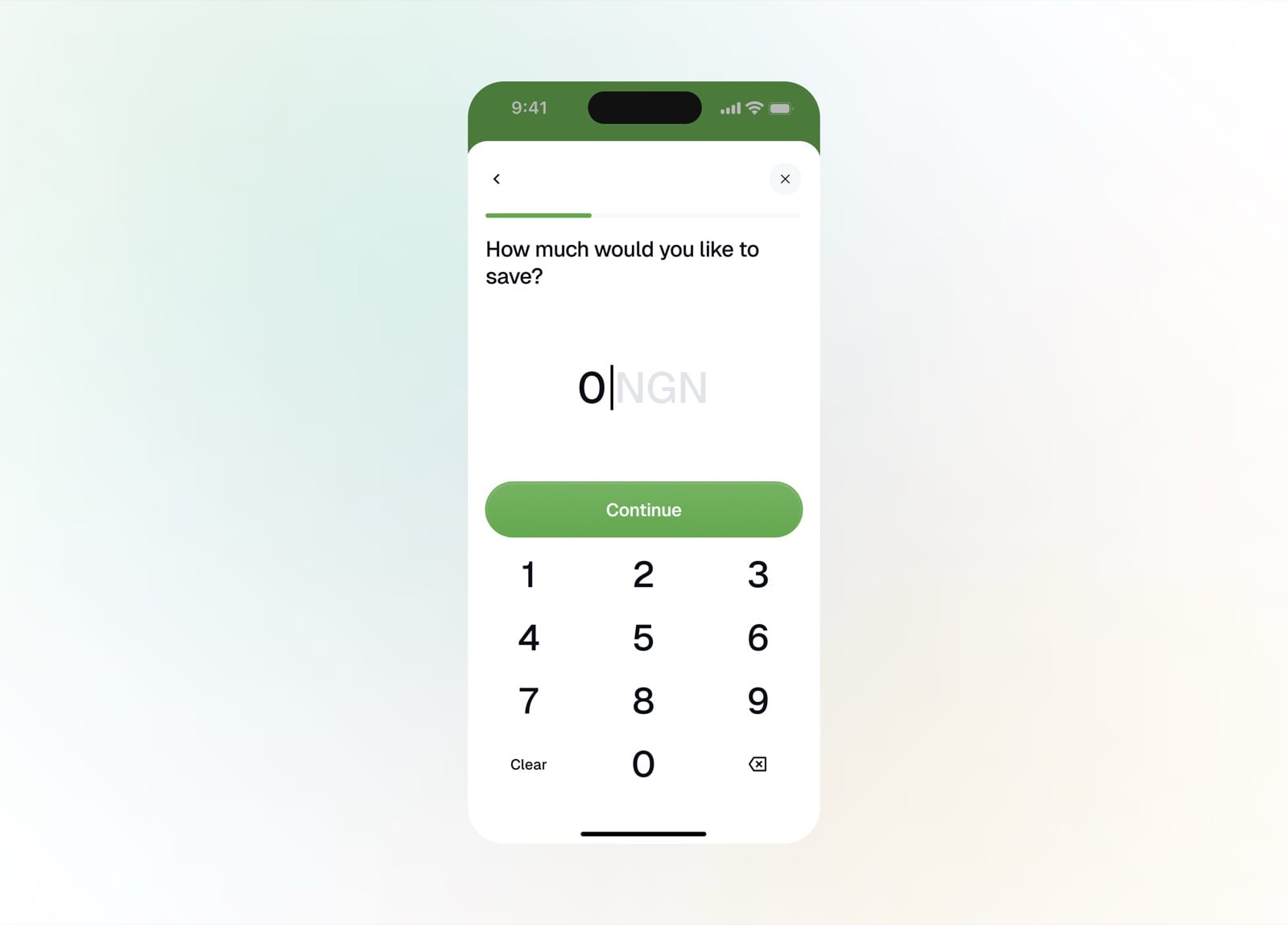
Enter the amount you'd like to save
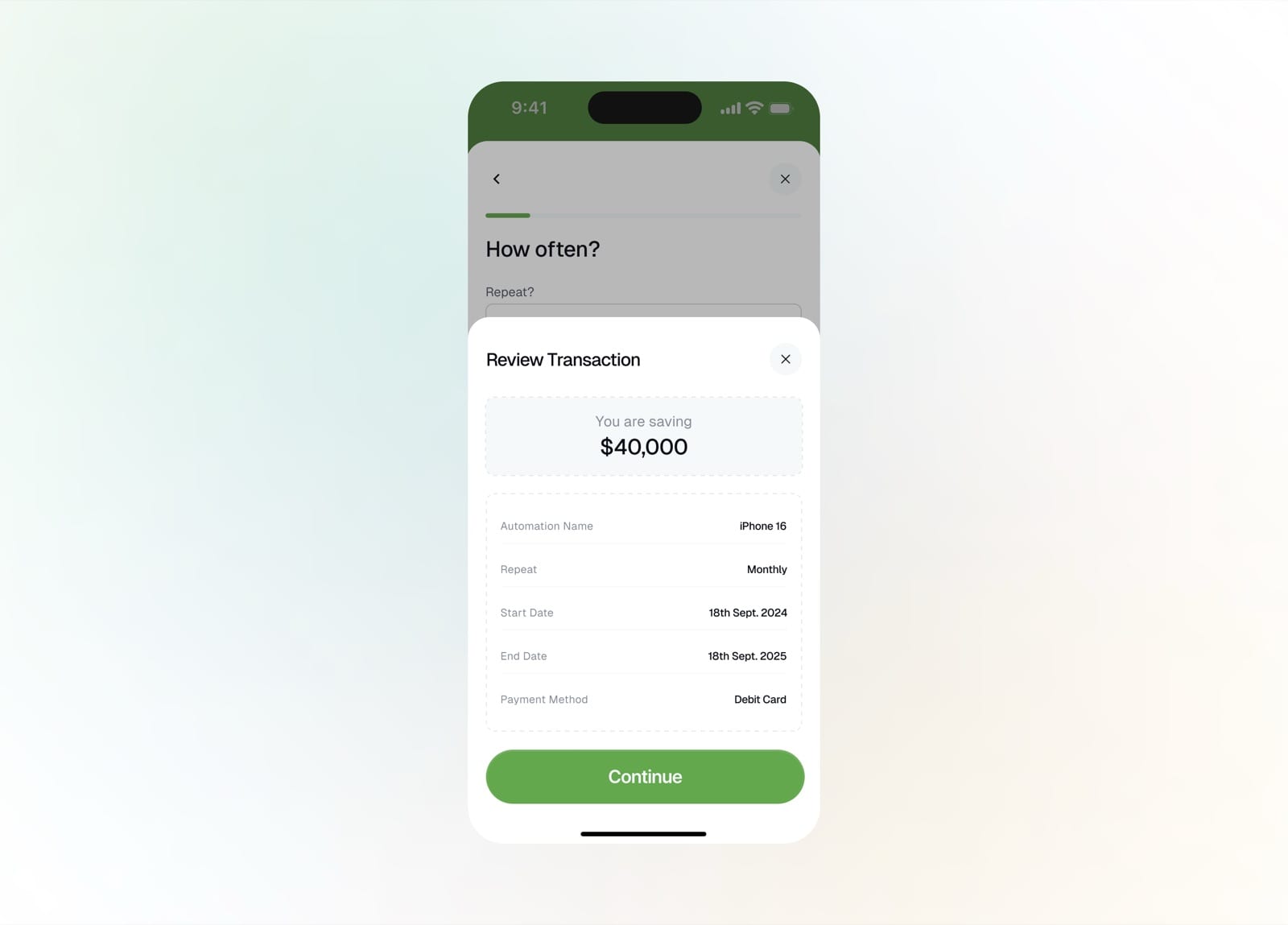
Review the savings plan before confirming
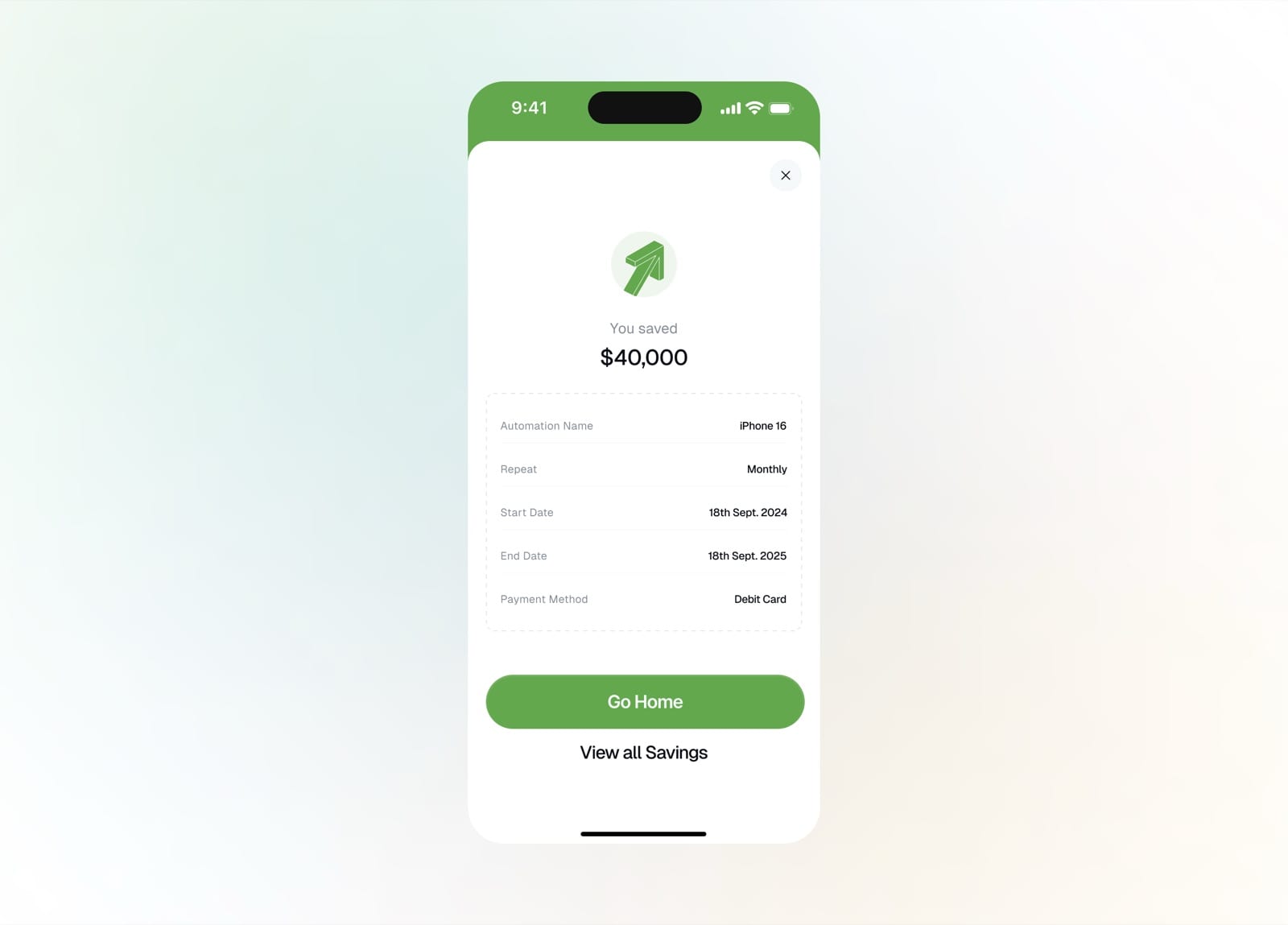
Savings plan created successfully
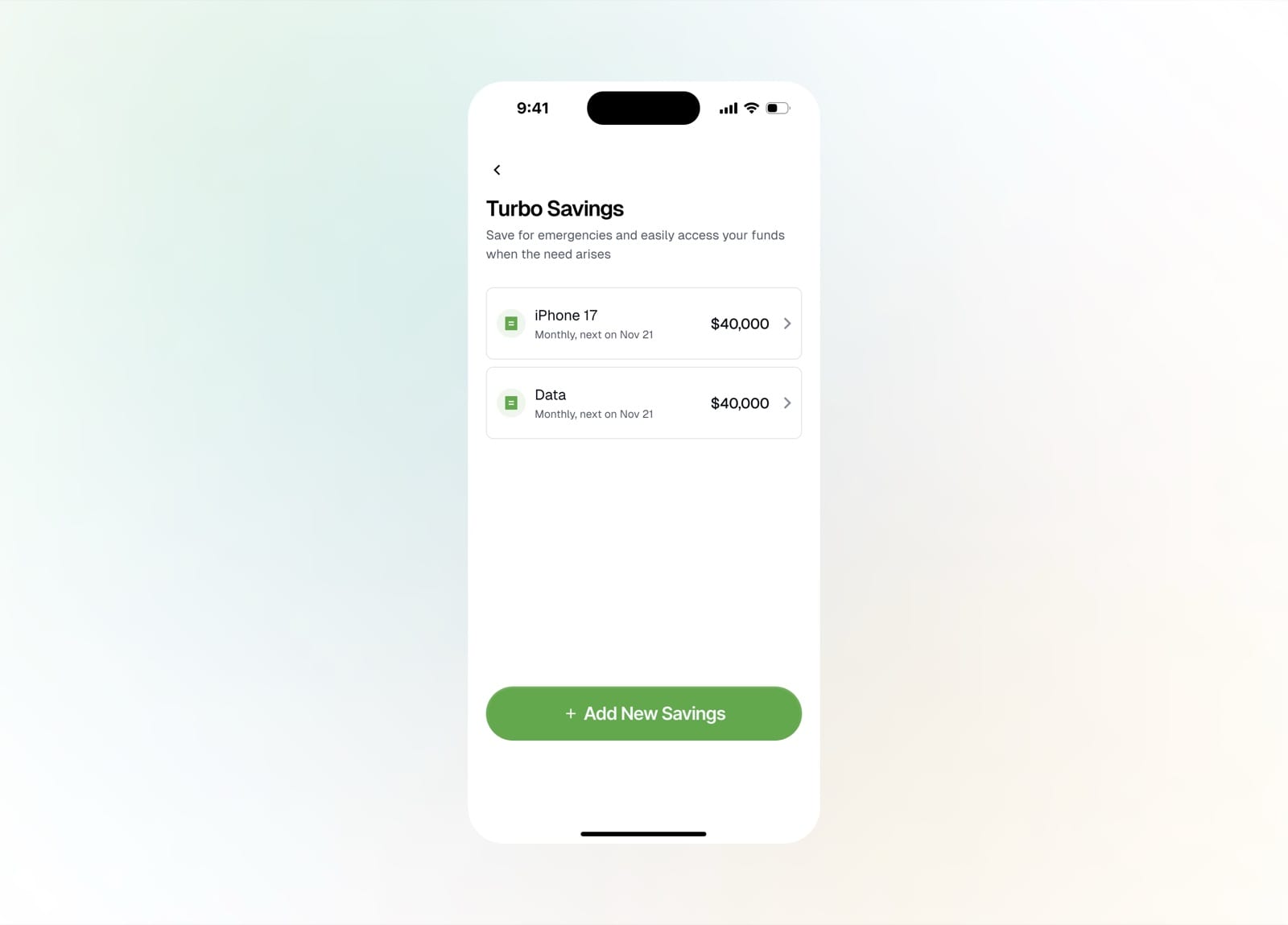
Browse your active savings plans
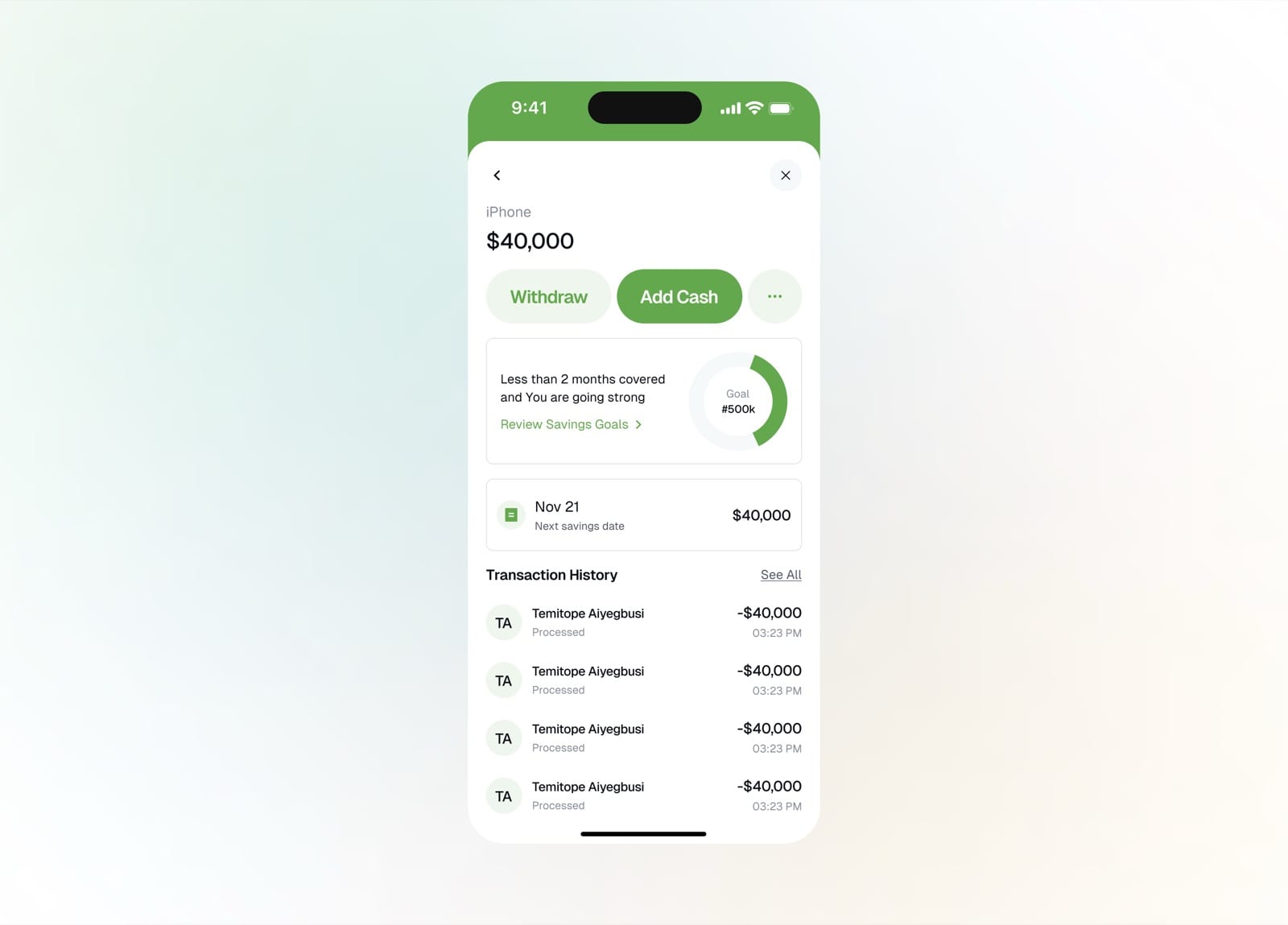
A plan's detail with goal progress and history
Cards
The Turbo virtual card is created right in the app. A short flow captures details and a small issuance fee, then the card is ready for online spending, with its balance and history in one place.
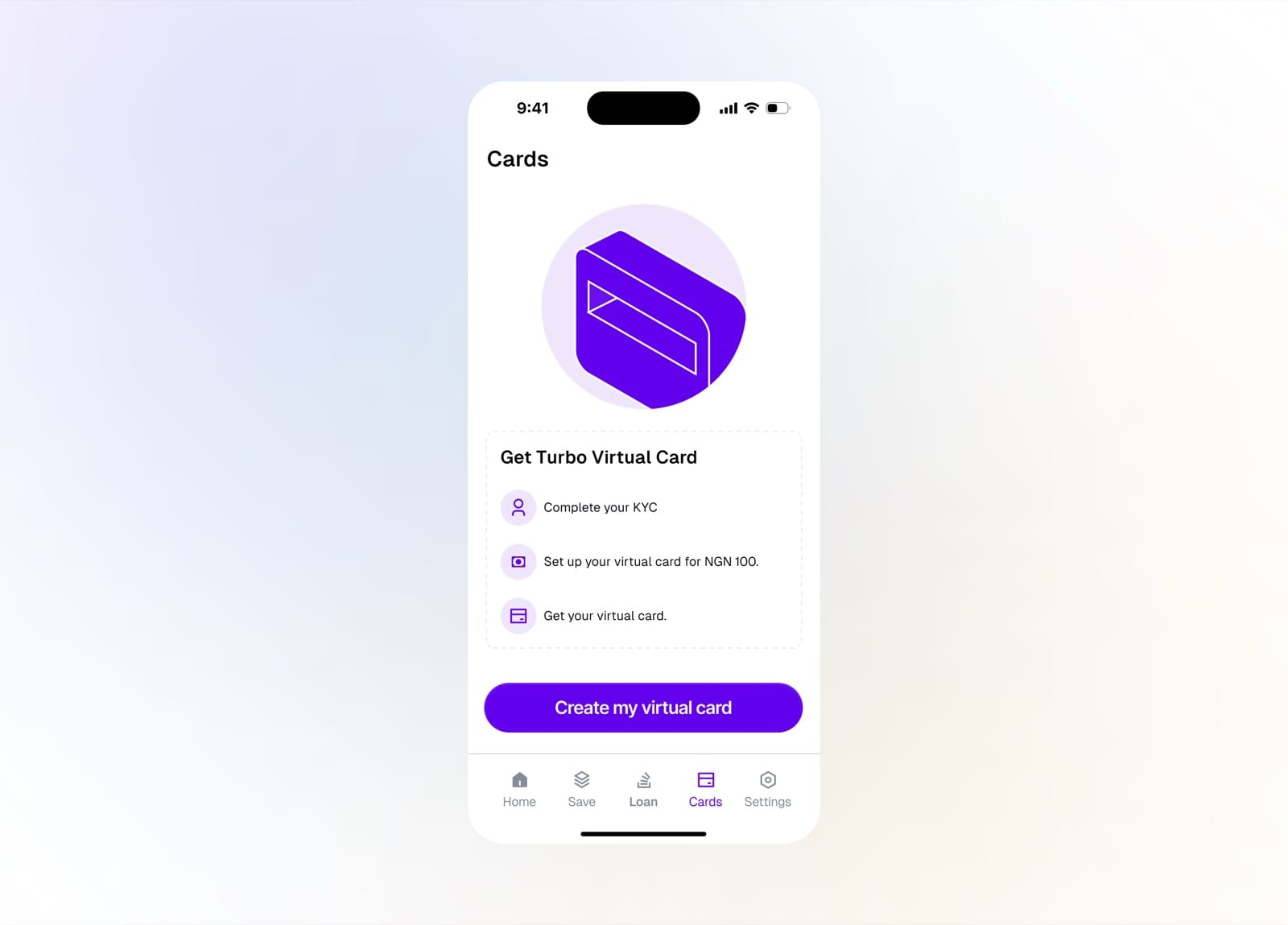
Cards tab prompting you to get a virtual card
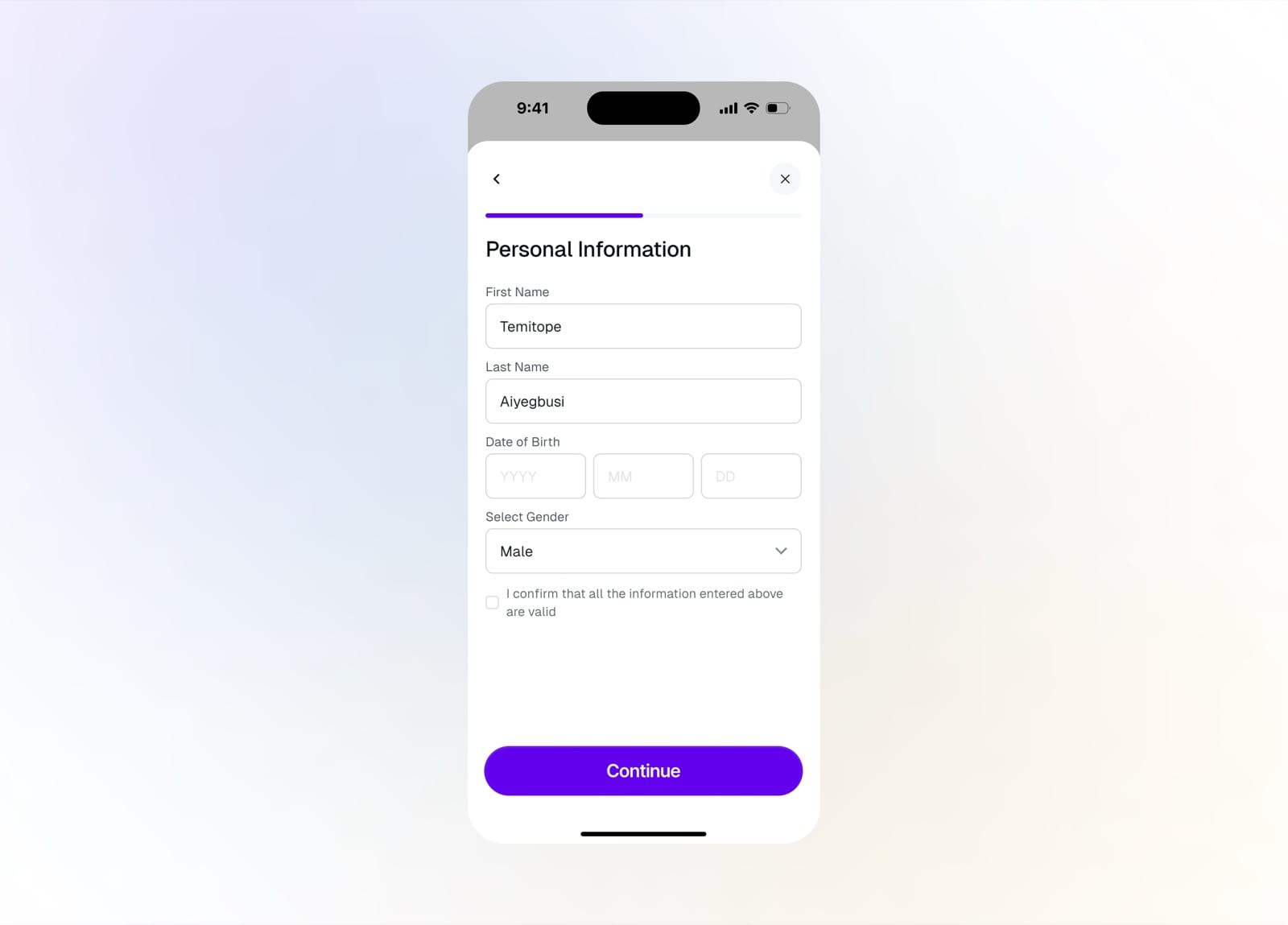
Enter your personal information
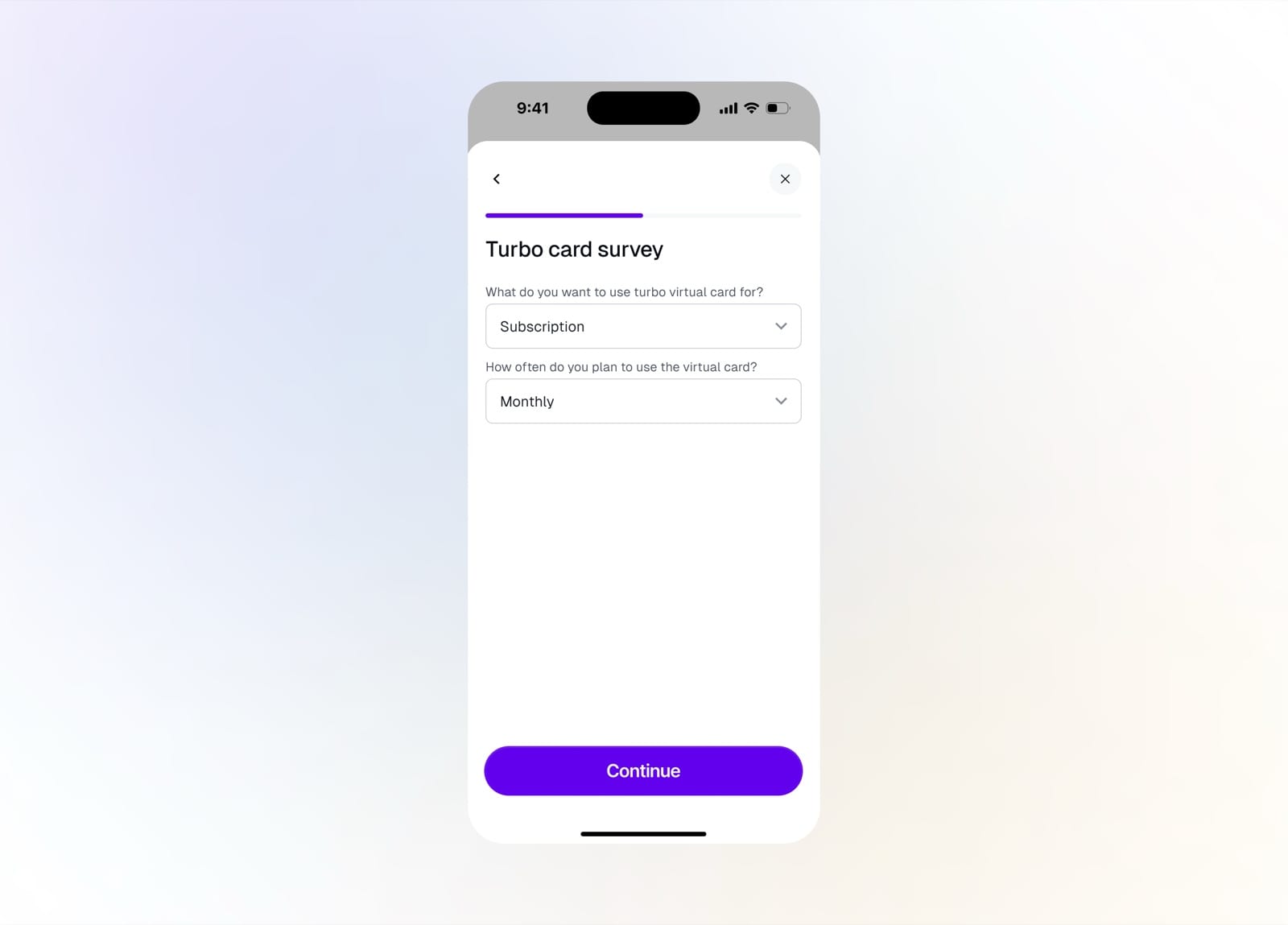
A short survey on how you'll use the card
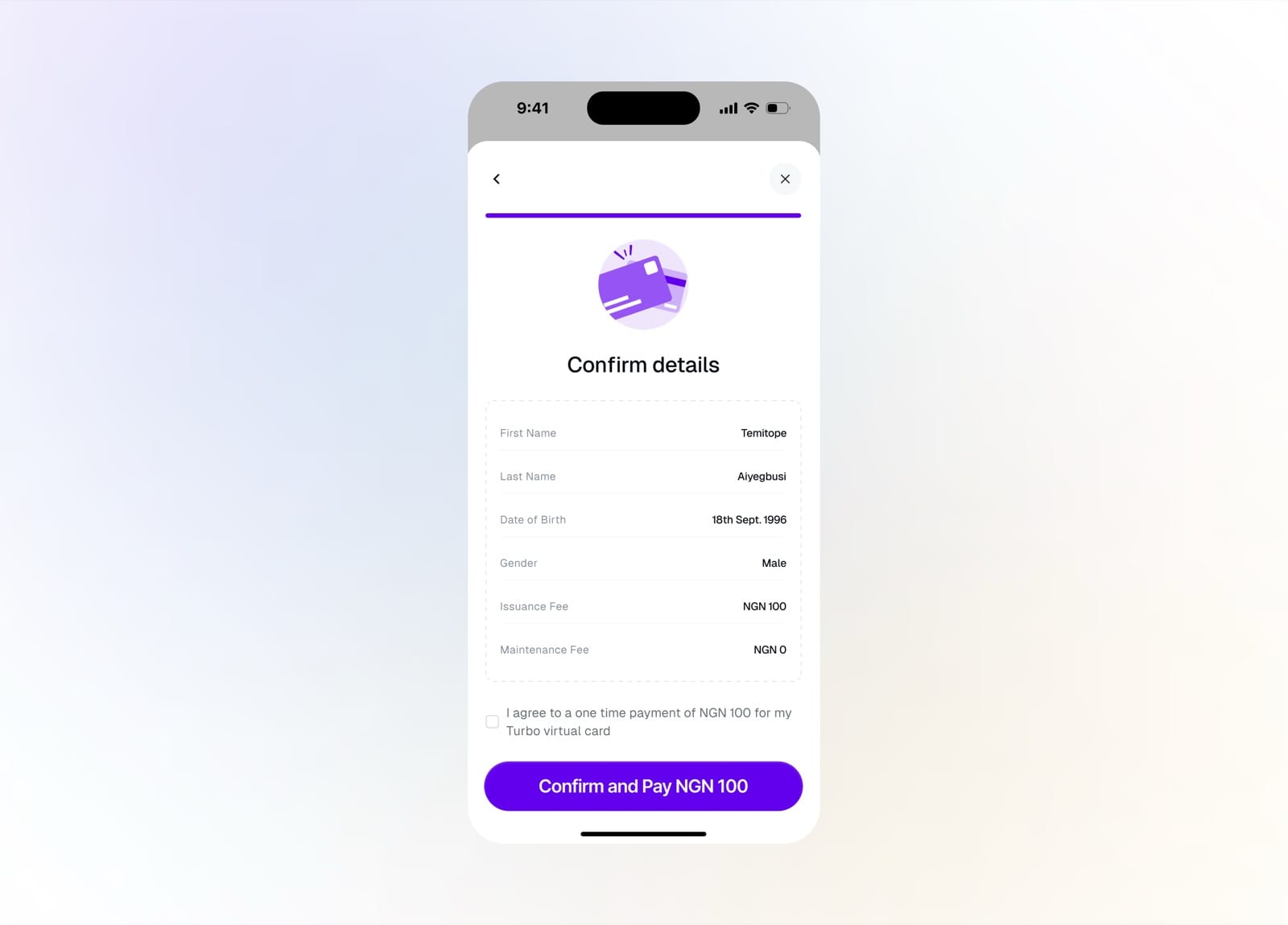
Confirm details and the one-time issuance fee
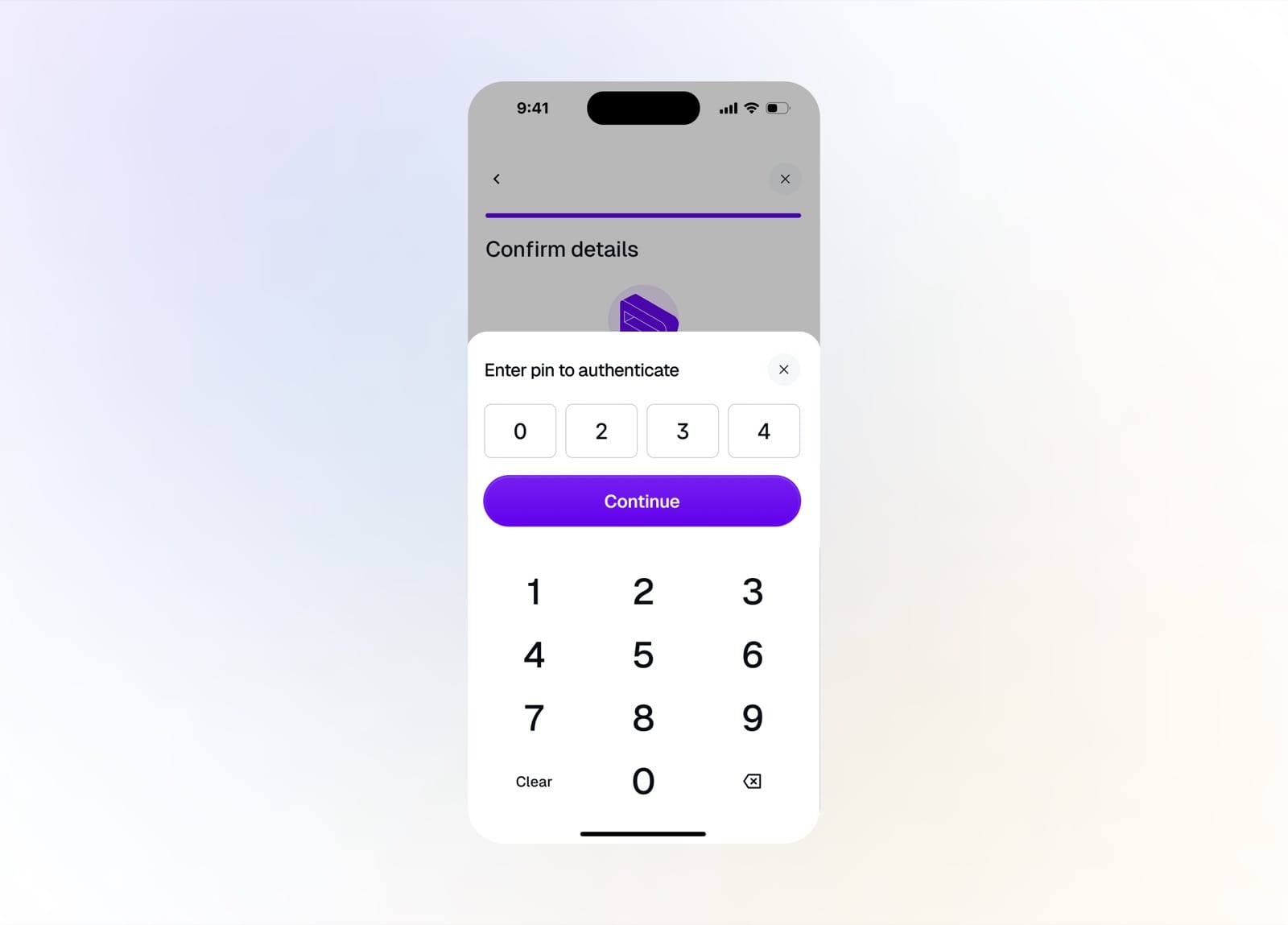
Enter your PIN to authenticate the payment
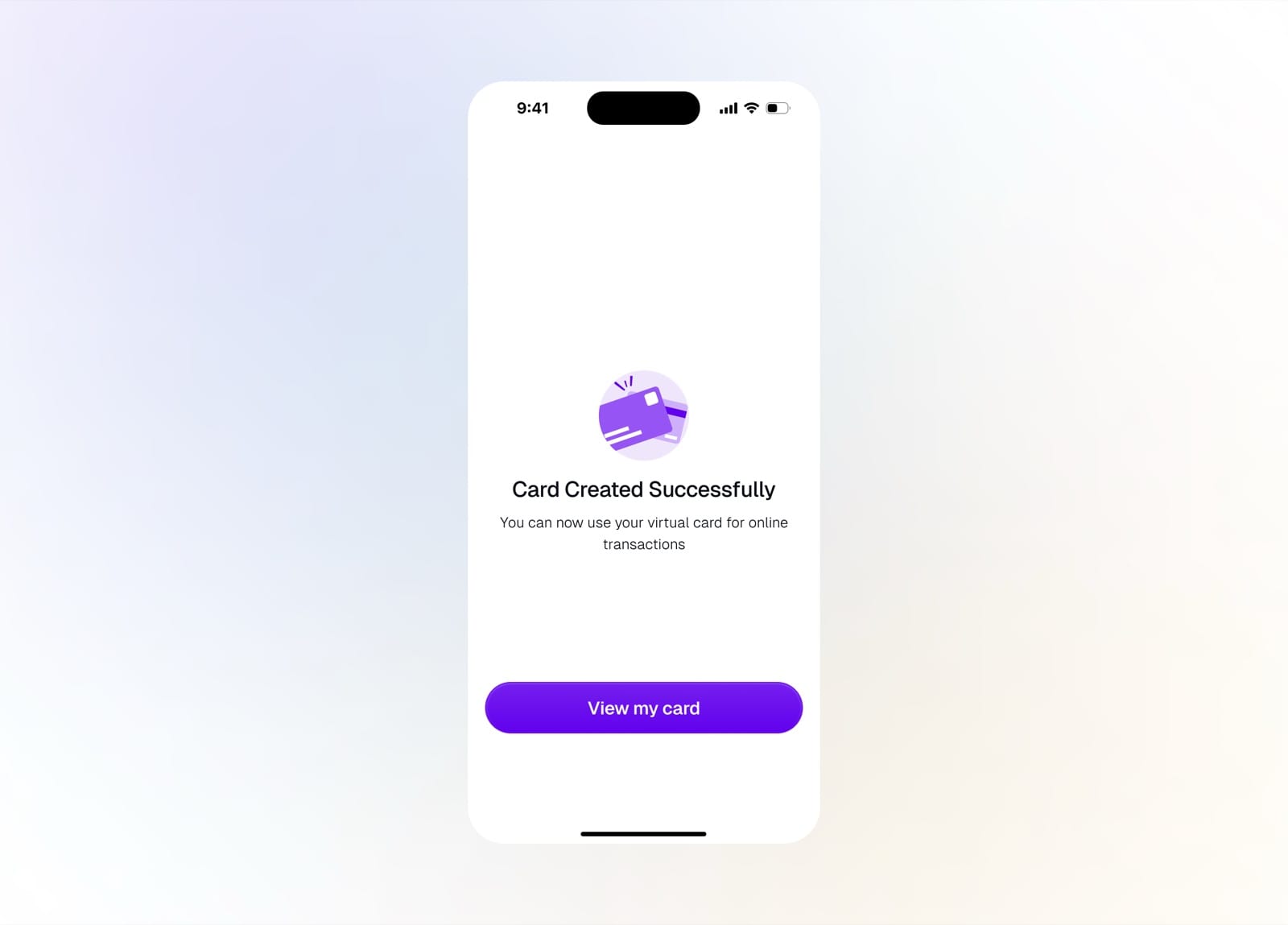
Card created successfully
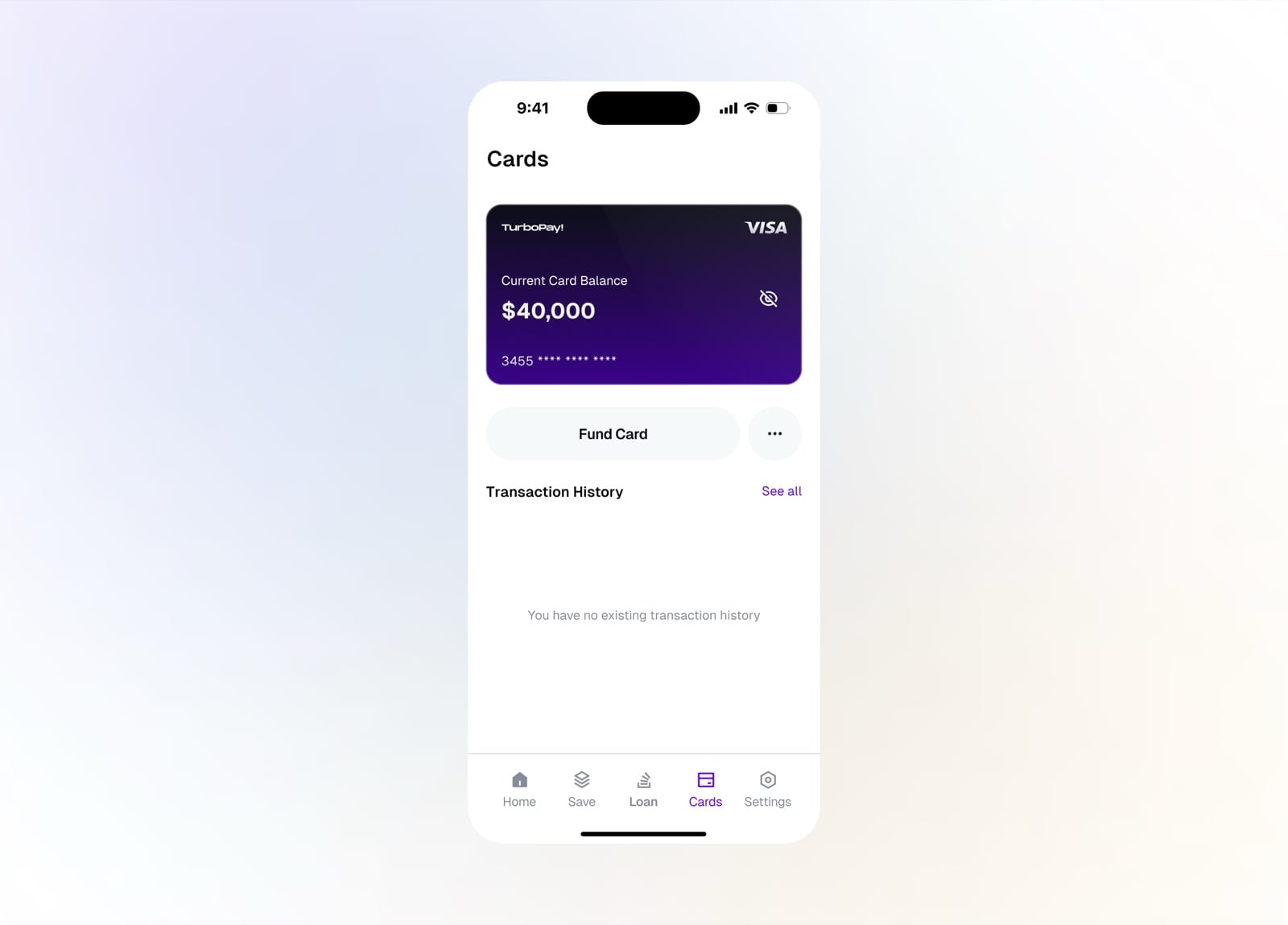
Your new virtual card with an empty history
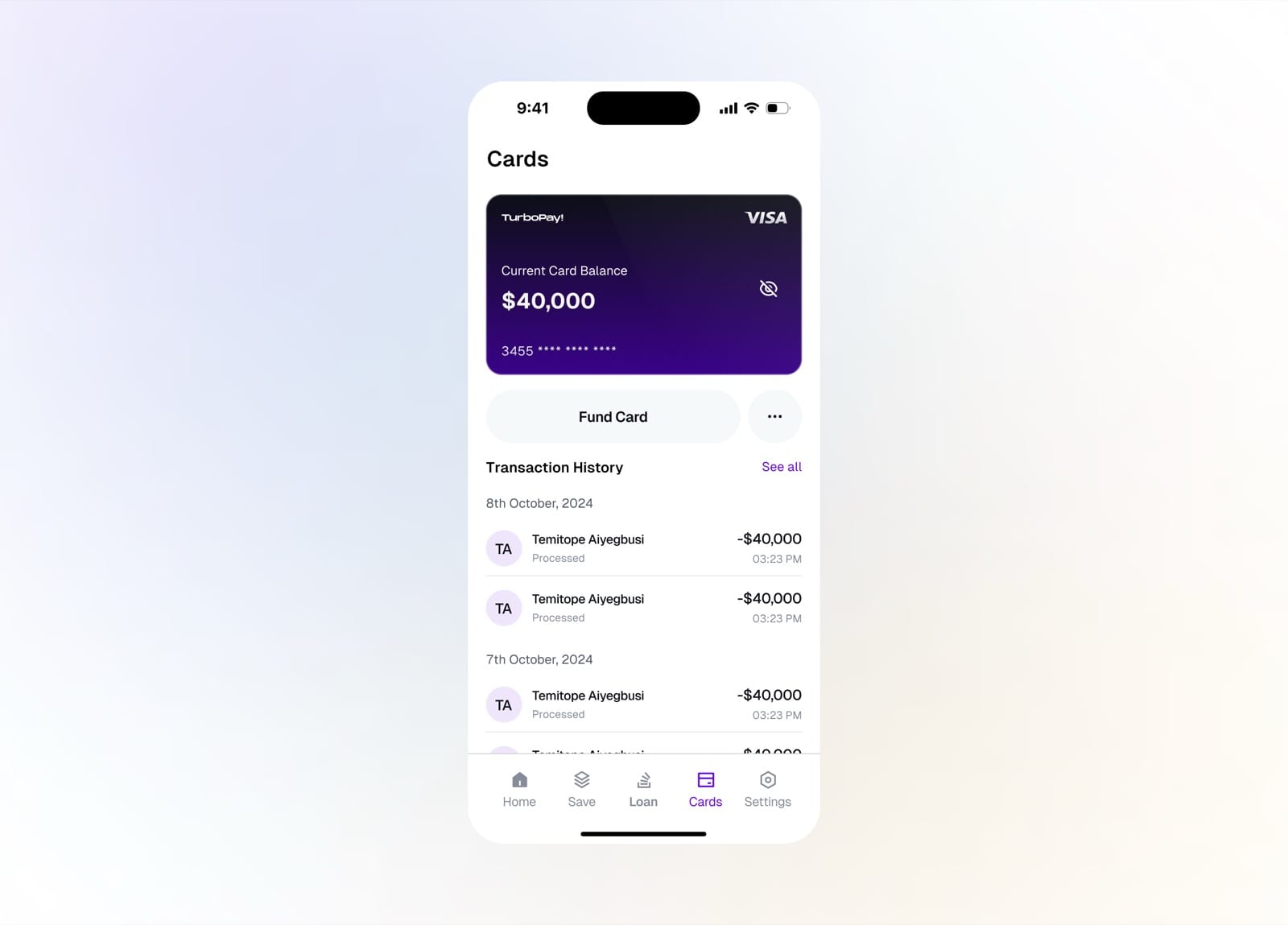
The card with its Visa number and transactions
Loans
Loans give users instant access to credit. Choose a loan type, upload documents, get an eligibility decision, pick an amount and repayment instrument, and track everything through to payback.
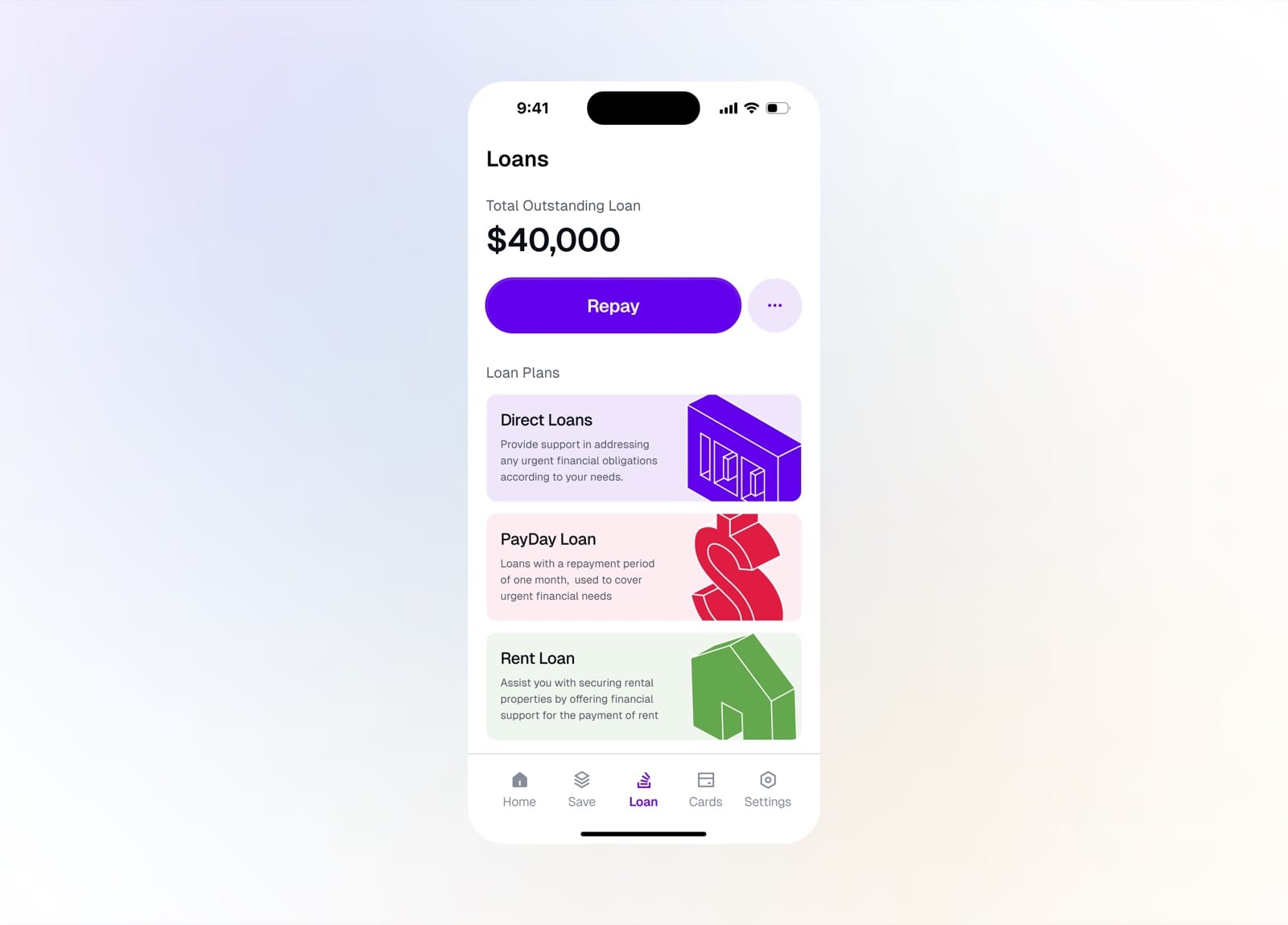
Loans tab with the outstanding loan and plans
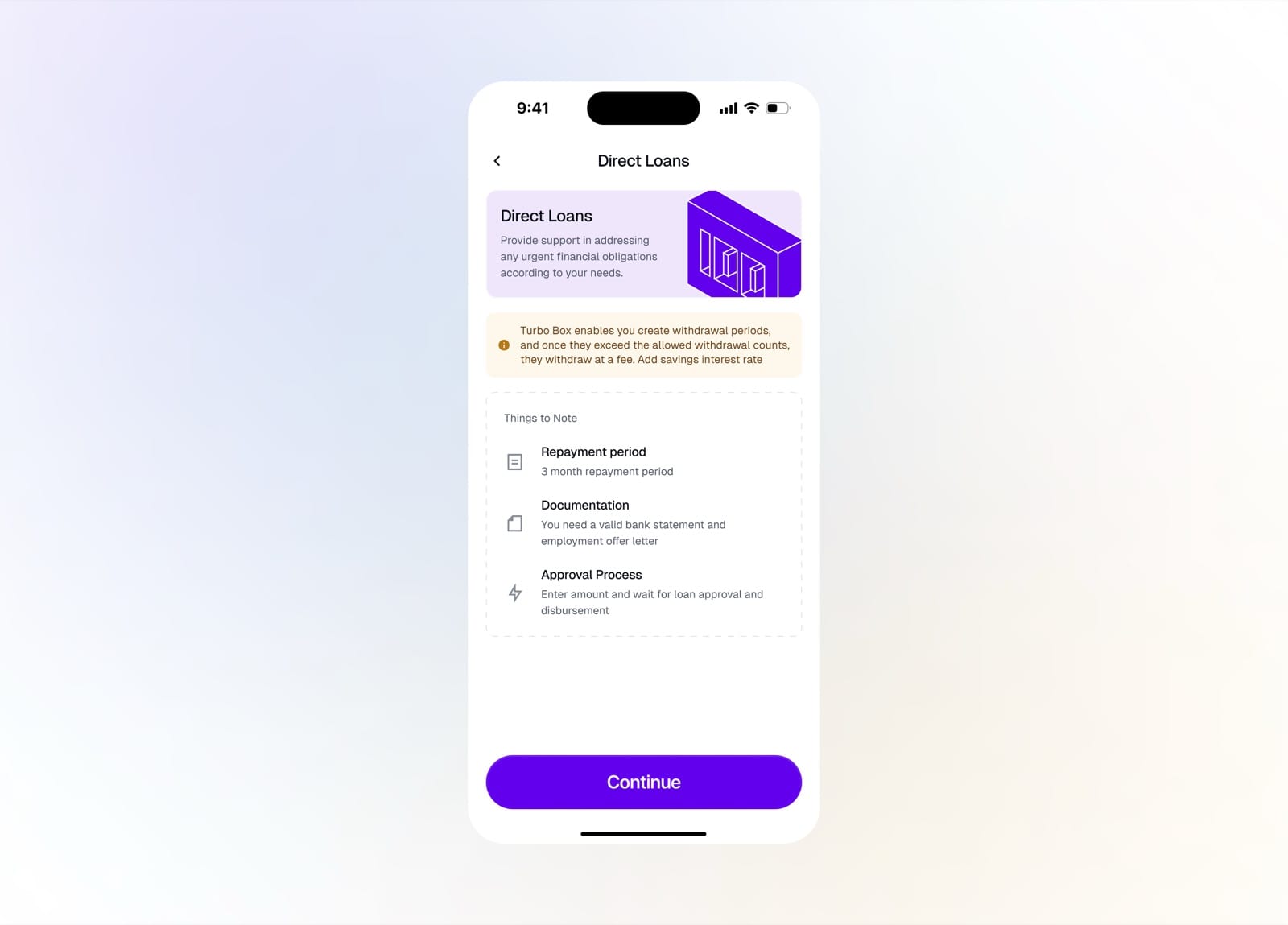
Direct Loans details and things to note
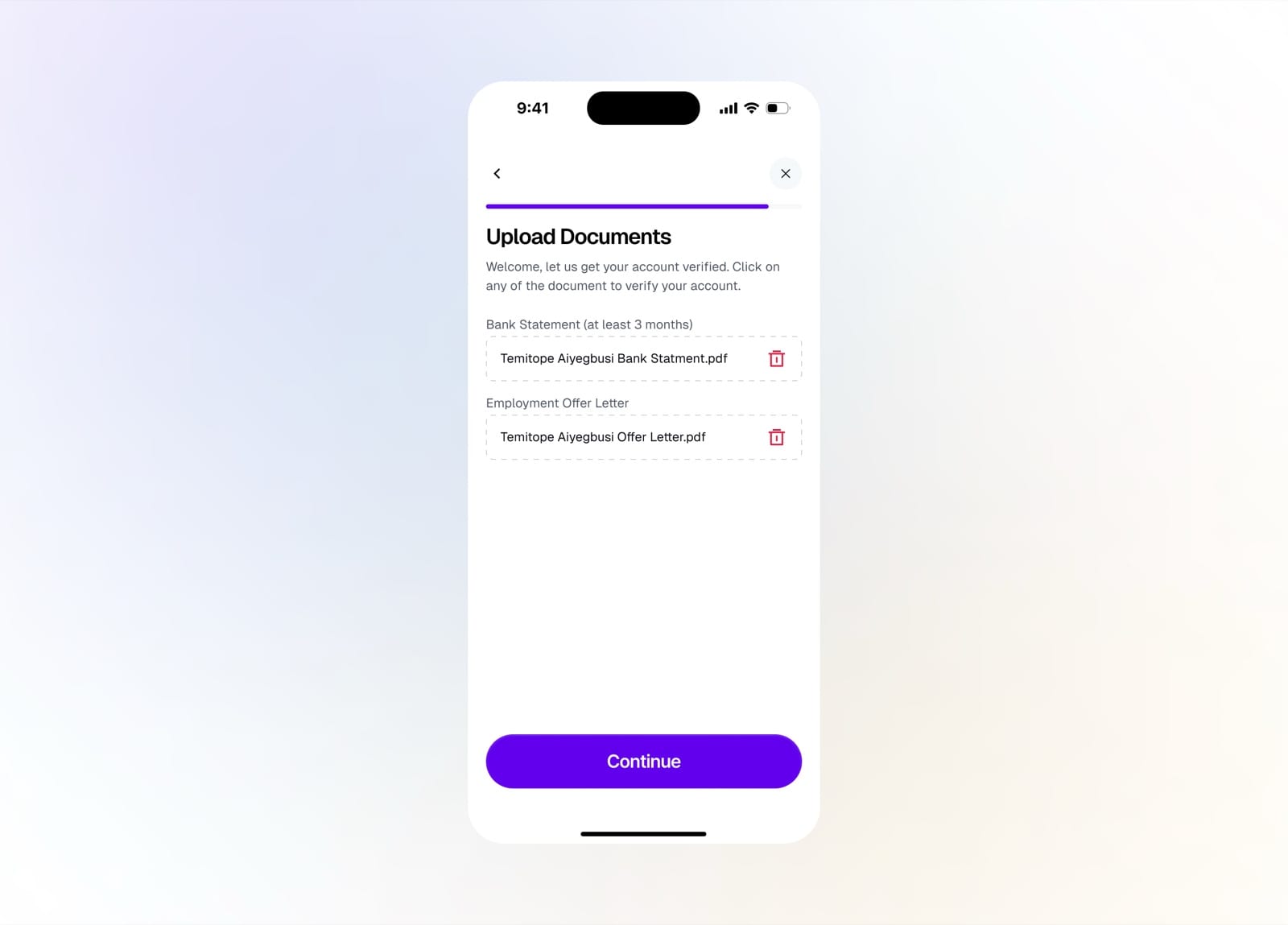
Upload your bank statement and offer letter
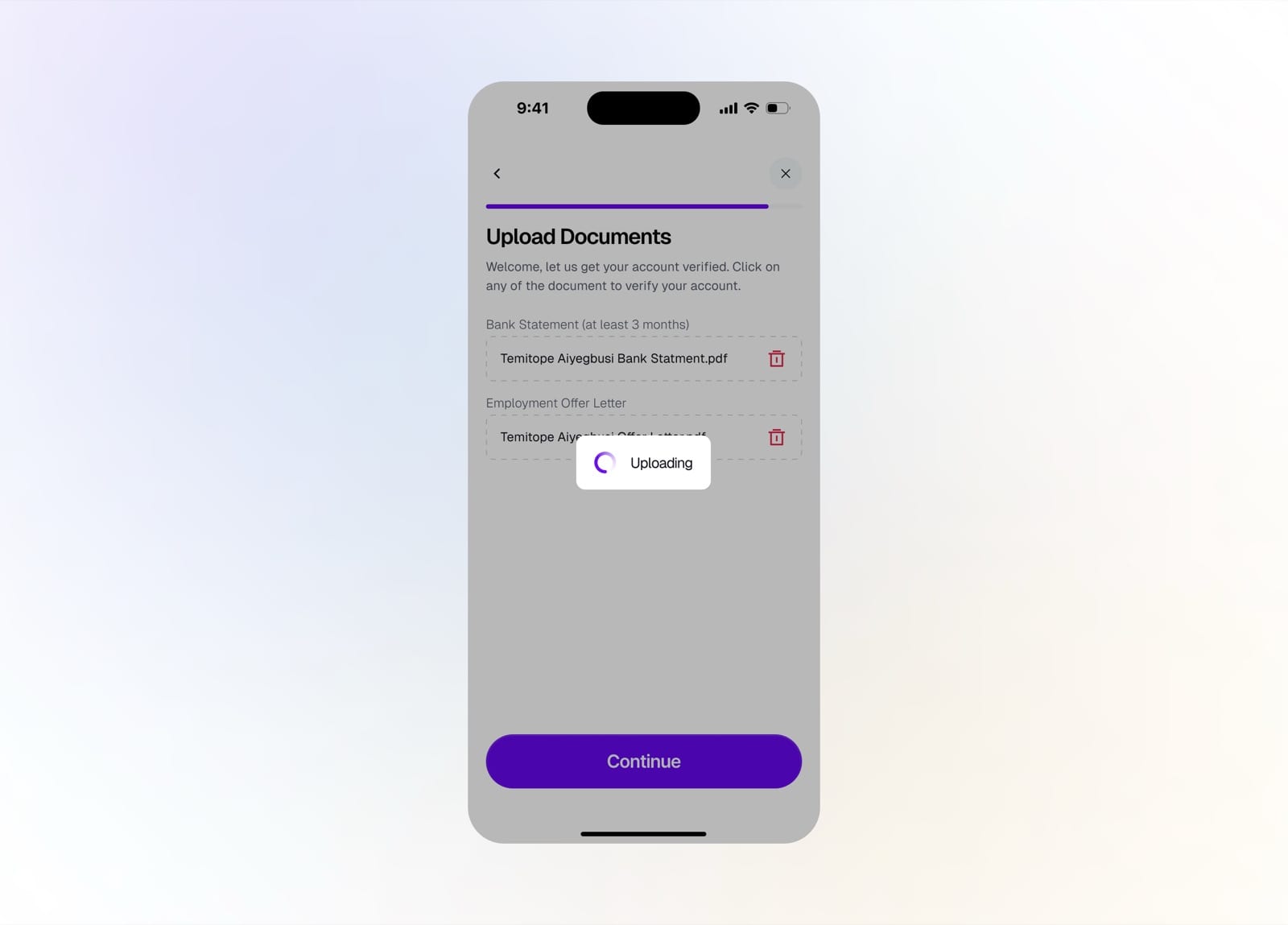
Documents uploading for review
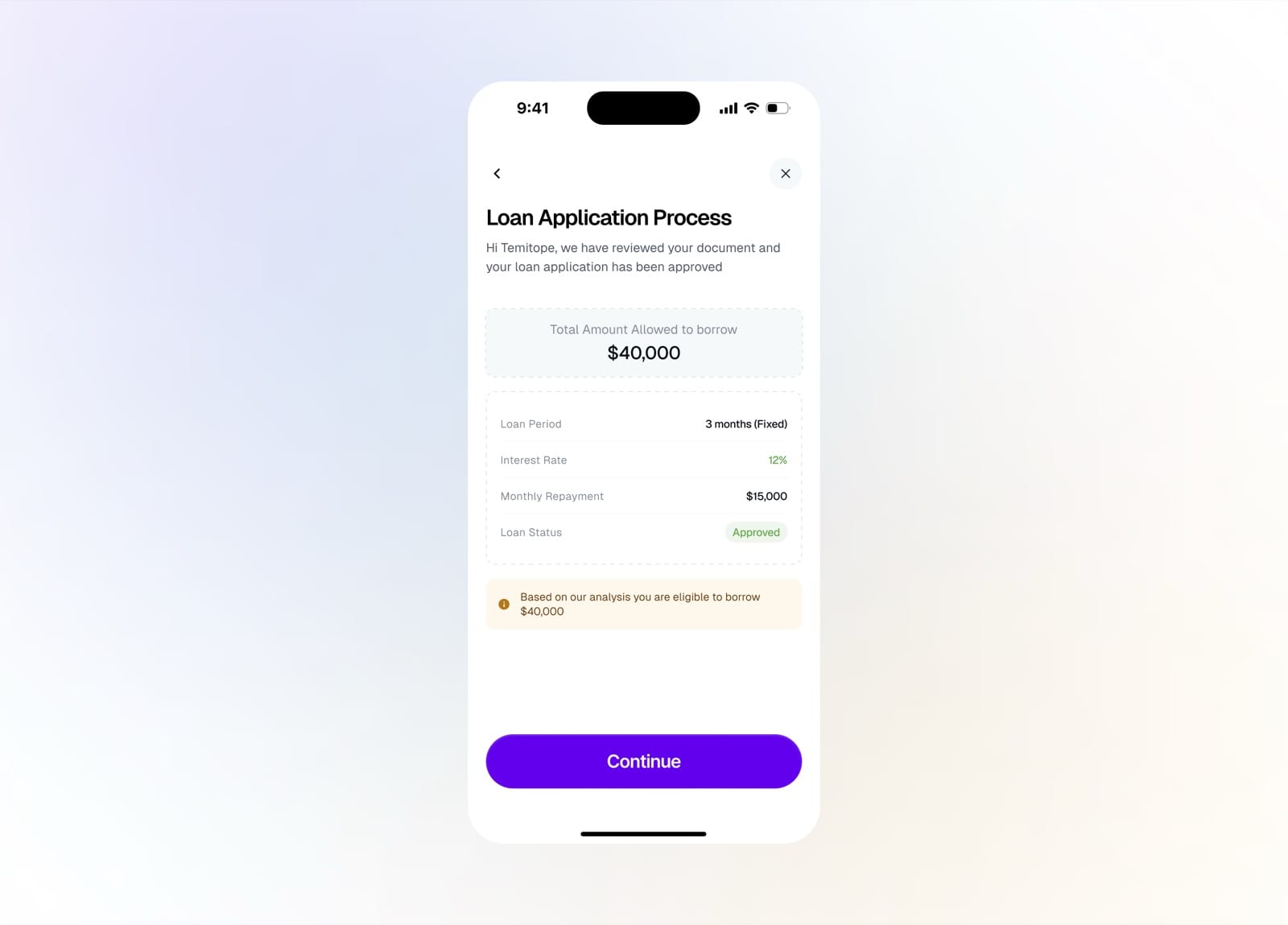
Loan approved with your limit and terms
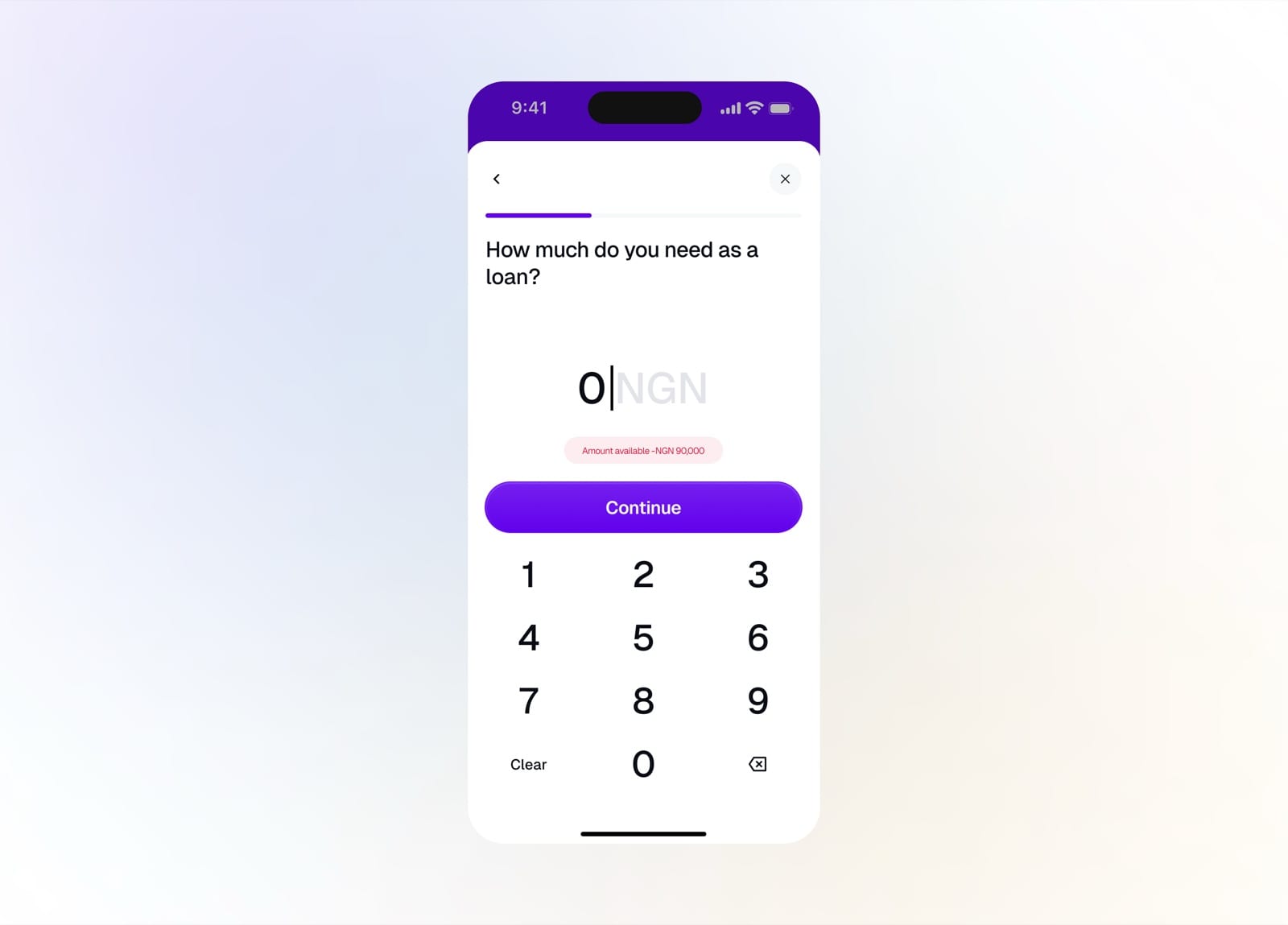
Enter the amount you want to borrow
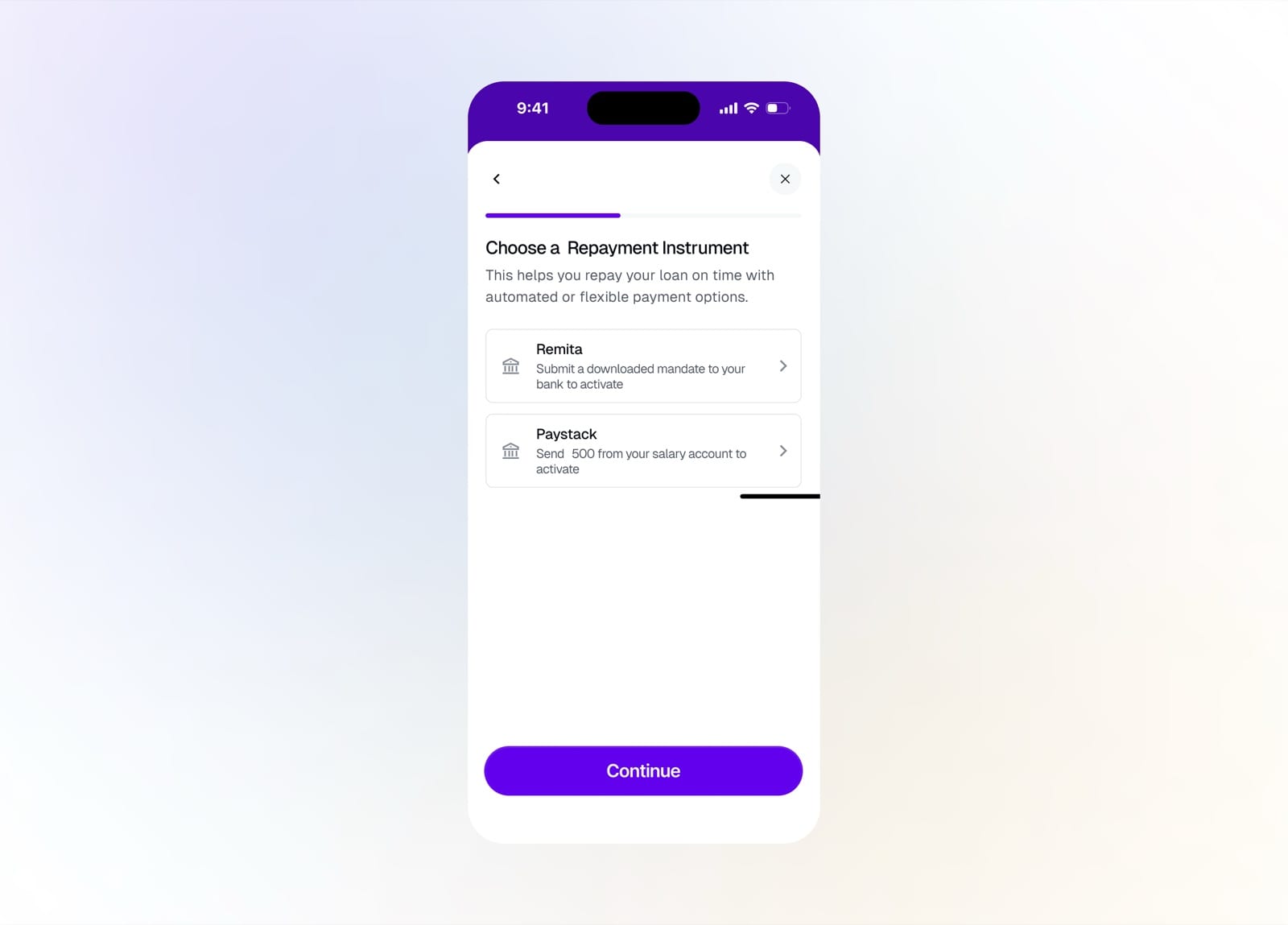
Choose a repayment instrument
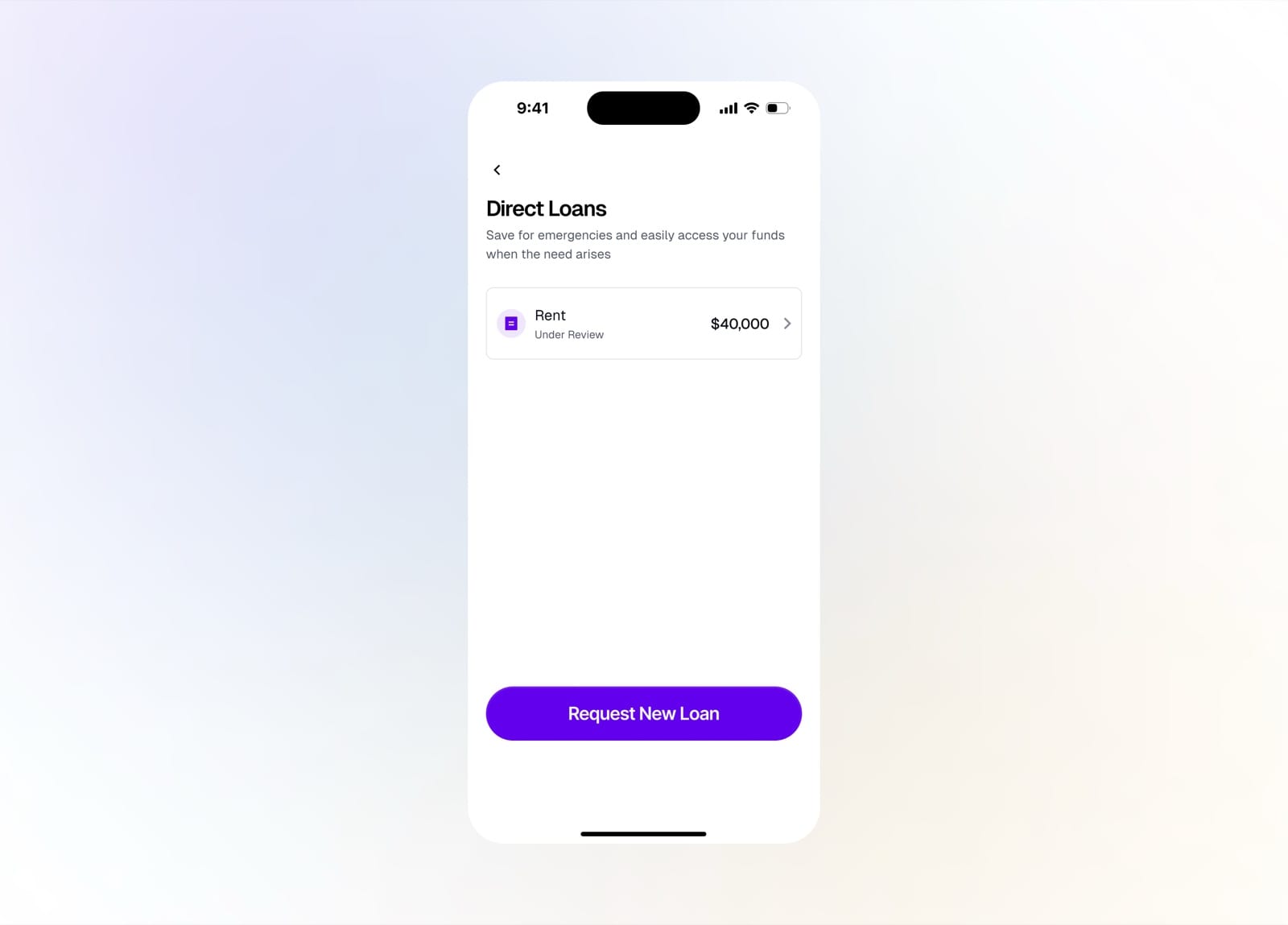
Track your loan applications under review
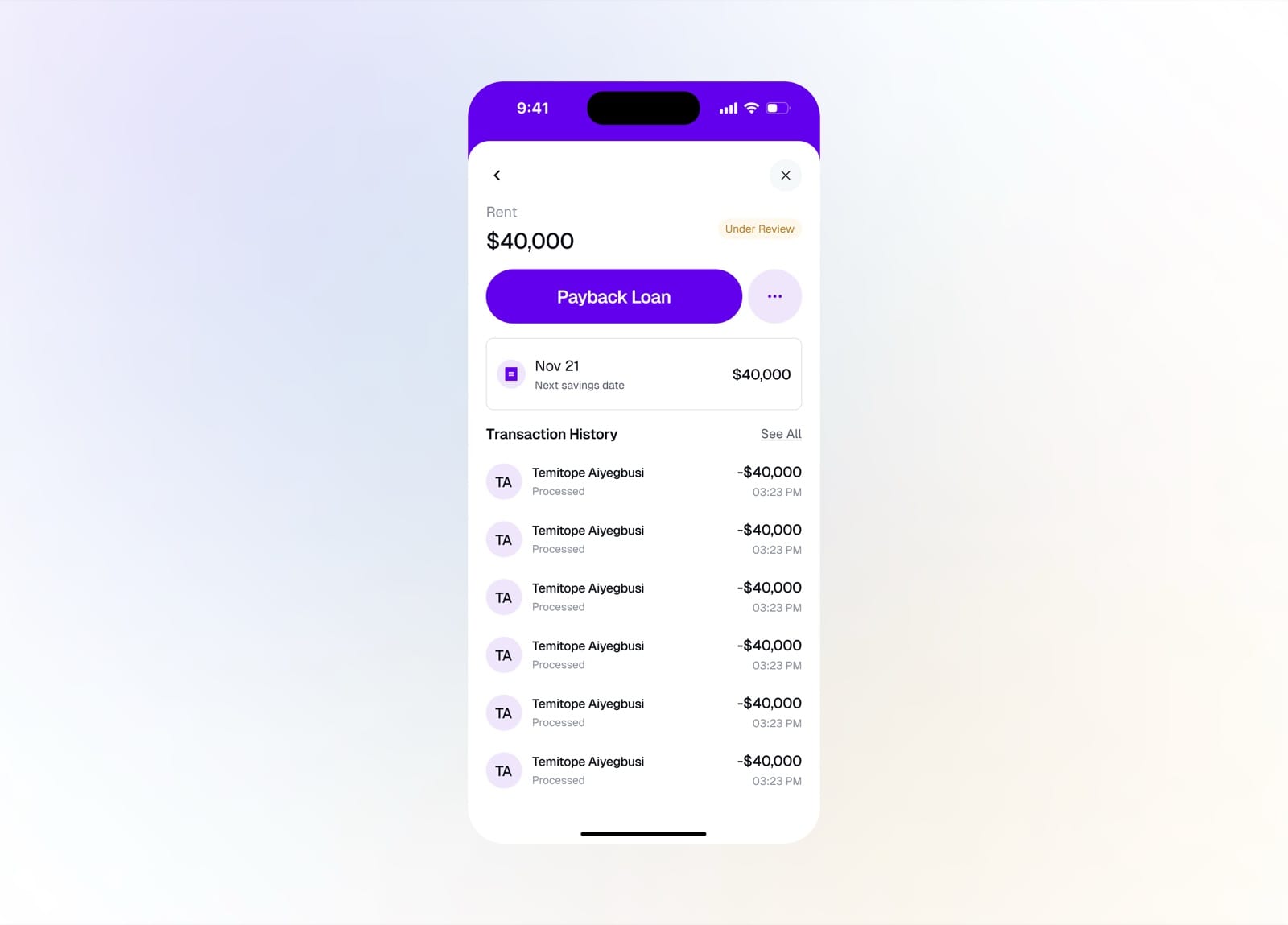
A loan's detail with payback and history
Building Africa's first native core banking platform for 50+ financial institutions across Nigeria and the continent